Case Study
From Closed Testing to Production Access: A 16-Day Google Play Case Study
Walk through a realistic Google Play closed testing timeline — from opt-in day zero to applying for production access — including buffers, dropouts, and questionnaire prep.
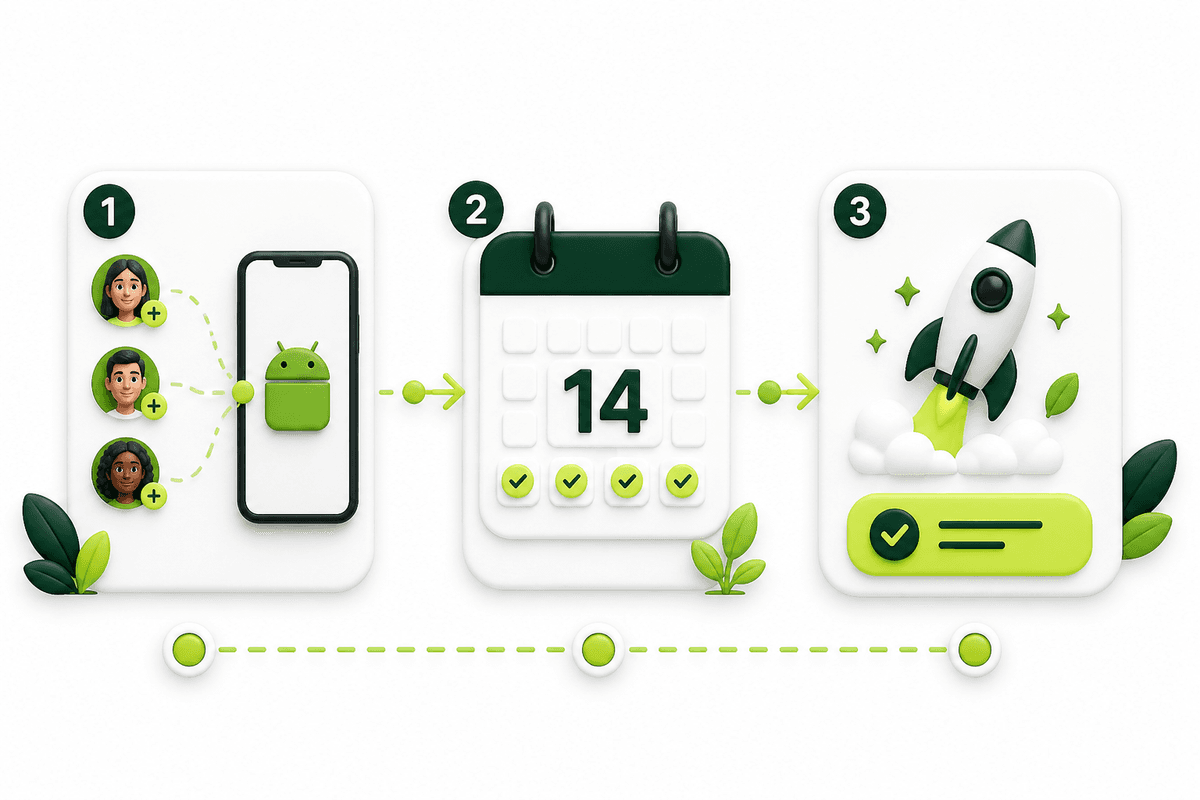
This case study walks through a realistic path from Google Play closed testing to a production-access application for a new personal developer account. It is a composite of patterns we see across indie and small-team Android launches — not a promise that Google will approve every app on the same calendar.
The goal is practical: show when the fourteen-day clock actually starts, why a tester buffer matters, what to do when someone drops out, and how to turn daily activity into answers Google can review. Pair it with the 12 testers requirement and the complete closed testing playbook.
Get 12 testers for 14 daysManaged closed testing from $15 — opt-ins, monitoring, and a closeout report.The starting point: personal account, first production app
Assume a personal Play Console account created after November 13, 2023. The app is feature-complete enough for strangers to install, but not yet ready for an unattended public launch. Store listing, privacy policy, and data safety answers are drafted. The missing piece is a qualifying closed test.
Google’s rule for this account type is clear: at least twelve testers must stay opted in to a closed test for the last fourteen days continuously before the Apply for production option is available. Organization accounts and older personal accounts may not face the same gate — confirm your account type in Play Console before planning the calendar.
The founder’s DIY plan was “ask friends.” After five days they had seven real opt-ins, three people who never opened the join link, and one install from a sideloaded APK that did not count. That is the usual moment teams either restart DIY with a better brief — or move to a coordinated run.
Day −2 to day 0: release available, then opt-ins
Day zero is not upload day. The closed-track release must be reviewed and available, and testers must complete the official opt-in before the continuous window is meaningful. In this timeline, the AAB is uploaded two days before invitations go out so review does not compress the testing window.
Fourteen testers receive the same brief: join link, Google account rules, install from Play Store only, three core scenarios (onboarding, primary action, settings), and a simple feedback form. Targeting fourteen — not exactly twelve — is the buffer against early dropouts.
By the end of day zero, twelve people show as opted in inside Play Console. Two are still stuck on account mismatch or device eligibility. The clock for a qualifying continuous stretch should not be treated as started until the count is stable at twelve or above with installs confirmed.
- Closed release approved and installable.
- Join link shared with a one-page brief.
- Each opt-in verified in Play Console (not only “I installed it”).
- Count held at twelve-plus before treating the window as live.
Days 1–3: finish the buffer and kill install blockers
The first three days are operations, not feature exploration. Remaining invitees complete opt-in. Wrong-account installs are corrected. Anyone who cannot run the minimum Android version is replaced immediately so the buffer returns to fourteen preferred participants.
Core smoke scenarios run on day two: cold install, signup or login, and the primary user action. One crash on Android 14 is filed, fixed overnight, and shipped as a closed-track update with a short changelog. That bug-and-fix note becomes production-access evidence later.
Daily habit: open Play Console, record opted-in count, chase silent testers, and log feedback. Five minutes of tracking beats discovering on day thirteen that the count fell to eleven.
Days 4–10: real usage while the count holds
With the window stable, testers work through deeper scenarios: permissions, offline behavior, a purchase or subscription sandbox path if relevant, and account settings. Feedback is triaged into blockers vs polish. Blockers ship as closed updates; polish waits for post-access releases if needed.
On day seven, one tester opts out after a device change. Because the run started with fourteen, the count stays at thirteen opted in — the continuous window does not break. A replacement is invited the same day to restore the buffer, not because the minimum failed.
This is the difference between a fragile twelve and a managed buffer. Exact-twelve runs that lose one person often reset the entire calendar. See the 14-day testing window guide for how continuity works.
Days 11–14: protect the streak and draft answers
Late-window work is boring on purpose: confirm nobody silently dropped, re-check store listing and data safety consistency with the tested build, and draft production-access answers from the real log — not from memory.
Strong answers name specifics: how many testers participated, which flows they completed, which bugs were found and fixed, and why the build is ready. Weak answers say “we tested thoroughly” with no artifacts.
On day fourteen with twelve-plus still opted in continuously, Apply for production becomes available for this account type. Submission still requires honest questionnaire answers and a policy-ready listing. Approval is Google’s decision and can take days.
Use the production access questionnaire toolDraft clearer answers from what testers actually did during the window.What this timeline teaches
Start the closed release early so review does not steal days from the fourteen-day requirement. Recruit above twelve. Verify opt-ins in Play Console daily. Fix blockers during the window. Write the production-access story while evidence is fresh.
DIY works when you already have a reliable Android network. When recruiting is the bottleneck, a managed closed testing run exists to keep opt-ins, activity, and closeout notes coordinated so product work continues.
If you want that coordination without naming a dozen people yourself, start from the 12 testers for 14 days page — published pricing, fourteen testers, sixteen-day operational buffer, and a closeout report for your application.
Start a managed closed testing runFrom $15 for one app · $29 for two — real Android testers and monitoring.- Day zero = available release + confirmed opt-ins, not upload.
- Buffer beats exact twelve.
- Daily count checks prevent silent resets.
- Bug-fix notes beat vague questionnaire answers.
- Production access is apply-ready after the gate — not auto-approved.
FAQ
Questions about this topic
How long does closed testing take before I can apply for production access?
Plan for release review time plus at least fourteen continuous days at twelve or more opted-in testers. Many teams budget sixteen or more calendar days so opt-in completion and one dropout do not force a restart.
Is this case study a guaranteed approval timeline?
No. It shows a realistic operations timeline for meeting the testing requirement and preparing an application. Google still reviews your app, policies, and answers.
What if a tester leaves on day 12?
If your opted-in count drops below twelve, the continuous window can break. Replace them immediately and confirm when you again have fourteen days at twelve-plus before applying. Starting with a buffer reduces how often this happens.
Do I need daily app opens from every tester?
Google’s written rule focuses on continuous opt-in. Engaged usage still strengthens production-access answers and app quality. Plan light but real activity across the window — not install-and-forget.
Can I use this timeline for an organization Play account?
Organization accounts are often exempt from the 12-for-14 personal-account rule, but closed testing is still useful for quality. Confirm your account type in Play Console before you plan around the personal-account gate.
Sources
Official references used
- App testing requirements for new personal developer accounts (Google Play Console Help)
- Set up an open, closed, or internal test (Google Play Console Help)
Continue
Choose the next step
Related
Next pages to read
Apply the guide to your closed-testing run.
Use the free tools to check your setup, or review managed tester support when recruitment and coordination are the blocker.
Need help getting your app through store testing?
Talk to the TestMyApps team about onboarding, pricing, or store testing support