Comparison
Google Play Internal Testing vs Closed Testing: Key Differences
Internal testing is fast QA. Closed testing is what counts for 12 testers / 14 days. Compare limits, speed, and when to switch tracks.
On this page · 10 sections
- 01The three Play Console test tracks at a glance
- 02Internal testing: when and how to use it
- 03Closed testing: when it becomes mandatory
- 04Side-by-side comparison
- 05Recommended sequence for 2026 launches
- 06Can you run internal and closed together?
- 07Common track mistakes
- 08Choosing the right track this week
- 09Frequently asked questions
- 10Official sources
At a glance
In plain English
- Internal testing is for fast team smoke tests. Closed testing is for controlled external opt-ins.
- For many new personal accounts, only closed testing counts toward the 12×14 production-access rule.
- Use internal first to catch crashes, then move a stable build to closed testing.
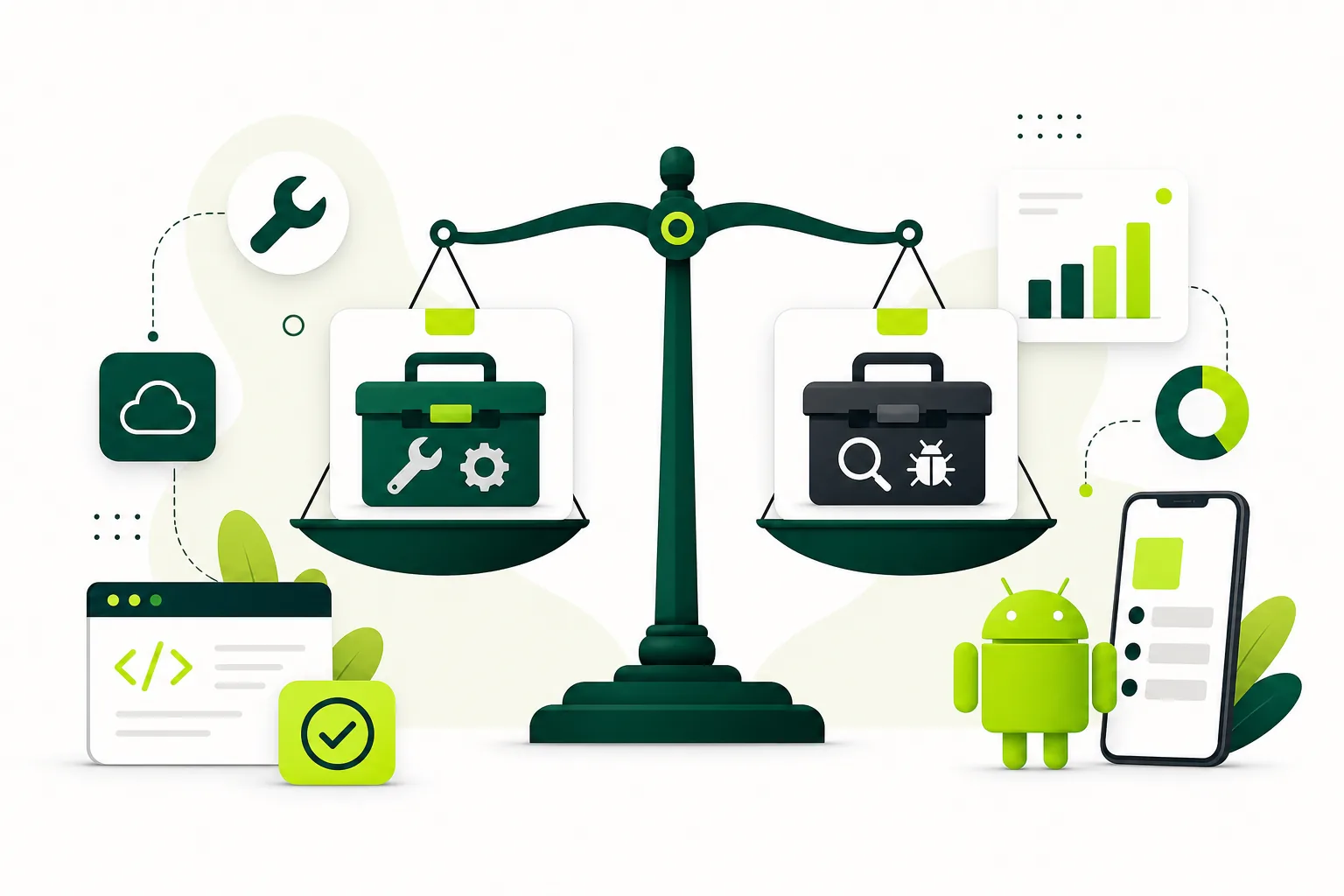
Play Console gives you more than one test track. The expensive mistake is spending two weeks on the wrong one.
Internal testing is quick with trusted people. Closed testing is the invite/opt-in track tied to production access for many new personal accounts. Open testing is public and only after production access.
Use this comparison to choose the right track this week.
Check your closed-testing setupUse the free checklist to confirm that you are on the correct track before recruiting testers.The three Play Console test tracks at a glance
Google Play offers internal, closed, and open testing tracks before production. Internal is the fastest lane for your team and trusted contacts. Closed is a defined group via email lists or opt-in links with Play Store distribution. Open is broader and, for new personal accounts, generally comes after production access — not as a replacement for the initial closed requirement.
Each track has different limits, review expectations, and production-access implications. Picking the wrong track is one of the most expensive mistakes in 2026 Android launches because teams lose entire calendar cycles.
Start with what is Google Play closed testing if you need foundational definitions, then return here to choose sequencing.
- Internal: fastest, up to 100 testers, early QA, not counted for production access.
- Closed: controlled group, opt-in required, qualifies the 12×14 rule.
- Open: wider audience after production access for scale feedback.
Internal testing: when and how to use it
Google documents internal testing as supporting up to 100 testers and notes it can start before your app is fully configured — useful while store assets and policy forms are still in progress. Distribution is near-instant relative to wider tracks, which makes internal ideal for daily builds, smoke tests, and engineering verification.
Participants are typically team members, cofounders, contractors, or a tiny trusted circle who can tolerate rough edges. Use internal to validate signing, package name, installability, push notifications, deep links, and crash fixes before outsiders see the app.
Internal feedback should gate whether you promote a build to closed testing. Shipping a login-crash build to twelve external testers burns goodwill and can destabilize your fourteen-day window. See how to test an Android app before launch for layered QA patterns.
Closed testing: when it becomes mandatory
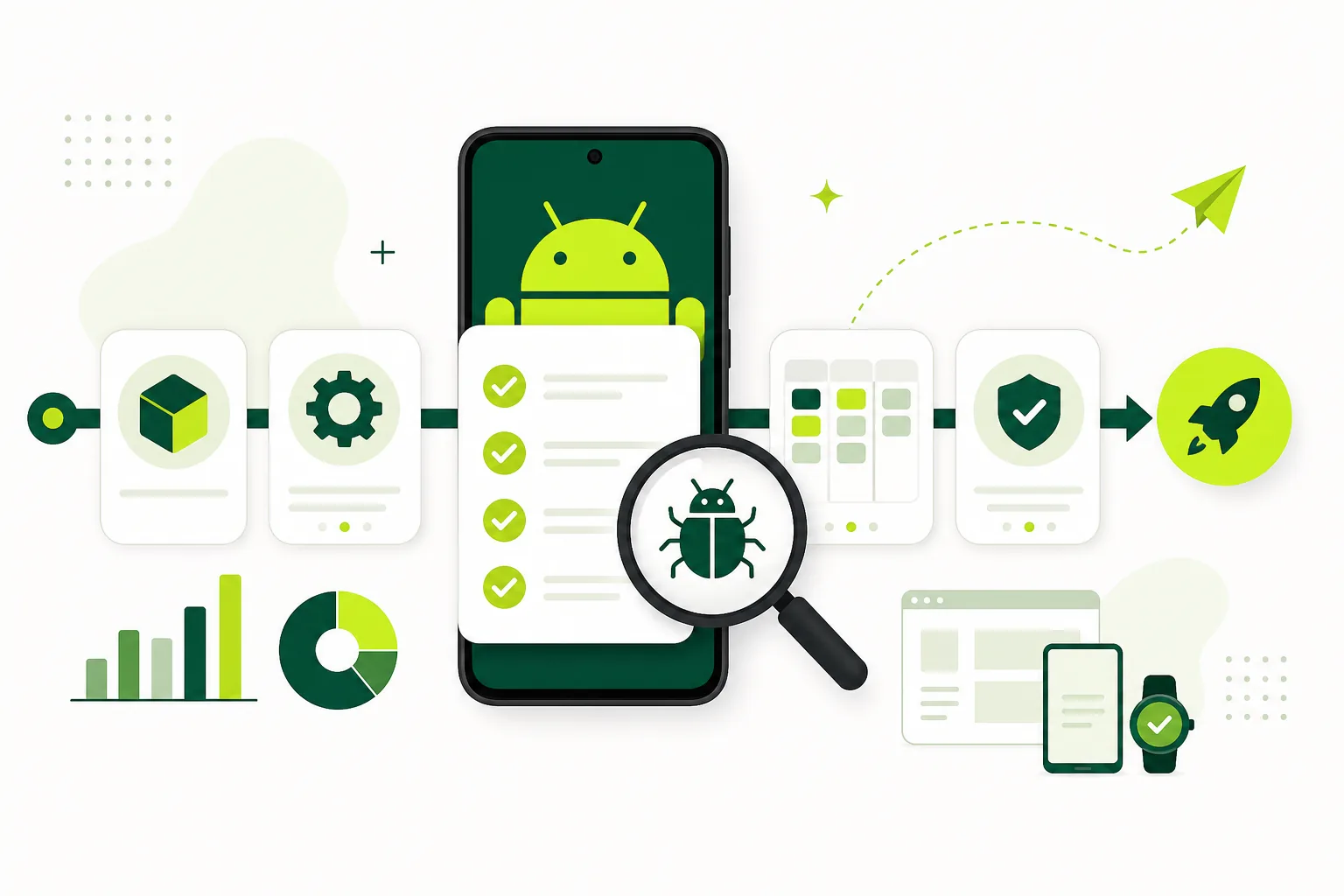
For newly created personal developer accounts affected by Google’s testing requirement, production access needs a qualifying closed test — at least twelve testers opted in for fourteen continuous days on the closed track. Closed testing is broader than internal by design: controlled audience, official opt-in, Play Store install path.
Closed testing is also where you run scenario-based participation that supports production-access answers. Even when not strictly mandatory for your account type, closed testing is the best pre-launch approximation of real store distribution.
Read 14-day closed testing window and tester activity before promoting a build from internal to closed.
Side-by-side comparison
Speed favors internal; compliance and launch narrative favor closed. Internal testers can be Play Console users on your team; closed testers need Google accounts and must follow the opt-in flow you publish.
Feedback from internal is diagnostic (“this crashes on login”). Feedback from closed should be representational (“a new user on a Samsung phone could not complete signup”). You need both flavors, in order.
- Tester cap: internal up to ~100; closed scales with lists/links but compliance needs 12+ opted in.
- Setup speed: internal fastest; closed requires release review and opt-in tracking.
- Production access: closed qualifies for affected personal accounts; internal does not.
- Audience: internal trusted; closed controlled external or mixed network.
- Risk if skipped: skipping internal → broken closed test; skipping closed → no production access.
Recommended sequence for 2026 launches
Run internal testing until the release candidate installs cleanly, core flows work on multiple real devices, and obvious policy links load. Then upload the same or newer build to closed testing, recruit fourteen to sixteen testers for buffer, and start the fourteen-day clock only when the closed release is live and twelve are opted in.
Avoid running only internal for two weeks and assuming you are done. Avoid jumping to closed with a broken build because production access feels urgent. The playbook pre-flight checklist lists gates between phases.
You may keep internal active for engineering while closed runs for compliance — just do not confuse which track satisfies Google’s rule.
- Internal smoke on daily or RC builds with team devices.
- Fix blockers; freeze a release candidate for closed.
- Complete policy surfaces and listing basics.
- Publish closed release; confirm opt-ins and installs.
- Run fourteen-day window with daily opt-in tracking.
- Submit production access with testing summary.
Can you run internal and closed together?
Yes, many teams do. Engineering continues internal smoke while a fixed RC build sits on closed for the compliance window. Keep version numbers and changelogs clear so testers know which build to judge.
Do not migrate testers mentally from internal sideload habits to closed without sending the official opt-in link. Closed participation only counts through the Play Console closed-test flow.
If coordination overhead grows, compare DIY against managed closed testing while keeping internal on your team only.
Common track mistakes
Using internal testing alone for production access is the headline error for affected accounts. Another is counting Firebase App Distribution or APK shares as closed testing — distribution tools do not replace Play Console closed opt-ins.
Starting the fourteen-day clock on closed before internal caught showstoppers forces you to burn days fixing login or crash loops while testers drop off. Recruiting exactly twelve closed testers with no buffer magnifies opt-out risk.
Switching testers between Google accounts mid-window can break continuity for that person. Review fake testers risks if someone suggests bypassing real opt-in.
Choosing the right track this week
If you are still fixing crashes or iterating multiple times a day, stay on internal. If you have a stable RC, policy URLs work, and you need production access, move to closed and treat it as a fourteen-day program with owners and metrics.
Link your plan to production access timeline and policy readiness so track choice matches calendar reality.
Internal testing makes closed testing faster; closed testing makes production access possible. Use both, in that order, for the smoothest 2026 Android launch path.
FAQ
Questions about this topic
Does internal testing count for production access?
For affected new personal developer accounts, Google requires a qualifying closed test. Internal testing is valuable early QA but not a replacement for the closed-track requirement.
How many internal testers can I add?
Google Play Console Help documents internal testing for up to 100 testers, making it suitable for team and trusted early feedback.
Should I run internal and closed tests at the same time?
You can, especially if engineering uses internal for fast iteration while a stable build remains on closed for the compliance window—just keep builds and instructions clear.
Which track is faster to start?
Internal testing is typically the fastest to distribute. Closed testing requires release setup, review, and tester opt-in before the fourteen-day window should begin.
Can open testing replace closed testing for new accounts?
No. Open testing is generally available after production access and does not substitute for the initial closed-test requirement on affected personal accounts.
When should I move from internal to closed?
Move when the release candidate is stable on real devices, policy links work, and you are ready to recruit twelve-plus testers and track opt-ins daily for fourteen continuous days.
Sources
Official references used
- App testing requirements for new personal developer accounts (Google Play Console Help)
- Set up an open, closed, or internal test (Google Play Console Help)
Continue
Choose the next step
Related
Next pages to read
Need 12 testers for 14 days?
Start a managed Google Play closed-testing run with verified testers, opt-in monitoring, and a closeout report.