Skip to content

Google Play closed testing · 12 testers · 14 days

Get 12 testers for 14 days and pass Google Play closed testing

Pass Google Play closed testing with 12 verified testers opted in for 14 continuous days. TestMyApps manages real Android testers, daily activity monitoring, and clear reporting so you can apply for production access with confidence.

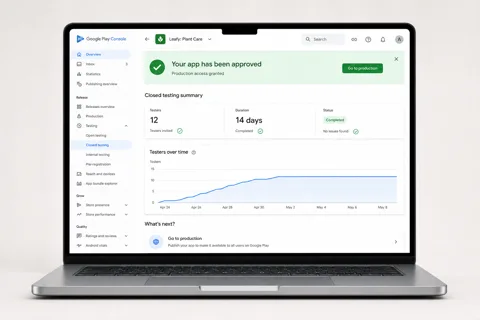
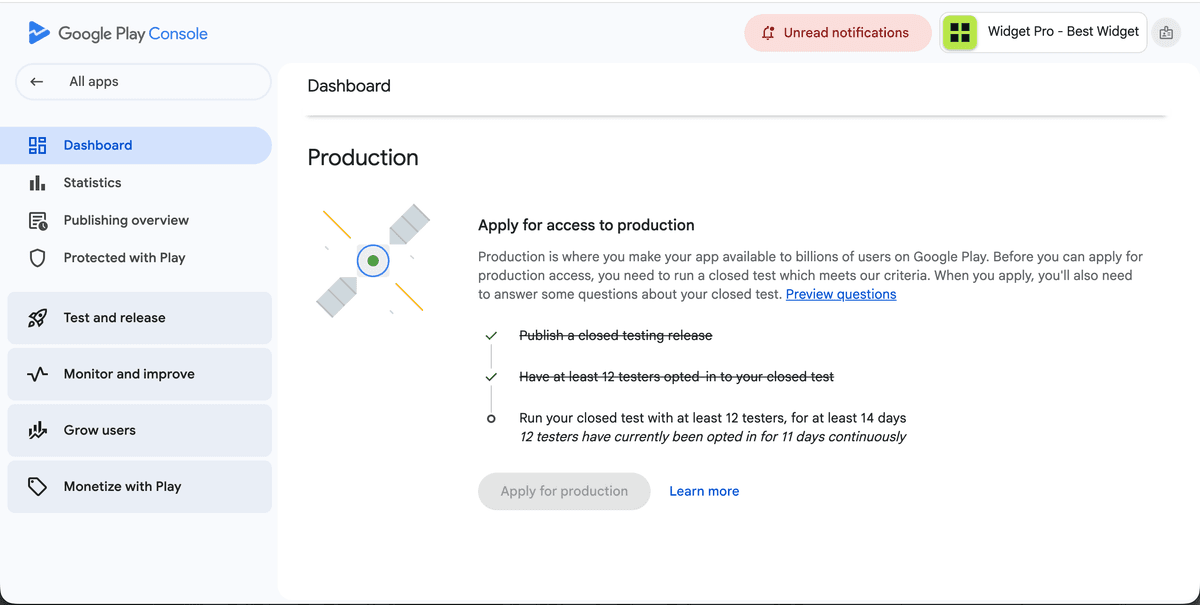
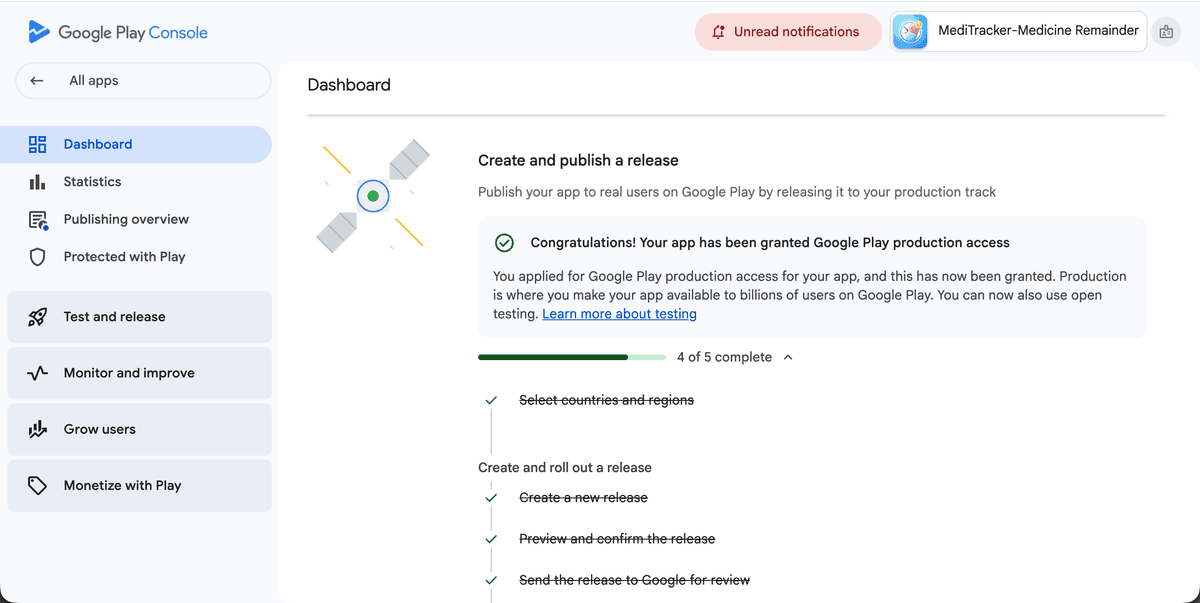
Google Play Console showing an approved app after closed testing with 12 testers for 14 days
12 testers opted in
14 days completed
Production access granted

Trusted by developers, startups & agencies

Android developersFirst-time publishersIndie makersStartupsAgenciesProduct teamsQA leadsLaunch teamsAndroid developersFirst-time publishersIndie makersStartupsAgenciesProduct teamsQA leadsLaunch teams

The Google Play requirement

12 testers, 14 continuous days — here is how we complete it for you

New personal developer accounts must run a closed test with at least 12 testers opted in for the last 14 days continuously before Google unlocks production access. If a tester drops out mid-window, the clock can reset. TestMyApps manages the whole run so that never happens.

Day 0

Share your closed testing link

Send us your Play Console opt-in link and build details. We assign 12+ verified Android testers within about 24 hours.

Day 1

All 12 testers opt in

Every tester joins through the official Play Store opt-in flow with a real Google account and installs on a physical device. The 14-day clock starts.

Days 1–14

Continuous daily activity

Testers stay opted in and use your app across the full window. We monitor the count so it never drops below 12 and breaks the streak.

Day 14+

Apply for production access

Your testing record shows 12+ engaged testers over 14 continuous days. Use our run report to answer Google's production access questionnaire with specifics.

Clear numbers, simple scope

Every run is designed around structured testing, real participation, and smoother preparation for store review.

12 testers

Verified opt-ins on every closed-testing run

14 days

Continuous window, monitored daily so the streak never breaks

~24 hours

Typical kickoff once your build and opt-in link are ready

Real devices

Physical Android phones — never emulators or bots

Guided support

Help with setup, progress, and the production access application

14-day calendar with green checkmarks next to a circle of 12 tester avatars for Google Play closed testing
12 verified testers, opted in for 14 continuous days
Tester activity dashboard with a rising engagement chart and daily activity dots
Daily activity monitored so the streak never breaks
Google Play production access approval card with a rocket launching next to an Android phone
Apply for production access with a strong testing record

You're shipping mobile apps.

Your testing workflow should not slow down release day.

TestMyApps helps you run structured testing with real people, verified participation, and clearer next steps for store-readiness. Instead of manually recruiting testers and tracking everything in scattered tools, you get one managed workflow.

Real testers
Android closed testing
Store readiness
Actionable reports

Real device coverage

Run through real user environments so issues surface before store review - not after launch.

Closed testing support

Structured support for closed testing tracks so you can move toward approval with confidence.

Managed tester coordination

Invite-free testing runs with verified participants, guided setup, and clear status updates during the full test window.

Feedback you can act on

Collect tester notes and bug signals in a format your team can quickly review, triage, and use before submission.

Workflow, support, and release resources

Everything around the testing run should be just as clear as the price: onboarding help, tester coordination, reporting, and support when your team needs it.

Get 12 testers for 14 days

The complete service page for Google's closed testing requirement: what counts, what breaks the streak, and how a managed run works.

Explore Get 12 testers for 14 days

Google Play closed testing

Understand the 12-testers-for-14-days requirement, what a strong run looks like, and how managed coordination makes it easier.

Explore Google Play closed testing

Get testers for Android app

See the fastest ways to find real Android testers and when it makes sense to move from manual recruiting to managed support.

Explore Get testers for Android app

Google Play testing requirements

Get a simple explanation of the current requirement, who it affects, and what else matters before production access.

Explore Google Play testing requirements

How to test Android app before launch

Use our launch-readiness guide to test onboarding, install paths, real-device flows, and store blockers before release day.

Explore How to test Android app before launch

Support

Reach the team by email or WhatsApp when you need help with package choice, onboarding, or the next step in your run.

Explore Support

Proof in practice

Trusted by teams who need clear testing outcomes and faster approvals.

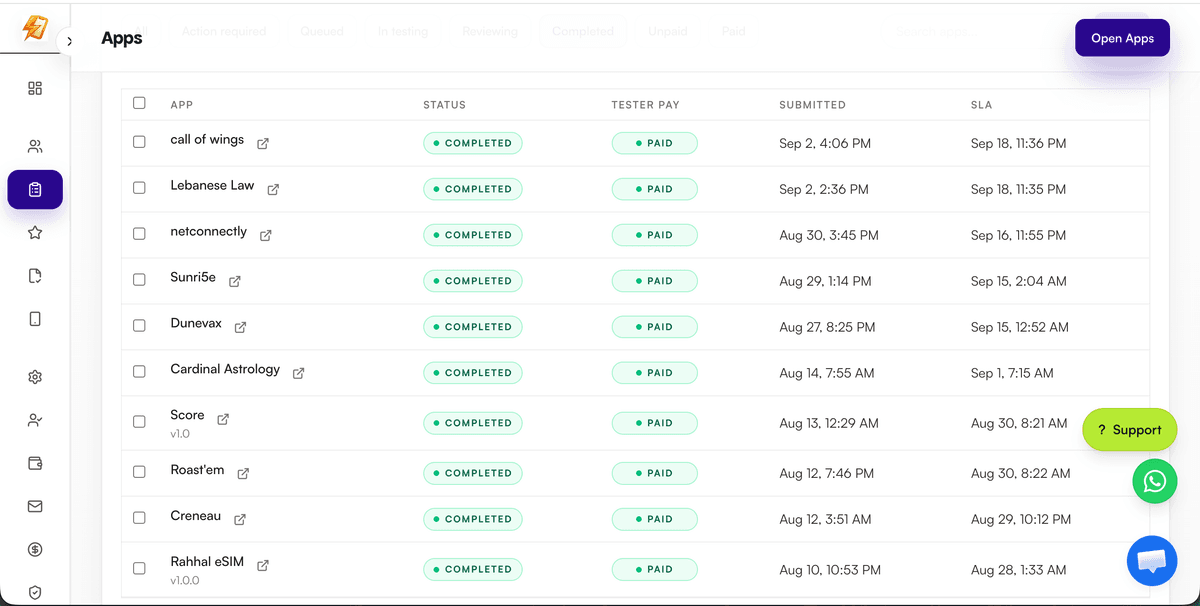
Got my Play Store approval in days. The testers were fast and professional.

Rahul S

Android Developer

Much easier than finding testers manually. Everything is managed in one place.

Ankit Verma

Startup Founder

Bug reports were clean and useful. Helped us fix issues quickly.

Priya N

Product Manager

The 14-day window finished without a single tester dropping out. Production access came through on the first application.

Daniel K

Indie Developer

We shipped two apps through their closed testing runs. The status updates made it easy to plan our launch dates.

Meera T

Agency Lead

Clear pricing, real devices, and testers who actually used the app daily. Exactly what Google wants to see.

Josh M

Mobile Engineer

Read more testing and release-readiness insights.

Visit the blog

Before you submit to the store

Need App Store or Play Store screenshots?

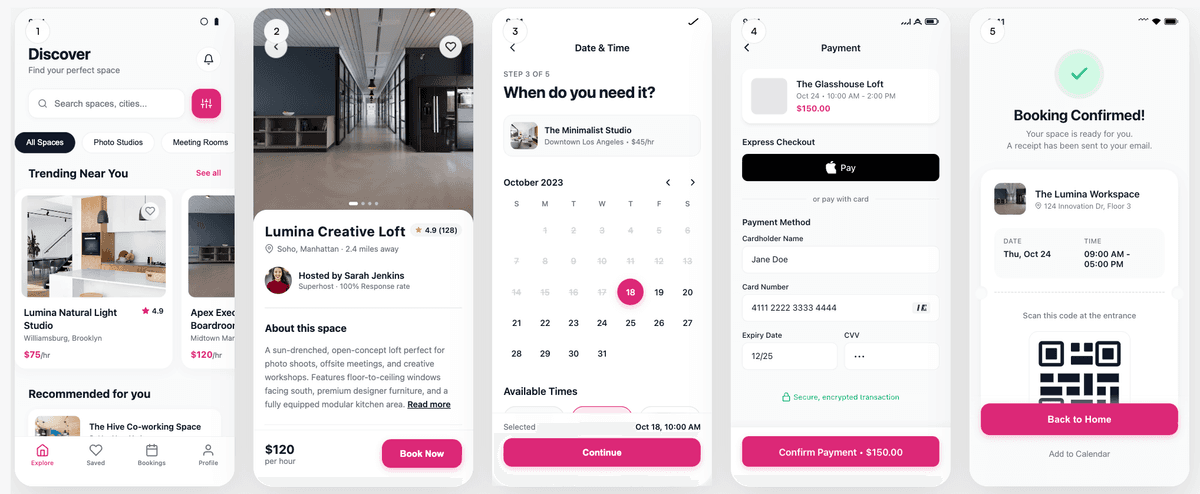
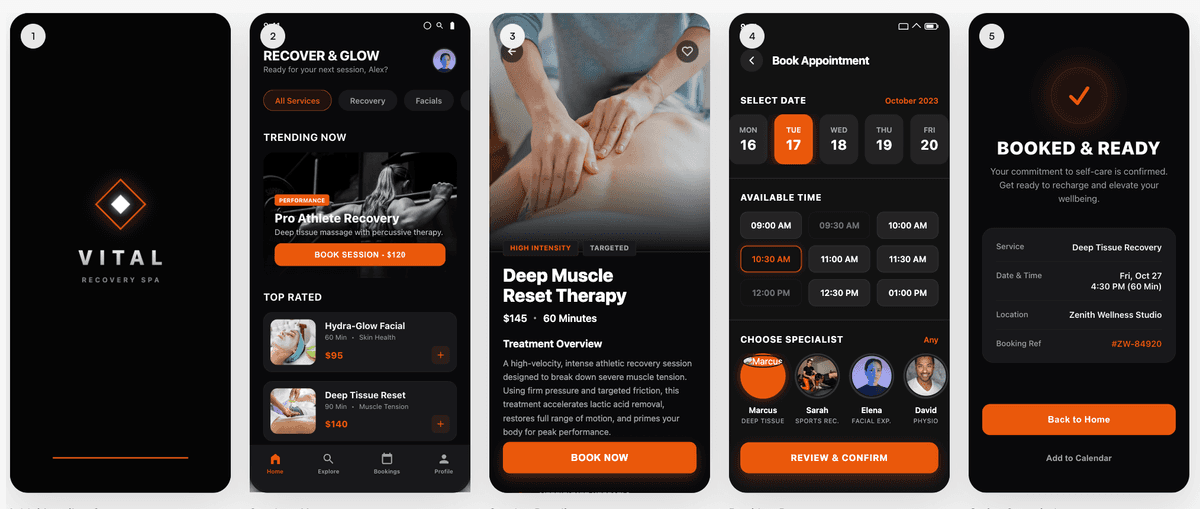
AI App Store and Play Store screenshot generator — upload raw app screens and export listing-ready PNGs. Upload raw app screens, preview one slide, then export listing-ready PNGs at App Store and Play Store sizes — from the same launch stack as StoreShots AI.

Sample store slide

AI-generated App Store screenshot example from StoreShots AI

Frequently asked questions

Answers about the 12-testers-for-14-days requirement, Google Play closed testing, and how TestMyApps fits your launch stack.

What is the Google Play 12 testers for 14 days requirement?

Google requires newly created personal developer accounts to run a closed test with at least 12 testers who stay opted in for 14 consecutive days before the account can apply for production access. Testers must be real people on real Android devices who join through the official Play Console opt-in flow — emulators, bots, and duplicate accounts do not count.

How does TestMyApps help me get 12 testers for 14 days?

TestMyApps provides real, verified Android testers who opt in through your Play Console closed testing link, install your app on physical devices, and stay active for the full 14-day window. You track progress in one dashboard instead of recruiting and chasing testers manually.

What happens if a tester drops out during the 14 days?

If the opted-in tester count falls below 12, the continuous 14-day window is at risk. TestMyApps manages tester coverage with buffer capacity so a dropout does not reset your testing timeline.

How quickly can a testing run start?

Most runs can be planned and kicked off within roughly 24 hours once your build, closed testing track, and opt-in link are ready in Play Console.

Do I need to recruit testers myself?

No. TestMyApps is built around managed tester coordination — verified Android testers, opt-in management, activity reminders, and progress reporting — so you focus on fixing bugs and preparing the production access application.

Does closed testing guarantee Google Play production access?

Completing 12 testers for 14 days satisfies the testing requirement, but Google also reviews your production access questionnaire, app quality, and policy compliance. TestMyApps reports give you concrete tester activity and feedback details to reference in your answers.

What is the sister product StoreShots AI?

StoreShots AI (storeshotsai.com) generates Play Store screenshots from raw app screens with AI ASO copy and export-ready dimensions. Many teams use TestMyApps for closed testing and StoreShots AI for listing assets before launch.

Is there a combined TestMyApps and StoreShots AI bundle?

Yes. The Launch Stack bundle is $15 for 1 TestMyApps testing credit plus 10 StoreShots AI screenshot credits. Opt in on WhatsApp or email — the team applies credits to both accounts after payment.

Does ClyroLabs build mobile apps?

ClyroLabs (clyrolabs.vercel.app) helps founders ship mobile apps from scratch. Mention app-build needs when you contact TestMyApps or StoreShots AI support.

With TestMyApps,
you get the essentials for release testing in one place.

Faster approvals - Meet the Google Play closed testing requirement without restarting the clock.

Real user insights - Get feedback from actual Android users, not just emulators.

Simple workflow - Everything in one dashboard, no need for multiple tools.

Scalable & secure - From one test run to 100+, scale as your app grows. Your app builds and data are handled securely.

Cleaner bug discovery - surface installation, usability, and edge-case issues earlier in the release cycle.

Less coordination overhead - one managed workflow instead of juggling spreadsheets, group chats, and tester recruitment.

Ready to test your app?

Start with 12 real testers, a managed 14-day window, and a clearer path to Google Play production access.

Start now
Get 12 Testers for 14 Days — Google Play Closed Testing