Tools
Best Beta Testing Tools for Mobile Apps in 2026: Google Play, TestFlight, Firebase, and Real Testers
Compare mobile beta testing tools across Android and iOS, including Google Play closed testing, TestFlight, Firebase App Distribution, and tester services.
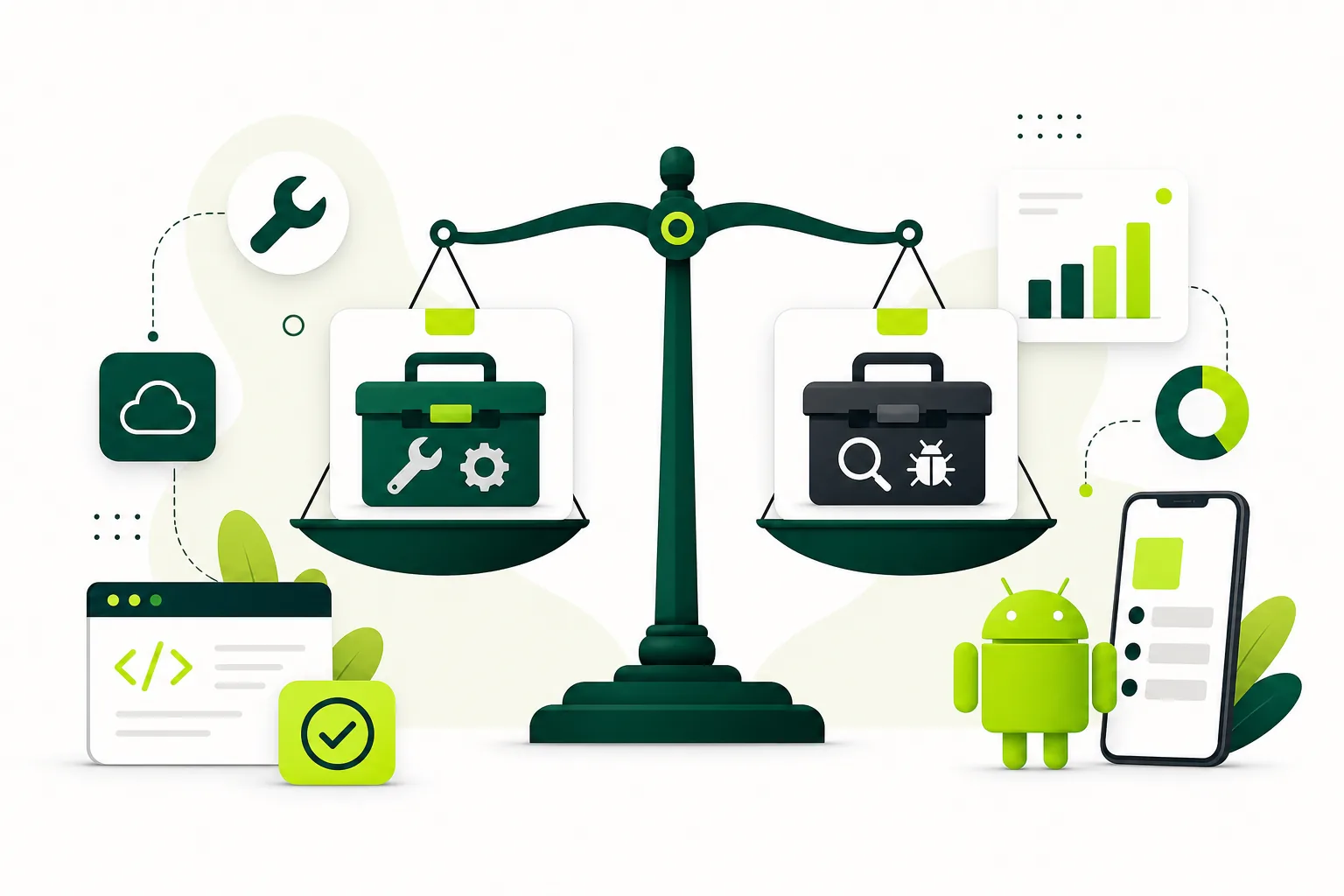
On this page · 10 sections
- 01Start with the store requirement, not the tool catalog
- 02Google Play closed testing: the Android store-readiness tool
- 03TestFlight: the default iOS beta distribution stack
- 04Firebase App Distribution: fast builds, not a Play substitute
- 05When you need alternatives to Firebase
- 06Managed tester services: when recruiting is the bottleneck
- 07Example tool stacks for 2026 launches
- 08How to choose in one decision pass
- 09Frequently asked questions
- 10Official sources
At a glance
In plain English
- Pick tools based on the gate you must pass — for many new Android accounts that means Play closed testing (12×14), not a random beta app.
- Firebase App Distribution is great for fast builds to trusted people; it does not replace Play closed testing for production access.
- Managed tester services help when recruiting and keeping 12 opted-in people is the bottleneck.
The best beta testing tool is the one that matches your launch gate. For many new personal Google Play accounts, that gate is closed testing with 12 opted-in testers for 14 continuous days. TestFlight is the usual iOS beta path. Firebase App Distribution is for fast trusted builds — not a Play production-access substitute.
Distribution tools put builds on devices. Store tracks satisfy platform rules. Real testers supply human feedback. Most teams need two or three layers, not one magic app.
Start with the store requirement, not the tool catalog
Before comparing feature lists, write down what your launch actually needs. If you are a new personal developer on Google Play waiting for production access, your critical path includes closed testing with at least twelve opted-in testers for fourteen continuous days. That requirement lives in Play Console, not in Firebase, Crashlytics, or a third-party beta link.
If you ship on iOS, TestFlight is the default beta path before App Store submission. Internal testers give you fast smoke checks; external testers broaden device coverage once beta review approves the build. Cross-platform teams should plan Android and iOS beta tracks in parallel so launch decisions stay comparable.
Firebase App Distribution, HockeyApp successors, and internal build links are excellent for trusted QA and nightly builds. They do not replace store-native workflows when the store itself is the gate. Read the Google Play closed testing complete playbook 2026 before you assume any distribution shortcut counts toward production access.
Google Play closed testing: the Android store-readiness tool
Google Play closed testing lets you share a pre-release build with a controlled group through the official Play Store opt-in flow. For affected new personal developer accounts, it is also the path to requesting production access after a qualifying test window.
Closed testing gives you real install paths, country targeting, release notes per track, and Play Console visibility into tester participation. That matters when Google asks how you tested, what you fixed, and whether the app is ready for real users. A credible closed test includes structured scenarios, daily opt-in tracking, and a buffer above the twelve-tester minimum.
Pair closed testing with Play Console pre-launch reports, crash monitoring, and a written testing summary before you apply for production access. If recruiting opted-in testers is the hard part, a Google Play closed testing service can coordinate the human workflow while you focus on fixes.
- Best for: Android production access and Play Store install validation.
- Requires: real Google accounts, official opt-in, and continuous participation tracking.
- Not a substitute for: internal smoke tests or iOS TestFlight distribution.
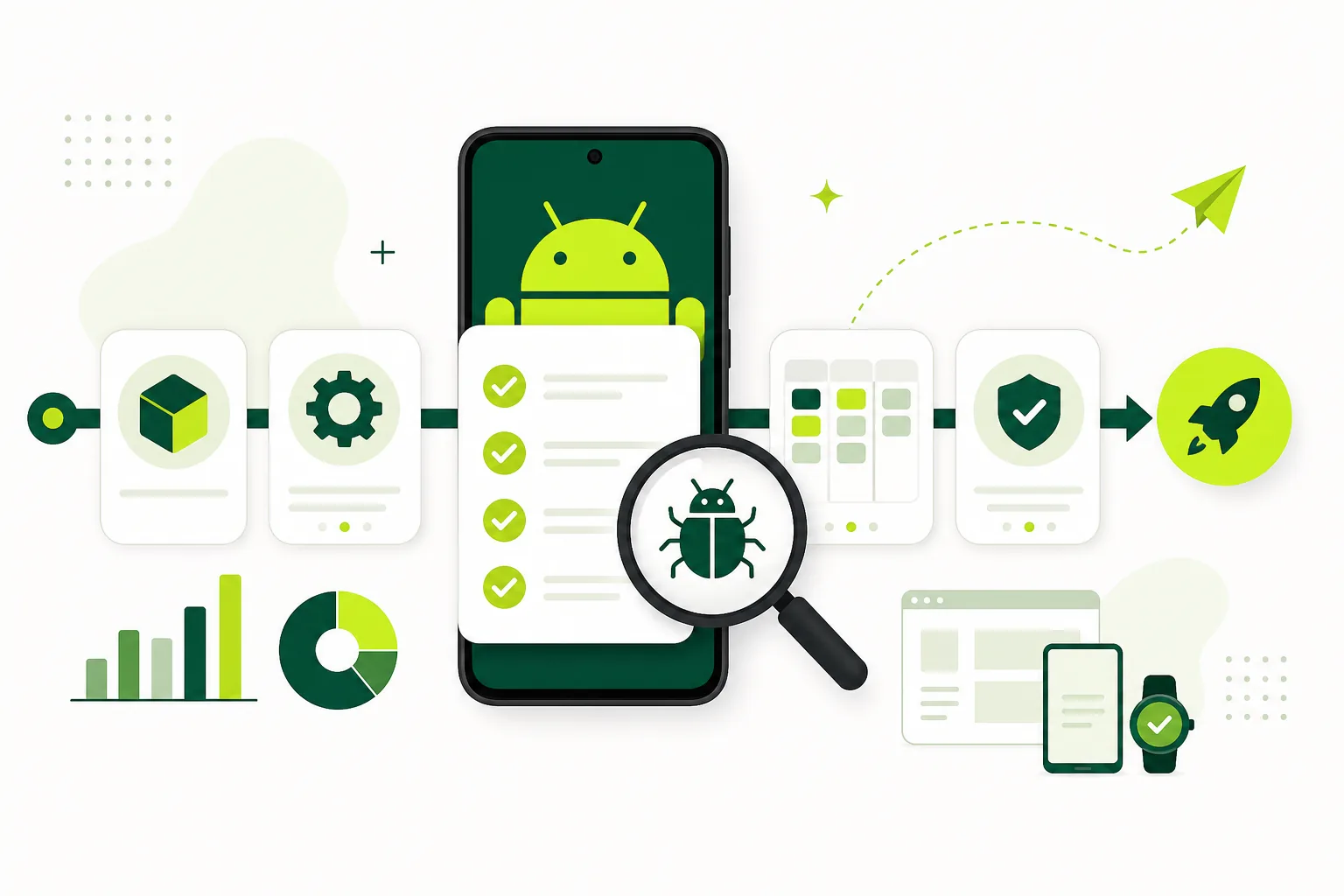
TestFlight: the default iOS beta distribution stack
TestFlight is Apple's beta distribution workflow inside App Store Connect. Upload a build, wait for processing, fill in beta test information, then invite internal team members or external testers. External groups may require beta app review before testing begins.
Apple documents up to one hundred internal testers and up to ten thousand external testers, with builds available for up to ninety days. Those limits are generous, but they do not create engagement by themselves. You still need clear tasks, a monitored feedback email, and daily triage while the build is active.
TestFlight works best when paired with the same structured scenarios you run on Android: onboarding, permissions, payments, account deletion, and core app actions on real iPhones. Keep iOS and Android feedback in one tracker so product decisions do not fork by platform.
Firebase App Distribution: fast builds, not a Play substitute
Firebase App Distribution delivers pre-release Android and iOS builds to invited testers quickly. It fits Firebase stacks and early QA with engineers or partners.
It does not satisfy Google Play's closed-testing requirement for production access on affected personal accounts, and it is not a full TestFlight replacement when you need App Store Connect external testing.
Many teams use Firebase for speed early, then move the release candidate to Play closed testing and TestFlight for launch-grade validation. Treat Firebase as a distribution layer, not the whole test plan.
- Use Firebase when you need rapid iteration with a known group
- Move to Play closed testing when production access is the goal
- Pair either channel with real scenarios and a feedback tracker
When you need alternatives to Firebase
If Firebase is not a fit, choose by job: Play closed testing for Android store readiness, TestFlight for iOS betas, or a managed tester service when recruiting is the bottleneck.
Alternatives are not interchangeable. A tool that installs builds is not the same as a store track that counts for production access.
Managed tester services: when recruiting is the bottleneck
Distribution tools assume you already have people who will install, use, and report. Managed tester services exist because finding twelve engaged Android testers — or a focused iOS beta group — is often harder than uploading a build.
Judge a service by process quality, not headcount promises. Strong options provide onboarding instructions, opt-in tracking for Play Console flows, scenario-based tasks, progress visibility, and a closeout summary you can use in production-access answers. Weak options deliver silent installs with no feedback and no accountability.
TestMyApps is built around that coordination layer for launch teams that need Google Play closed testing support — 12 verified testers for the full 14-day window — and clearer status than a scattered email list. Start from get 12 testers for 14 days when recruiting is the bottleneck.
Get 12 testers for 14 daysManaged Google Play closed testing from $15.Example tool stacks for 2026 launches
A solo Android founder might run local smoke tests, Play Console internal testing for quick checks, Google Play closed testing for the twelve-and-fourteen requirement, Crashlytics for stability signals, and TestMyApps for tester coordination. That stack covers compliance, quality, and human feedback without overbuying software.
A cross-platform product team might use Firebase App Distribution for nightly internal builds, TestFlight external groups for iOS launch validation, Google Play closed testing for Android production access, and one shared Notion or Linear board for triage. The shared tracker is what keeps parallel betas from becoming incomparable noise.
An agency shipping client apps might standardize on internal testing first, then closed testing with documented scenarios, then production-access prep templates reused across accounts. Standardization reduces the risk that one client rushes a weak closed test because the launch date slipped.
- Indie Android launch: internal test → closed test → production access prep.
- Cross-platform launch: Firebase or CI builds → TestFlight + closed testing in parallel.
- Agency workflow: reusable tester brief, opt-in tracker, and closeout report per client.
How to choose in one decision pass
Ask four questions: Which store gate must you satisfy? Who will install the build? What feedback format do you need before launch? How much coordination can your team handle without dropping opt-ins?
If the answer to the first question is Google Play production access, closed testing is non-negotiable for affected accounts. If the answer to the third question is structured launch-readiness notes, invest in scenarios and triage — not another distribution link. If the answer to the fourth question is "not much," a managed service or the mobile app launch testing checklist 2026 will save more time than another SaaS trial.
Tools should support the test plan, not replace it. Pick the smallest stack that covers store requirements, real-device validation, and credible human feedback — then run it consistently across every release.
FAQ
Questions about this topic
Is Firebase App Distribution a replacement for Google Play closed testing?
No. Firebase is useful for pre-release distribution to trusted testers, but it does not replace the Google Play closed-test requirement for affected personal developer accounts seeking production access.
Is TestFlight only for iOS?
TestFlight is Apple's beta distribution workflow for Apple platforms such as iOS through App Store Connect. Android launches use Google Play test tracks instead.
Do beta testing tools provide testers?
Most distribution tools manage builds and invitations. Tester communities and managed services help you find and coordinate people who will actually test the app on real devices.
What is the minimum beta stack for a new Android app in 2026?
At minimum, use Play Console internal testing for smoke checks and closed testing for the opted-in tester requirement, plus crash reporting and a structured tester brief. Add a managed service if recruiting is slow.
Should I run Android and iOS betas at the same time?
Cross-platform teams usually benefit from parallel betas with shared scenarios and one triage board, so fixes and launch decisions stay aligned across stores.
When should I add a managed tester service?
Add one when opt-in tracking, reminders, scenario completion, or production-access documentation would otherwise slip — especially during the fourteen-day closed-testing window.
Sources
Official references used
- App testing requirements for new personal developer accounts (Google Play Console Help)
- Set up an open, closed, or internal test (Google Play Console Help)
- TestFlight Overview (Apple Developer)
- Provide test information (Apple Developer)
- Invite external testers (Apple Developer)
- Firebase App Distribution (Firebase)
- Collect feedback from testers (Firebase)
Continue
Choose the next step
Related
Next pages to read
Need 12 testers for 14 days?
Start a managed Google Play closed-testing run with verified testers, opt-in monitoring, and a closeout report.