Closed Testing
Google Play 12 Testers Requirement: What Counts in 2026
See who needs 12 Google Play testers, which opt-ins count, whether family members qualify, and what can interrupt the required 14-day window.
On this page · 9 sections
- 01What Google means by twelve opted-in testers
- 02What counts as a valid closed testing participant
- 03What does not count toward the requirement
- 04How to recruit twelve testers with a safe buffer
- 05Tracking tester opt-ins day by day
- 06Do testers need to use the app every day
- 07Fixing tester count problems before they delay launch
- 08Frequently asked questions
- 09Official sources
At a glance
In plain English
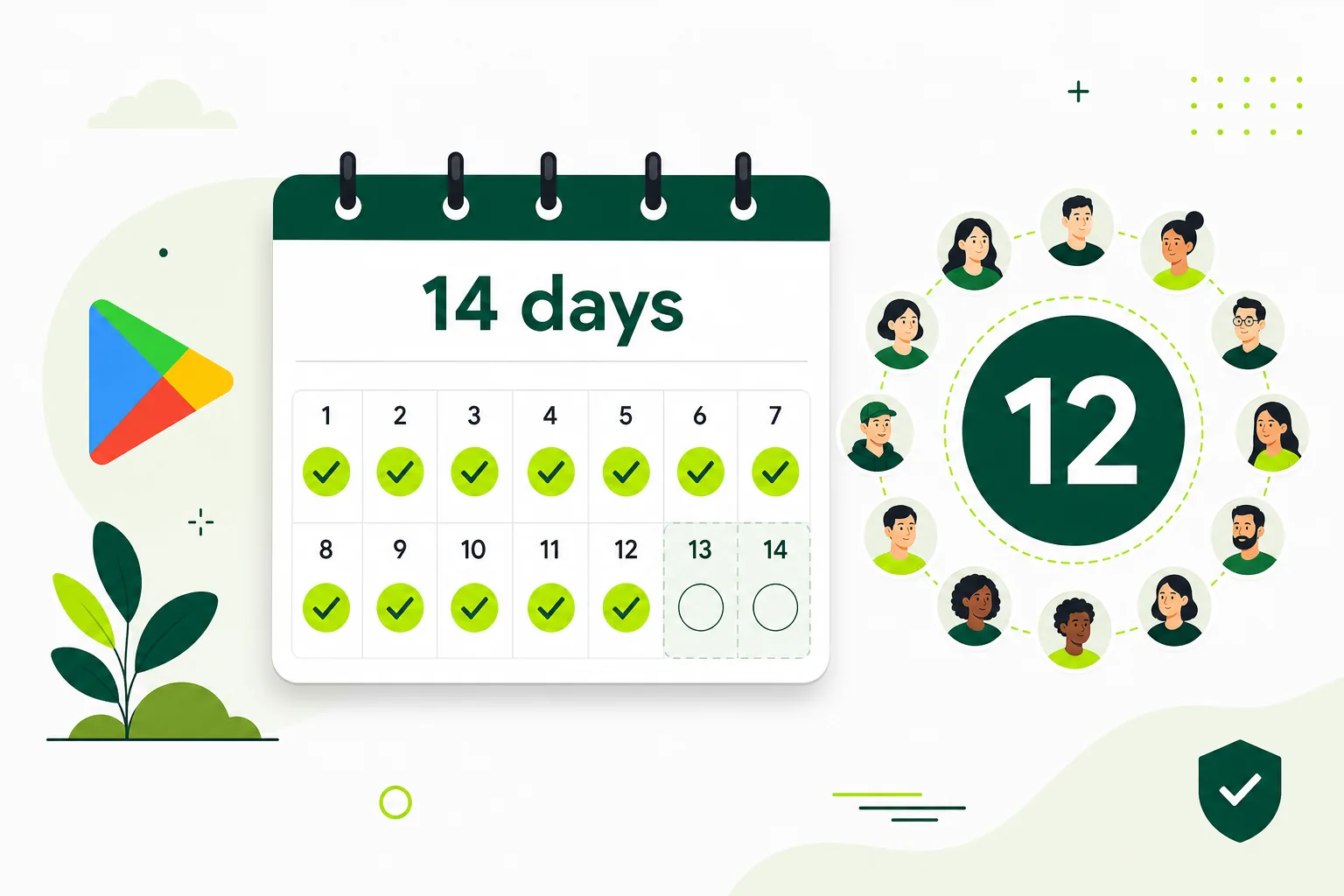
- Google's common rule for many new personal accounts: at least 12 testers opted in on closed testing for 14 continuous days.
- Only Play closed-track opt-ins count — not internal testing, not emailed APKs, not "I sent the link."
- Recruit 14–16 people so one dropout does not drop you under 12.
In plain English: many new personal Google Play accounts must show that at least 12 real people joined their closed test and stayed joined for 14 days in a row before they can apply for production.
This page explains who counts, who does not, and how to keep your number healthy. Pair it with the 14-day window guide for timeline planning.
Always verify the live count in Play Console — chat screenshots are not the source of truth.
What Google means by twelve opted-in testers
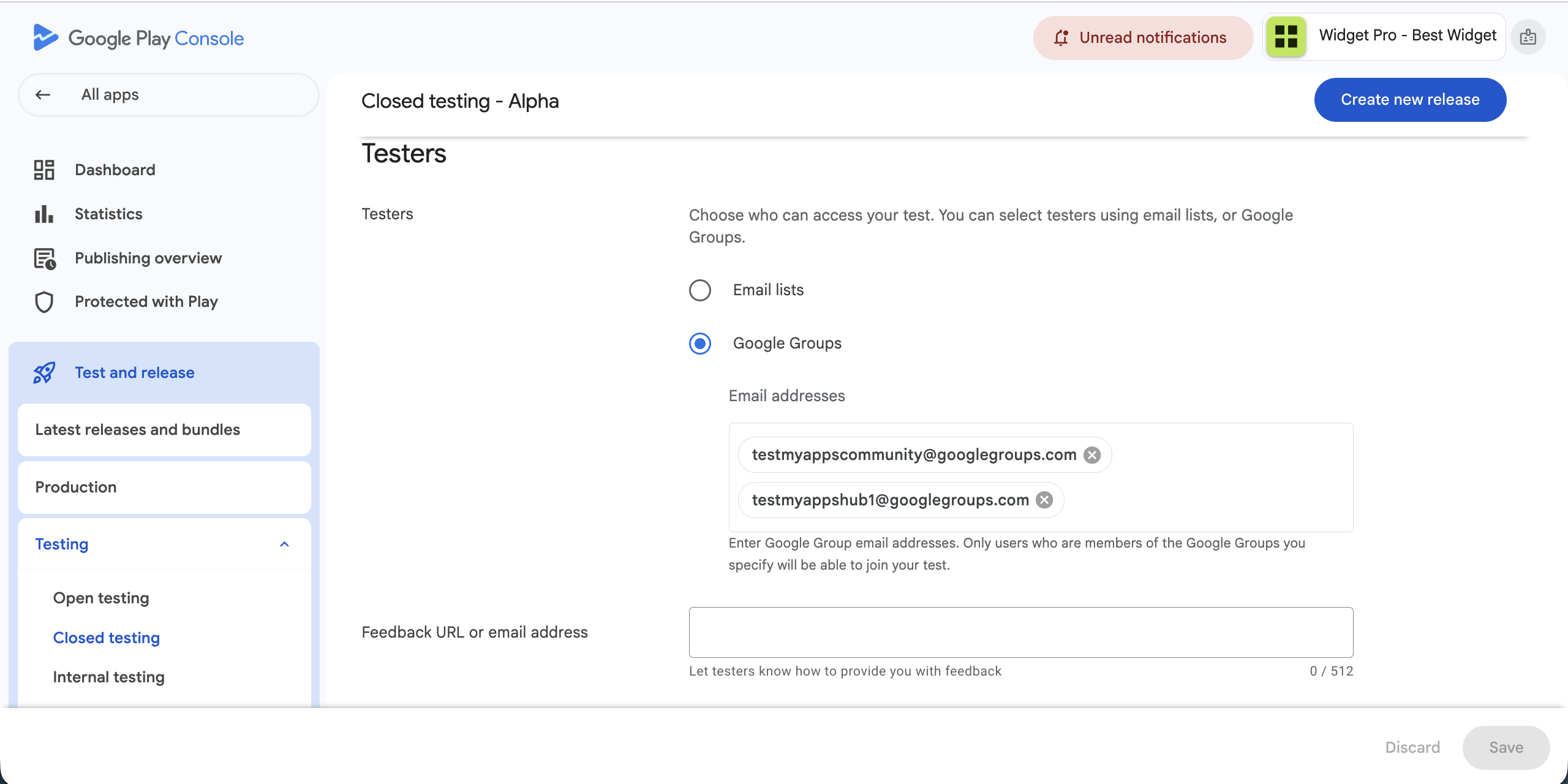
Google's published rule for affected personal accounts is precise: a closed test with at least twelve testers opted in for at least the last fourteen days continuously. Opted in means the tester accepted the test through Play Console's email invite or opt-in link and appears as an active tester in your closed testing track — not merely someone who received an email or joined a Telegram group.
The tester must use a valid Google Account or Google Workspace account consistently. If they accept the invite with one account but try to install with another, the opt-in may not register correctly. Verify in Play Console that each tester shows as joined before you start counting days.
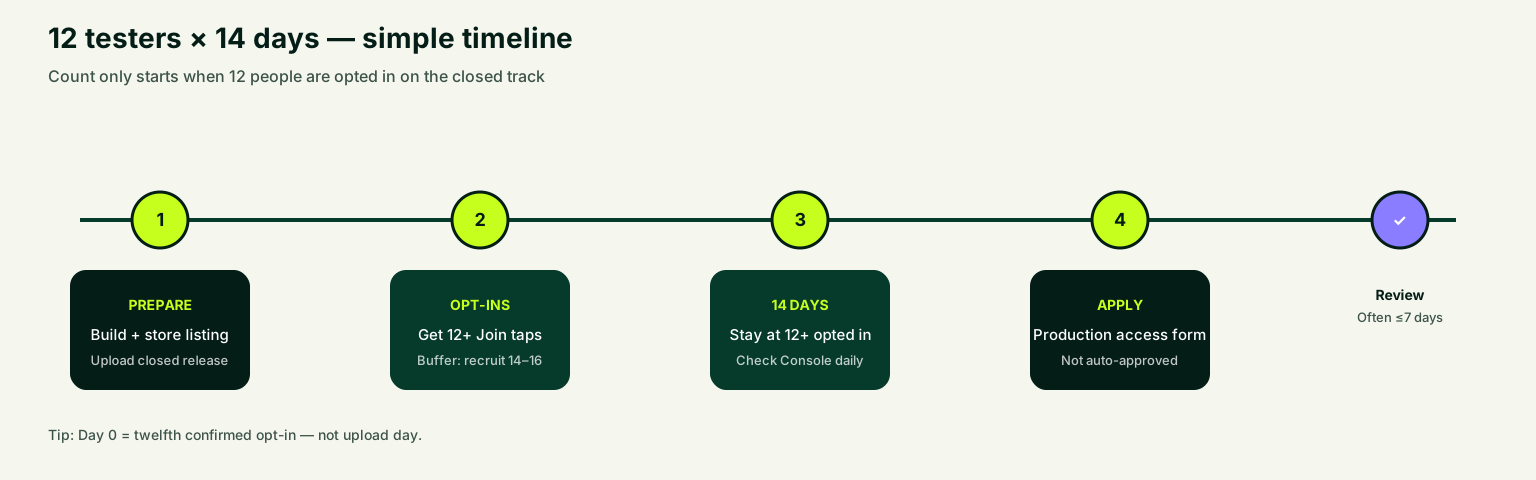
Continuous means the count must stay at twelve or above for the entire fourteen-day period. If someone opts out on day eleven, you may need to recruit a replacement and extend the timeline. Plan for fourteen to sixteen testers from day one. Use the testing timeline estimator once your twelfth opt-in is confirmed.
What counts as a valid closed testing participant
The safest interpretation is straightforward: real people, real Google accounts, correct opt-in through the Play Store path, and enough time in the closed test. Each tester should be able to receive instructions, install on a physical Android device, and respond if something breaks.
Family members, friends, colleagues, early customers, and community members all count if they follow the official flow. There is no requirement that testers be strangers — only that they genuinely opt in and stay opted in. What matters is valid participation through Play Console, not the relationship.
Testers should install from the Play Store test link, not from a sideloaded APK shared in a chat. Sideloading bypasses the opt-in tracking that Google uses to verify your closed test. Walk testers through the opt-in steps explicitly in your testing brief.
- Real Google Account used for invite, opt-in, and install.
- Confirmed as opted in on the closed testing track in Play Console.
- Physical Android device with a current or common OS version.
- Ability to follow scenario-based test instructions and report feedback.
- Same account maintained for the full fourteen-day window.
What does not count toward the requirement
Several common shortcuts do not create a valid or credible closed test. Email addresses on a list without completed opt-in do not count toward the official threshold. A sideloaded APK does not replace the Play Console opt-in and Play Store test path, while emulator-only usage gives you little evidence about real-device launch quality.
Disposable or bulk-created Google accounts, automated bot installs, and silent tester swaps mid-window create weak testing stories. Google can review your test when you request production access, and low-quality participation gives you less to explain and more reason for denial or extended testing.
Internal testing track participants do not count toward the twelve, even if you have more than twelve people on internal testing. The qualifying run must happen on the closed track. Read internal testing vs closed testing if you are unsure which track your testers are on.
How to recruit twelve testers with a safe buffer
Recruit fourteen to sixteen testers when your goal is twelve continuous opt-ins. Expect two to four dropouts from wrong accounts, install failures, lost interest, or devices that cannot run your app. A buffer turns a fragile minimum into a stable test.
Start with people you can reach directly: friends, colleagues, beta waitlist subscribers, Discord or Reddit community members, and indie founder groups. Write a short pitch explaining what the app does, how long testing takes, and what you need them to do. Include the opt-in link and step-by-step install instructions with screenshots.
If recruitment is the bottleneck, consider a managed closed testing run that coordinates real opted-in testers, tracks progress, and handles follow-up when people get stuck. Judge any helper by opt-in proof, feedback quality, and transparency — not by promises of instant approval.
- Draft a one-page testing brief with install steps and three to five scenarios.
- Recruit fourteen to sixteen people with valid Google accounts.
- Send opt-in links individually with clear instructions.
- Verify each opt-in in Play Console within forty-eight hours.
- Follow up with non-responders before starting the fourteen-day clock.
- Replace dropouts immediately to maintain the buffer.
Tracking tester opt-ins day by day
Do not check tester count only on day one and day fourteen. Open Play Console daily during the test window and record how many testers are opted in. A simple spreadsheet with tester name, email, opt-in date, device, and status takes five minutes and prevents surprises.
Day zero is when your release is approved, available to testers, and at least twelve have completed opt-in — not when you upload the build. Days one and two should focus on completing remaining opt-ins and fixing install blockers. Days three through ten push testers through core flows. Days eleven through fourteen focus on regression checks and production-access prep.
Use the closed testing checklist tool to verify store listing, privacy policy, data safety, and tester readiness before you start counting. Missing basics cause release review delays that compress your window.
Do testers need to use the app every day
Google's published criterion is continuous opt-in, not daily active usage. A tester who opts in and installs but never opens the app still counts toward the twelve — technically. In practice, engaged testing produces better feedback, fewer production-access questions, and a stronger launch.
Ask testers to complete specific scenarios at least once during the window: install, onboarding, core feature, settings, and feedback submission. Repeat usage after you ship fixes shows the test actually improved the app. Document what testers tried and what you changed.
If Google asks about your test during production-access review, specific answers — 'twelve testers completed onboarding, three reported a crash on signup, we fixed it in build 8' — are far stronger than 'we had twelve testers for fourteen days.' Activity is the quality signal on top of the opt-in requirement.
Fixing tester count problems before they delay launch
If your count drops below twelve at any point, recruit replacements immediately and verify their opt-ins before assuming the window continues uninterrupted. Google describes the requirement as continuous — treat a dropout as a timeline risk, not a minor inconvenience.
Common fixes for install failures: confirm the tester's country is included in your closed test targeting, verify they use the same Google account for opt-in and install, check that the release is fully rolled out (not stuck in review), and ensure their device meets your minimum SDK requirements.
If you are stuck below twelve after genuine outreach efforts, extend recruitment before starting the clock rather than submitting with a weak test. The what is closed testing guide covers setup basics, and the complete playbook walks through the full lifecycle including production-access submission.
FAQ
Questions about this topic
Do I need exactly 12 testers for Google Play closed testing?
You need at least twelve testers opted in when you apply for production access. Recruiting fourteen to sixteen gives you a buffer if someone opts out, cannot install, or uses the wrong Google account during the fourteen-day window.
Can family members count as Google Play closed testers?
Yes, if they use valid Google accounts, complete the official opt-in flow, install through the Play Store test path, and remain opted in for the full window. A broader group often produces better device coverage and feedback diversity.
Do testers need to open the app every day during closed testing?
Google's stated requirement is continuous opt-in for fourteen days, not daily usage. However, engaged testers who exercise core flows give you stronger production-access answers, better bug coverage, and more confidence at launch.
Does internal testing count toward the 12 testers requirement?
No. Internal testing is a separate track. The production-access requirement for affected personal accounts applies specifically to closed testing with proper opt-ins on the closed track.
What happens if a tester opts out during the 14-day window?
If your opted-in count drops below twelve, you may need to recruit replacements and extend the timeline. Replace dropouts immediately, verify new opt-ins in Play Console, and confirm the continuous window is intact before applying for production access.
Can I use fake or purchased tester accounts to meet the 12 requirement?
Fake or low-effort accounts create weak testing evidence and launch risk. Google can review your test during production-access requests. Use real people with valid accounts who can install, use the app, and provide feedback. See our guide on [fake testers risks](/blog/fake-testers-google-play-closed-testing) for details.
Sources
Official references used
- App testing requirements for new personal developer accounts (Google Play Console Help)
- Set up an open, closed, or internal test (Google Play Console Help)
Continue
Choose the next step
Related
Next pages to read
Need 12 testers for 14 days?
Start a managed Google Play closed-testing run with verified testers, opt-in monitoring, and a closeout report.