Google Play closed testing
Google Play closed testing explained (12 testers, 14 days)
What Google's closed testing requirement means, how the 14-day opt-in window works, and what to prepare before you apply for production access.
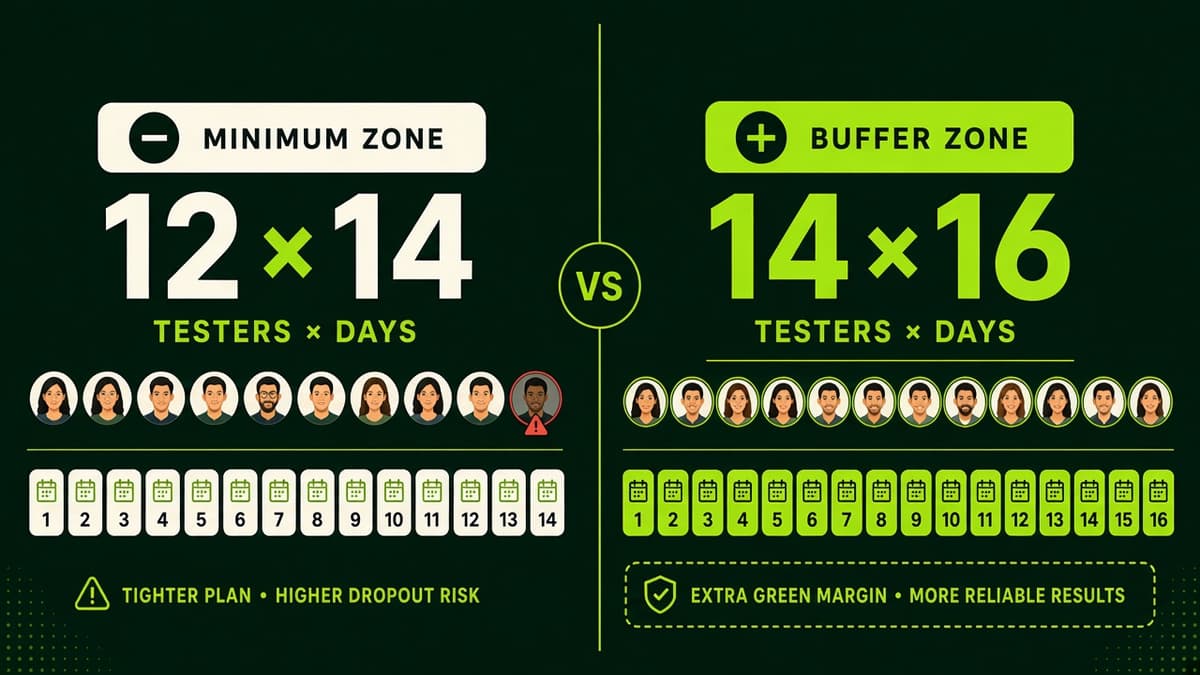
We meet Google's 12 testers × 14 days by assigning ~14 testers for ~16 days (buffer).
Completing 12×14 makes you eligible to apply. Google decides production access — we don't sell or guarantee approval.
- 12 testers minimum opted in
- 14 continuous days on closed track
- Real devices and Play opt-ins
Educational guide · Reviewed against Google Play guidance · Updated September 2, 2026
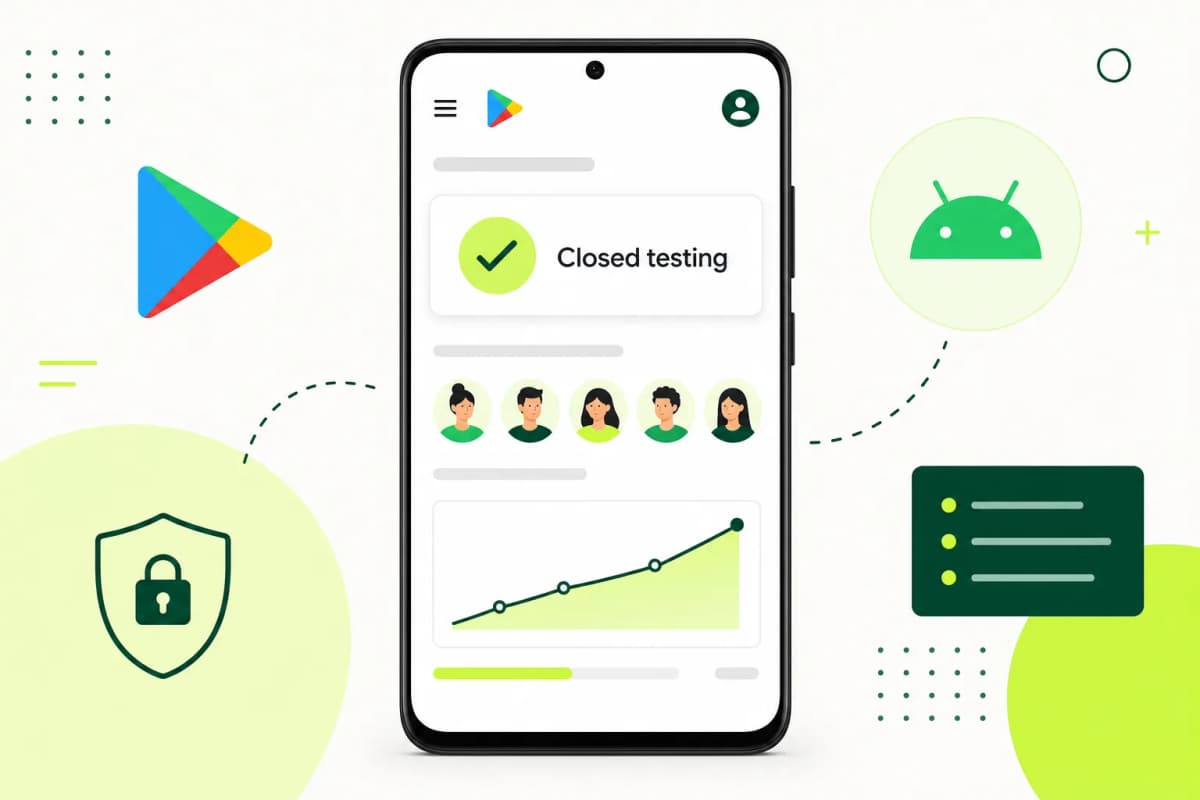
What the Play Console requirement actually means
For many new personal developer accounts, Google requires a closed test with at least 12 testers opted in continuously for 14 days before you can apply for production access.
This guide explains the requirement, the difference between internal, closed, and open testing tracks, and how to avoid common mistakes that reset the window or weaken your production-access application.
Checklist
A strong closed-testing run needs more than an install link
A build that matches the release you plan to ship
Real testers who opt in and use the app on real devices
Coverage that stays active through the full 14-day window
Clear instructions so testers exercise the flows that matter
Feedback and completion visibility so your team can act quickly
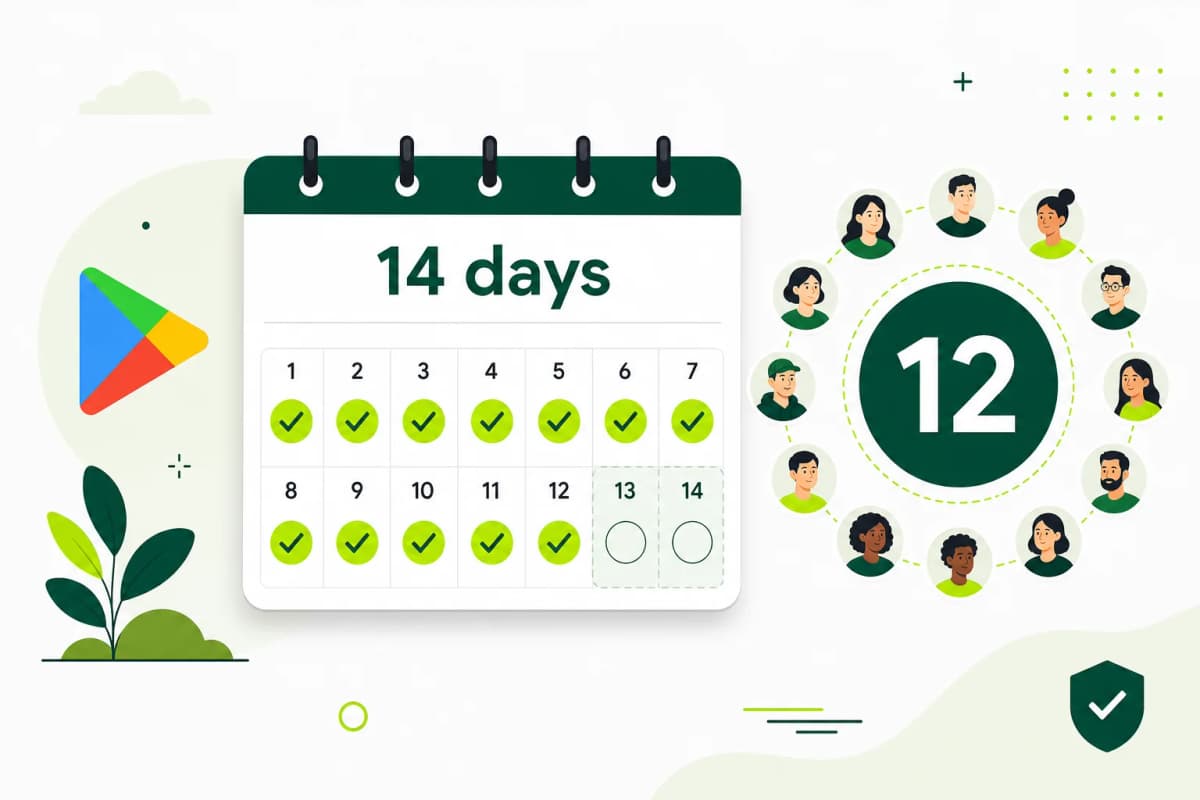
The requirement
What Google officially requires
Google states that affected new personal developer accounts must run a closed test with at least 12 testers who have been opted in for the last 14 days continuously before applying for production access.
- Applies to affected personal developer accounts created after November 13, 2023
- Requires at least 12 testers opted in to a closed test
- The testers must cover the last 14 days continuously when you apply
- Completing the requirement allows you to apply; Google still decides production access
Managed process
From Play Console setup to a production-access-ready record
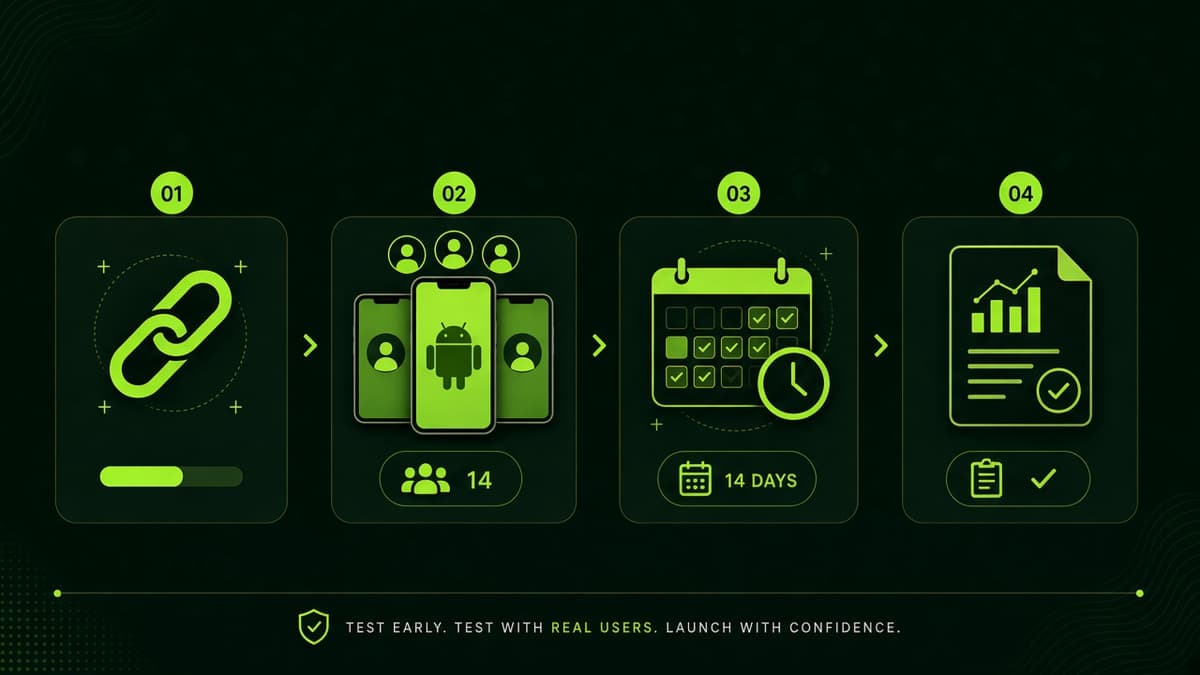
Prep
Set up the correct Play Console track
Recruitment
Add 12 real testers and guide the opt-in flow
Activity
Keep usage active across the full testing window
Closeout
Review feedback, fix issues, and move toward production
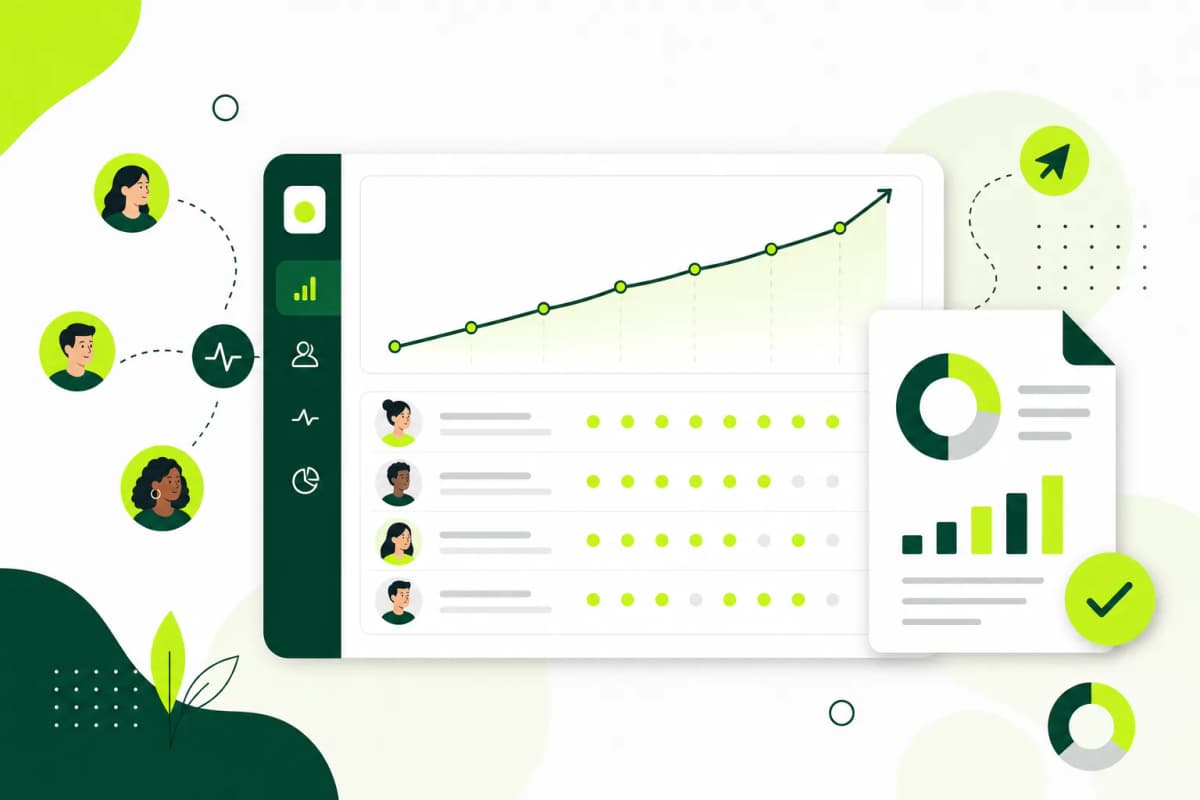
Buffer
14 testers and 16 days sit above Google's 12 × 14 minimum
Play Console tracks
Internal vs closed vs open testing
| Track | Best for | Production-access note |
|---|---|---|
| Internal testing | Fast private QA with a small group | Does not satisfy production-access gate for affected personal accounts |
| Closed testing | 12+ opted-in testers for 14 continuous days | Required track before production access for many new personal accounts |
| Open testing | Broader public beta feedback | Usually comes after the closed-testing gate, not the first blocker |
Guide
Why Google Play closed testing matters now
Closed testing has become one of the biggest friction points for first-time Android launches. The technical setup inside Play Console is not the hardest part. The operational part is. Developers have to recruit people, explain the opt-in steps, remind them to stay active, and confirm the testing window stays healthy.
That is why a managed workflow matters. Instead of treating the requirement like a one-off checklist, it helps to run it like a small release project with onboarding, coordination, support, and a clear finish line.
Guide
What counts toward the 12 testers requirement
The safest path is to use real people, real Google accounts, and real Android devices through the official closed-testing opt-in flow. Testers should be in the countries selected for the track, use the same Google account for opt-in and install, and stay opted in for the full testing period.
Weak signals usually come from fake accounts, emulators, inactive testers, mismatched country targeting, or testers who never finish the opt-in flow. TestMyApps keeps the process organized so developers are not guessing who has actually joined and what still needs attention.
- Use the official Play Console opt-in link or approved tester email list.
- Keep more than 12 testers available so a single dropout does not put the run at risk.
- Give testers clear scenarios for onboarding, login, core actions, and feedback.
- Check progress regularly instead of waiting until the end of the 14-day window.
Guide
Troubleshooting production access delays
If production access is delayed, start by checking the basics: track approval, opted-in tester count, selected countries, broken login flows, policy links, and whether testers can actually install from the Play Store path. Many issues are operational rather than technical.
When Google asks for more testing, treat it as a signal to improve both product quality and tester evidence. Clear feedback reports, app fixes, and a stronger explanation of what changed can make the next production-access request easier to support.
- Confirm the closed-testing release is approved before counting the testing window.
- Verify testers can install with the same account they used to opt in.
- Fix crashes, blocked onboarding, missing privacy links, and misleading store content before requesting production access.
- Keep notes on feedback, fixes, and tester activity so the production-access questionnaire is easier to answer.
Guide
Where to find reliable testers
Developers usually try friends, founder groups, Android communities, Reddit posts, Telegram groups, or paid tester services. Free communities can work, but they often require a lot of coordination and follow-up. Professional or managed testers are useful when timing, accountability, and reporting matter.
TestMyApps is positioned for developers who want the managed route: verified tester coordination, progress visibility, and clearer closeout reporting instead of rebuilding the same outreach workflow for every app.
Guide
How TestMyApps supports the process
TestMyApps focuses on the operational gap between uploading your build and finishing a credible closed-testing run. We help developers get real testers for the required window, keep the run coordinated, and collect cleaner signals around participation and feedback.
That is especially useful for solo developers, indie founders, agencies, and small product teams that do not want to build a tester-recruitment machine every time they ship an Android update.
Common failure modes
What usually goes wrong
Weak runs usually fail for predictable reasons: testers never finish the opt-in flow, they install once and disappear, instructions are vague, or the app has issues that scare testers away early. Teams often spend more time chasing people than improving the product.
A better process reduces that waste. You want a build handoff, a clear tester brief, active participation throughout the window, and a fast way to capture issues before you resubmit.
Manual recruiting creates inconsistent tester quality.
One-time installs do not build confidence in the run.
Poor instructions lower tester participation and feedback quality.
No central reporting makes the whole process feel harder than it needs to be.
Optional managed help
Need help running the 12 testers for 14 days requirement?
TestMyApps offers managed closed-testing runs with verified opt-ins and monitoring. Use this guide to understand the requirement first, then open Get 12 testers for 14 days if you want coordination handled for you.
Get 12 testers for 14 daysFAQ
Google Play closed testing questions
Completing the closed-test requirement lets an affected account apply for production access. It does not guarantee approval of the app.
What is Google Play closed testing?
Google Play closed testing is a pre-release track where a limited group of testers installs and uses your Android app before you request production access.
Do I really need 12 testers for 14 days?
For newly created personal Google Play developer accounts, Google currently requires at least 12 opted-in testers for 14 consecutive days before production access can be requested.
When does the 14-day closed-testing clock start?
The safest assumption is that the clock starts after the closed-testing release is approved and enough testers have opted in through the correct Play Console flow.
Do testers need to use the app every day?
Google's requirement focuses on opted-in testers across the required period, but meaningful usage and feedback are still important because weak testing can lead to more review questions.
What happens if my tester count drops below 12?
You should recruit replacements immediately and keep the run active. Falling below the required tester count can delay production access or weaken the testing evidence you provide.
Can TestMyApps help me get testers for Google Play closed testing?
Yes. TestMyApps is built to help developers run managed closed tests with verified testers, guided coordination, and clearer participation tracking.
Should I use friends, free communities, or managed testers?
Friends and free communities can work, but they are harder to coordinate. Managed testers are better when you need reliable opt-ins, clearer progress, and reporting around the testing run.
Is this only for Android?
Yes. TestMyApps is focused end to end on Google Play closed testing for Android: the 12 testers for 14 days requirement, real-device coverage, and production access preparation.
Verified references
Official sources and next reading
Free community testing
Need a no-cost path first?
Community testing lets you coordinate peer testers yourself. It does not guarantee 12 testers for 14 days. Choose a managed run when you need verified opt-ins, monitoring, and a closeout report.
Open free community testing