Free Android community app
Submit your app for free community testing.
Download TestMyApps, create or join a testing group, submit your Android app, and test with other developers. The complete free community experience now happens inside the app.
Free Android community app
 Free Android community app
Join a group. Submit your app. Test for free.
Discover community apps, post your Android app, and coordinate free reciprocal testing with other developers.
- Discover Android apps that need testers
- Post your app and organize reciprocal testing
- Create or join a testing group
Community testing is self-managed and does not guarantee 12 testers for 14 days. Choose a managed run when you need coordinated coverage and reporting.
Android is a trademark of Google LLC. The Android robot is reproduced from work created and shared by Google and used according to the Creative Commons 3.0 Attribution License.
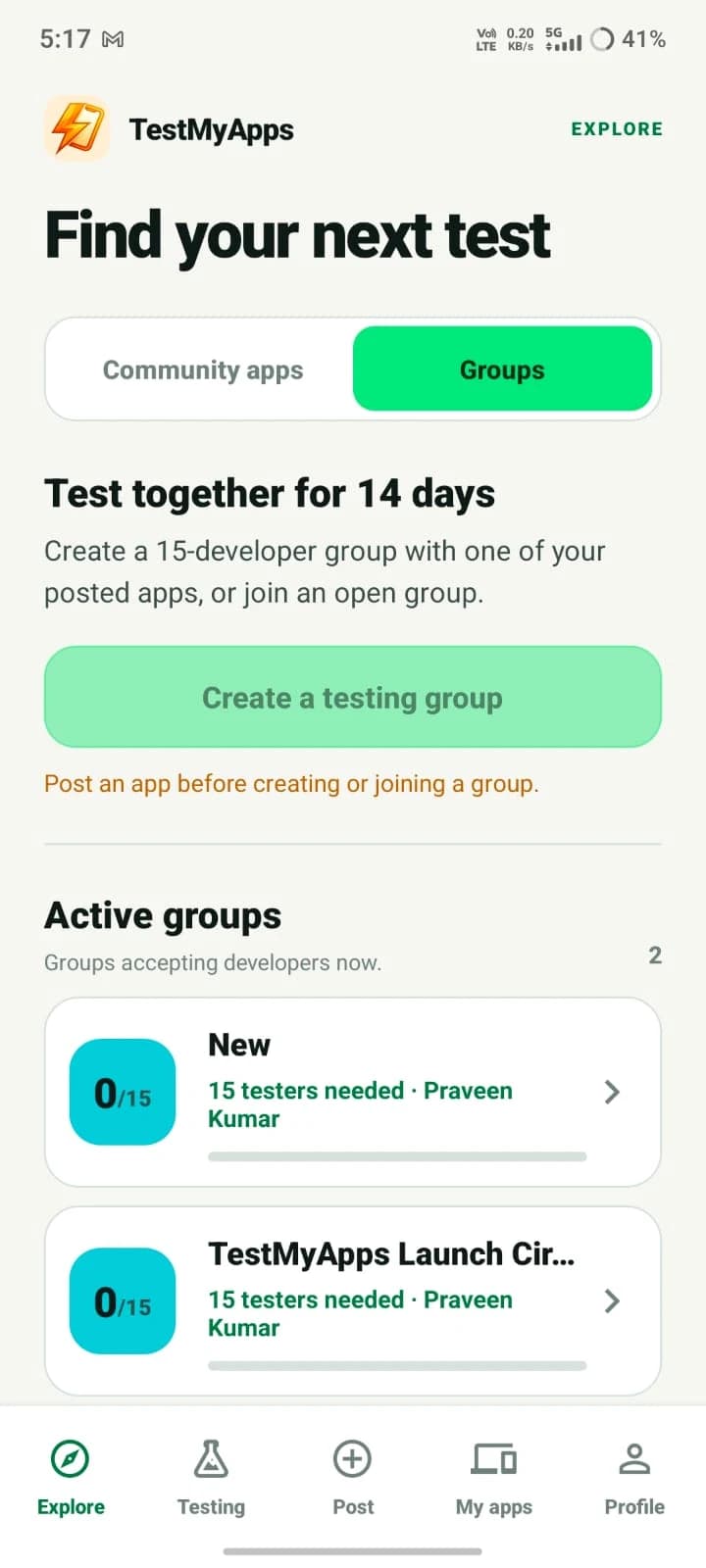
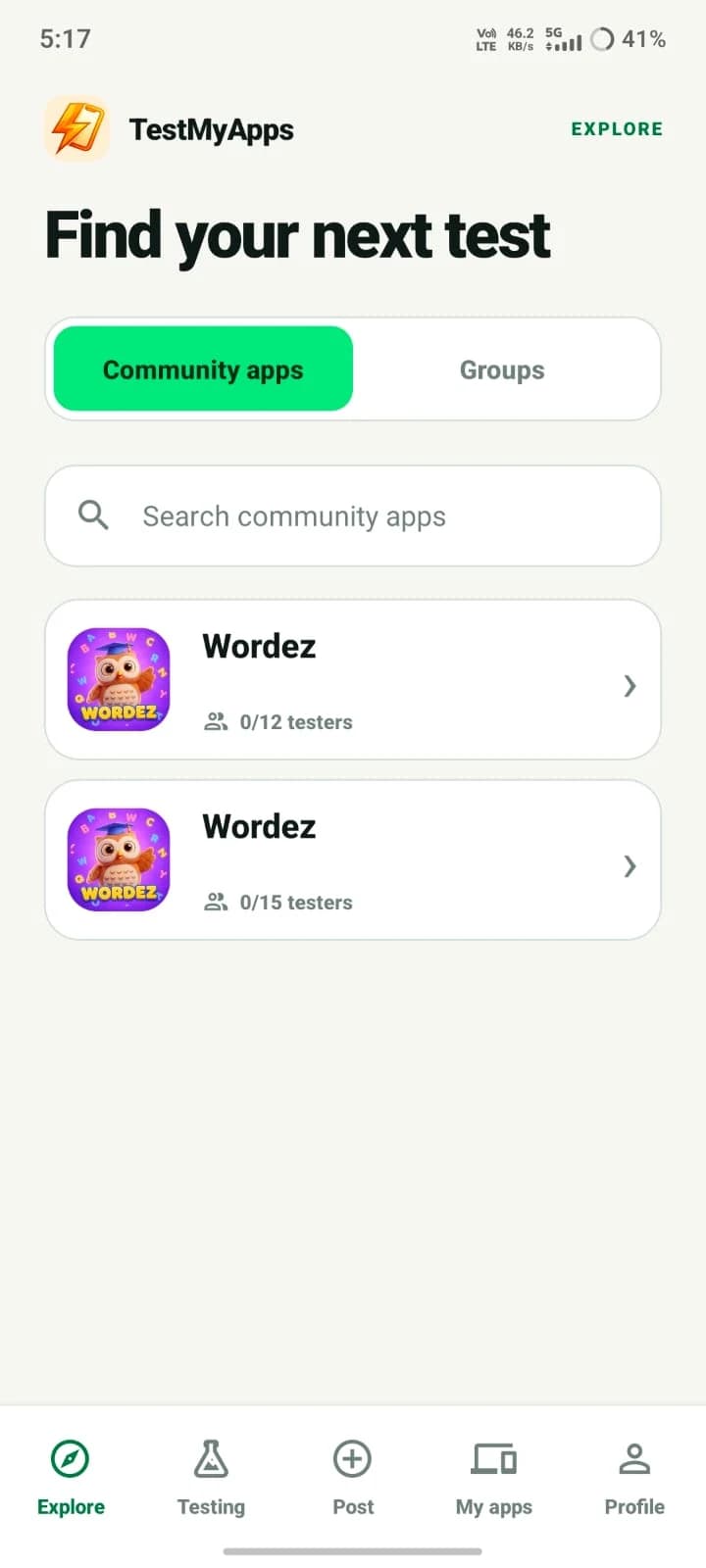
Everything in one app
How free community testing works
Download the community app
Install TestMyApps from Google Play and create your free community profile.
Create or join a testing group
Join developers who are testing together, or create a group for your own testing cycle.
Submit your Android app
Post your app, official Google Play opt-in link, supported countries, and the flows you want peers to test.
Test together for free
Test other developers' apps, collect reciprocal feedback, and manage your own opt-ins and testing window.
Community rules
- Create or join a testing group inside the TestMyApps community app.
- Submit the official Play Console opt-in link and state which countries can access the test.
- Reciprocate: test another developer's app and share specific, respectful feedback.
- Track your own opt-ins, reminders, and continuous testing window.
- Free community participation does not guarantee twelve retained testers or production access.
Before submitting your app, make sure you have the correct Google Play closed-testing opt-in link.
Need TestMyApps to assign and monitor testers for you? See the managed 12-testers service.
FAQ
Free community-app questions
Can I find free Google Play testers through TestMyApps?
Yes. Download the free TestMyApps Android community app, create or join a testing group, and submit your app for reciprocal testing. Community participation is self-managed and does not guarantee twelve retained testers or a completed fourteen-day window.
How do I ask for 12 testers for free?
Use the TestMyApps community app to join or create a testing group, submit your app and official Play Console opt-in link, then reciprocate by testing other developers' apps. Recruit more than twelve people to allow for dropouts.
Does joining the free community guarantee production access?
No. For affected personal accounts, maintaining the required closed-test opt-ins lets you apply for production access. Google reviews the application and makes the final decision.
What is the difference between the free community and managed testing?
The free Android community app helps developers organize reciprocal testing themselves. A paid managed run includes tester assignment, opt-in coordination, monitoring, reminders, and closeout reporting from TestMyApps.