Closed Testing
Fake Testers for Google Play Closed Testing: Risks, Red Flags, and Safer Options
Fake Google Play testers can weaken your production-access request. Learn the risks and how to choose real testers for closed testing.
On this page · 9 sections
- 01Why fake testers solve the wrong problem
- 02Red flags when evaluating tester offers
- 03What real closed testing participation looks like
- 04Safer alternatives to fake tester services
- 05How to evaluate a paid tester service honestly
- 06Building a credible test without shortcuts
- 07The long-term cost of fake testing
- 08Frequently asked questions
- 09Official sources
At a glance
In plain English
- Fake or bot “testers” risk wasted money and a weak production-access story — Google cares about real opted-in accounts on the closed track.
- If a seller cannot explain opt-in, devices, and how they handle dropouts, walk away.
- Prefer transparent recruiting or a managed service that monitors opt-ins for the full 14 days.
When you are stuck at fewer than 12 opted-in people, low-quality “tester” offers look tempting. Many are empty: no real opt-ins, no devices, no way to survive 14 days.
Fake testers do not reliably fix production access. They can waste budget and leave you with a fragile Console count.
This guide shows warning signs and safer ways to fill a closed test.
Why fake testers solve the wrong problem
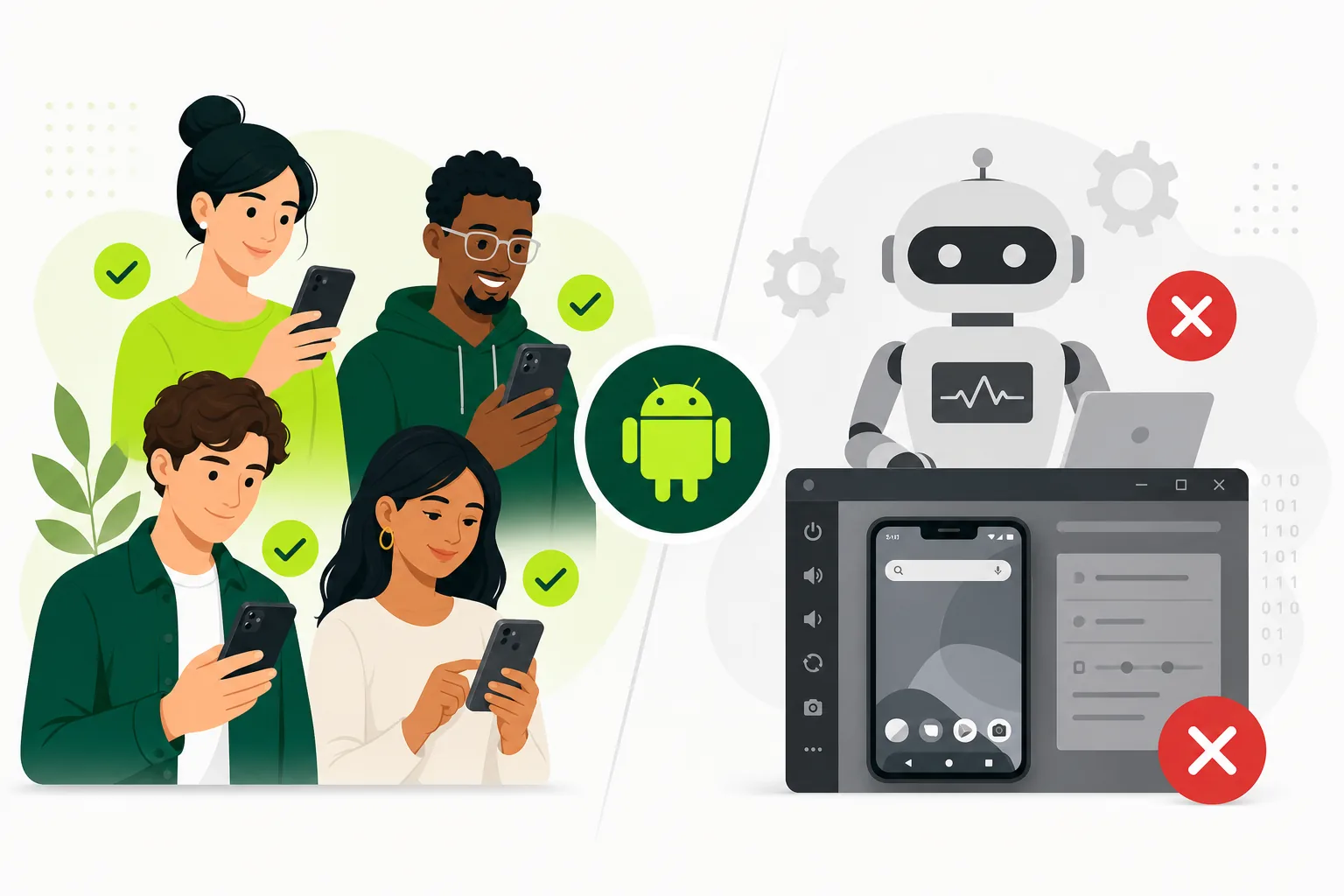
The production-access gate exists because Google wants apps tested by real people before they reach the store. Fake testers may opt in through the official flow — some services use real accounts operated minimally — but they typically provide no feedback, no device diversity insight, and no confidence that your onboarding, login, or core flows work under real conditions.
You end up with the appearance of participation and the reality of an untested app. When a real user hits a crash on day one of production, the fake test did not protect you. When Google asks what you learned during testing, 'twelve accounts opted in' is not an answer — 'testers found a signup bug on Android 13, we fixed it' is.
Weak testing also increases denial risk. Google can request continued testing or reject production access when the test story does not match app readiness. Read the production access denied guide to see how weak evidence plays out in practice.
Red flags when evaluating tester offers
Be cautious with any offer that promises guaranteed Google approval, instant production access, or '100% success rate.' No legitimate service can guarantee Google's review outcome. Guarantees are a marketing signal, not a quality signal.
Other red flags: emulator-only testing with no real Play Store install path, no ability to provide opt-in confirmation from Play Console, refusal to share process details, accounts that appear disposable or reused across multiple unrelated apps, no feedback collection, and prices that seem too low for genuine human coordination across fourteen days.
Screenshot proof that cannot be tied to your specific app — generic Play Console images, wrong package name, or undated captures — is another warning sign. Real services show progress tied to your closed testing track with dates and counts you can verify yourself.
- Guaranteed approval or instant production access claims.
- No proof of Play Store opt-in or install through official path.
- Emulator-only or APK sideload without closed track opt-in.
- Disposable, bulk, or obviously automated Google accounts.
- No scenario-based testing, feedback, or progress reporting.
- Generic screenshots not tied to your app or test window.
What real closed testing participation looks like
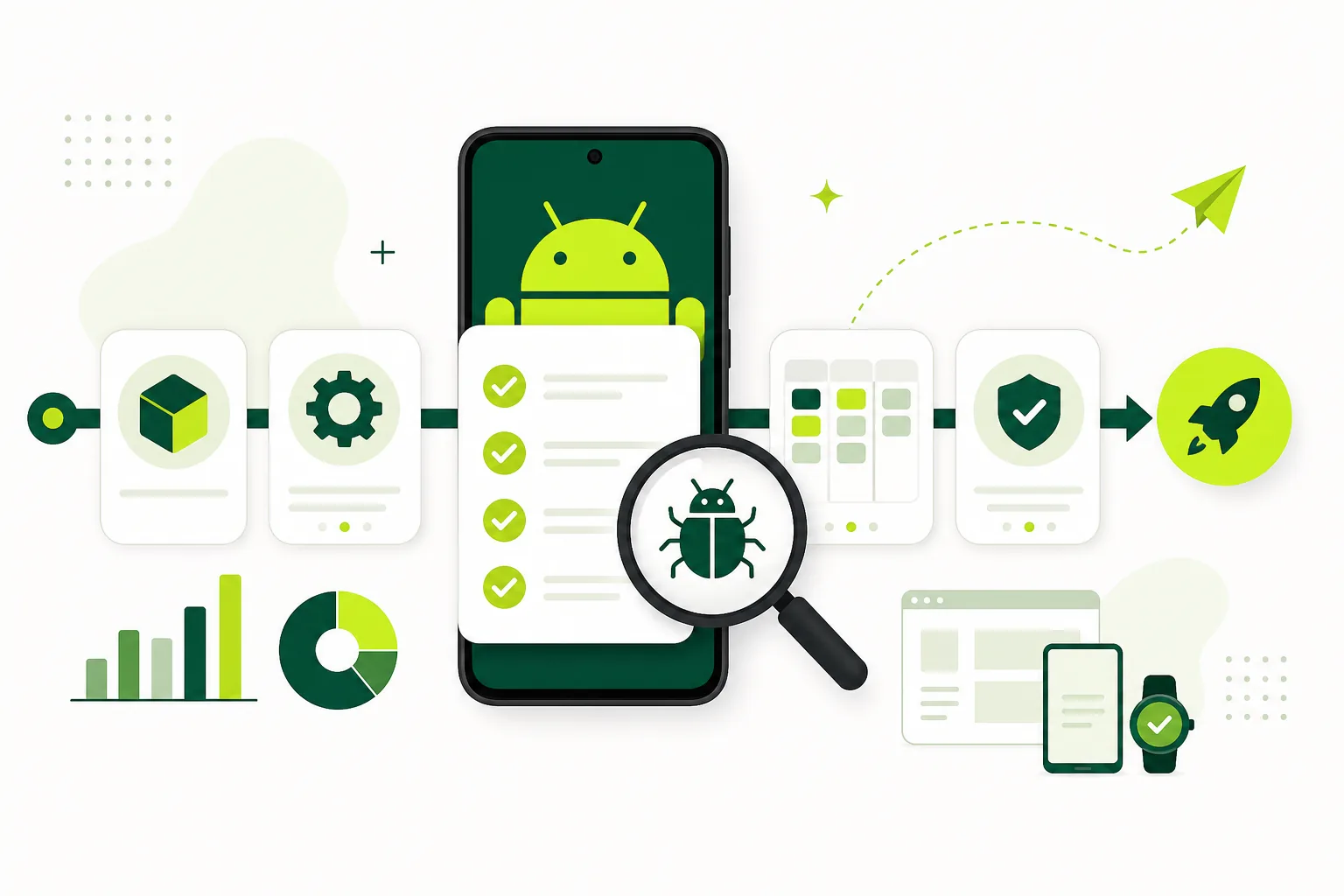
Real testers use valid Google accounts, complete opt-in through your closed testing link or email invite, install from the Play Store test path on physical Android devices, follow scenario-based instructions, and respond when something breaks. They appear in Play Console as opted-in testers on your closed track.
Real participation produces artifacts: bug reports with device model and Android version, screenshots of confusing UI, crash reports in Play Console vitals or your analytics, and answers to specific questions about onboarding clarity. These artifacts become your production-access evidence and your pre-launch confidence.
The 12 testers requirement guide defines what counts as valid opt-in. The 14-day window guide explains how to track participation across the full timeline. Both assume real testers, not number-filling.
Safer alternatives to fake tester services
Option one: recruit from your own network. Friends, colleagues, early waitlist subscribers, and niche community members who care about your app category. Write clear instructions, follow up on opt-ins, and offer a small thank-you if appropriate. This works when you have time and reachable contacts.
Option two: indie founder communities, Reddit threads, Discord groups, and beta testing forums. Post a genuine pitch explaining what the app does, how long testing takes, and what you need. Screen for people with relevant Android devices.
Option three: a managed tester service that coordinates real opted-in testers with visible progress, scenario assignments, and feedback collection. Judge services by process quality — not price or guarantees. The Google Play closed testing service focuses on the twelve-testers-for-fourteen-days workflow with real participation tracking.
- Personal network: friends, colleagues, waitlist subscribers.
- Communities: Reddit, Discord, indie founder groups, niche forums.
- Managed service: real opt-in tracking, scenarios, feedback, and support.
- Hybrid: internal smoke test first, then closed test with recruited external testers.
How to evaluate a paid tester service honestly
Before paying, ask specific questions: How do testers opt in — through my Play Console closed track link? Can I verify opt-in count in my own Play Console? What feedback do I receive and in what format? What happens if a tester opts out mid-window? Do you help with replacement? Is there scenario-based testing or only install-and-forget?
A good service answers clearly and lets you verify progress in Play Console yourself. A bad service hides process details, promises approval, or cannot explain how feedback reaches you. Run the closed testing checklist tool before engaging any service so your app is ready when testers arrive.
Compare timeline expectations with the testing timeline estimator. Services that promise production access in under fourteen days are either misunderstanding the requirement or cutting corners.
Building a credible test without shortcuts
Start with a stable release candidate — not a broken build you hope nobody opens. Complete store listing, privacy policy, and data safety before inviting testers. Recruit fourteen to sixteen real people for a twelve-tester requirement. Send a one-page testing brief with install steps and three to five scenarios.
Track opt-ins daily in Play Console. Collect feedback in a shared form. Fix blockers and notify testers to retest. Document what changed. This is the same workflow whether you recruit friends or use a managed service — the difference is who handles coordination.
The complete closed testing playbook walks through the full lifecycle. Read what is closed testing for setup basics and internal vs closed testing to confirm you are on the correct track before spending money on any tester solution.
- Prepare a testable release candidate and complete Play Console setup.
- Recruit fourteen to sixteen real testers with valid Google accounts.
- Send opt-in links with clear install and scenario instructions.
- Track opt-ins daily and replace dropouts immediately.
- Collect feedback, fix issues, retest, and document changes.
- Apply for production access with specific evidence from real testing.
The long-term cost of fake testing
Fake testing trades a few days of convenience for weeks of downstream pain. Production-access denial means another test window. Launching untested means one-star reviews and emergency hotfixes. Store policy issues discovered by real users instead of testers can trigger enforcement actions that fake accounts never would have caught.
Invest in real testing once and you get feedback, confidence, and a credible production-access story. The production access denied troubleshooting guide exists because teams skip this investment and pay later.
Your app deserves real users before launch — even if that means recruiting patiently, paying for legitimate coordination, or extending your timeline by two weeks. The developers who ship sustainably treat closed testing as product development, not compliance theater.
FAQ
Questions about this topic
Can fake testers get my app approved faster?
They might temporarily fill an opt-in count, but they do not create a strong test. Weak participation can lead to production-access denial, requests for continued testing, poor launch confidence, and real-user crashes that a fake test never would have caught.
How do I know Google Play testers are real?
Verify opt-in status in your own Play Console closed testing track, confirm testers installed through the Play Store path, check for responsive communication, and look for useful feedback tied to your app's core flows with device and OS details.
Is using a paid tester service allowed for closed testing?
Google does not prohibit paying for tester coordination. The safer question is whether the service provides real, opted-in testers who follow the official Play Console flow and use the app meaningfully — not disposable accounts that exist only to inflate a count.
Do fake testers violate Google Play policy?
Using deceptive practices to misrepresent app quality or testing can create policy and review risk. Even when not explicitly prohibited, fake testing undermines the purpose of the production-access requirement and produces weak evidence if Google scrutinizes your submission.
Can emulators count as closed testing participation?
Emulators are useful for developer QA, but emulator-only activity is weak evidence of real launch readiness. Verify the official closed-track opt-in in Play Console, then use real people on Android hardware for meaningful app usage and feedback.
What is the safest way to meet the 12 testers requirement?
Recruit fourteen to sixteen real people with valid Google accounts, verify opt-ins in Play Console, track participation daily for fourteen continuous days, collect scenario-based feedback, and fix issues before applying. Use the [complete playbook](/blog/google-play-closed-testing-complete-playbook-2026) as your step-by-step reference.
Sources
Official references used
- App testing requirements for new personal developer accounts (Google Play Console Help)
- Set up an open, closed, or internal test (Google Play Console Help)
Continue
Choose the next step
Related
Next pages to read
Need 12 testers for 14 days?
Start a managed Google Play closed-testing run with verified testers, opt-in monitoring, and a closeout report.