Launch
How to test your Android app before launch
A practical pre-launch testing checklist for Android teams that want fewer surprises in Google Play review and fewer bugs after release.
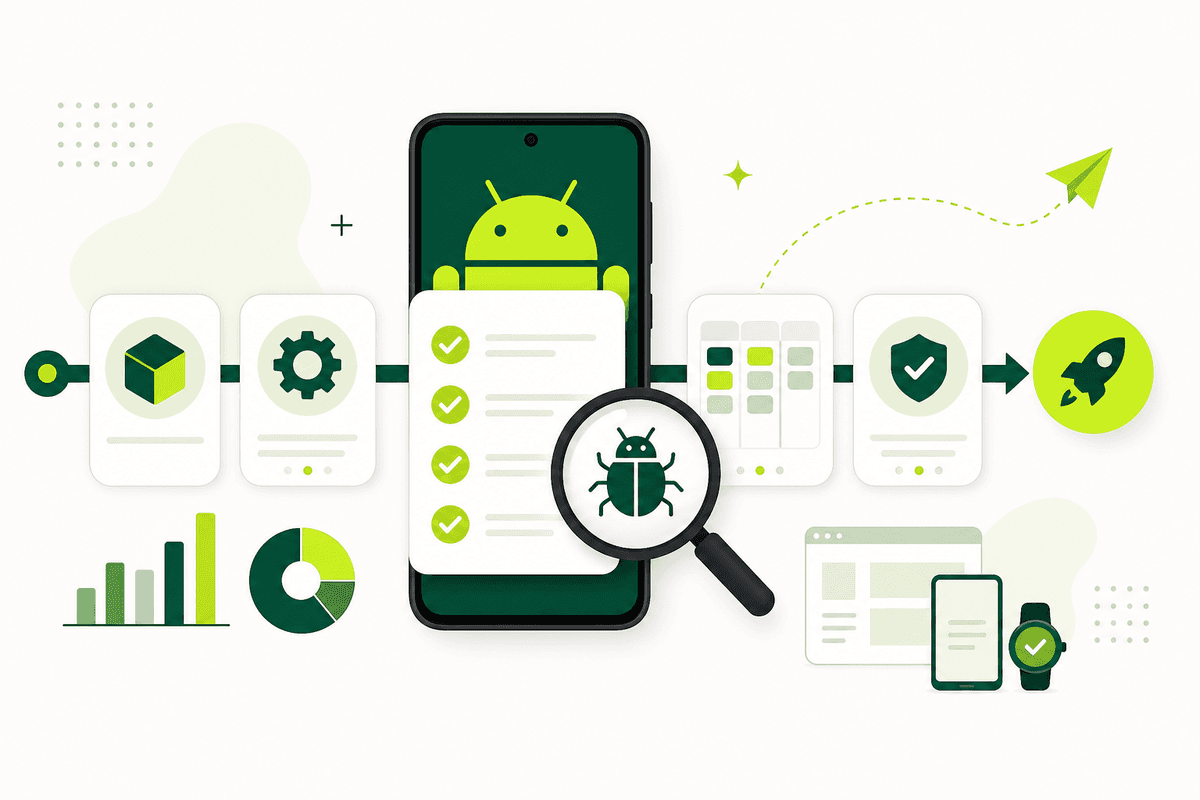
To test your Android app before launch, validate critical user journeys on real devices, exercise the official Play Store install path if you use closed testing, audit store metadata and privacy disclosures against actual app behavior, and bring in real external testers before Google Play review becomes your first QA cycle. A launch-ready Android app has to survive more than your own happy path — it must work across real networks, OEM-specific behavior, and first-run onboarding that your team no longer notices.
This guide covers the practical testing layers you want before release so Google Play review and early user feedback do not become your first real QA cycle. Use it alongside the mobile app launch testing checklist for a cross-platform view, and the complete closed testing playbook if Google Play closed testing is part of your launch path.
Start with the critical journeys
Test the paths that affect launch confidence most: install, onboarding, login, core task completion, payments if relevant, and account recovery. Those are the flows that hurt the most when they fail in review or on day one. Reviewers exercise core journeys on real devices — if login breaks, you get rejected regardless of how polished secondary features look.
Write them down as a short checklist so the whole team tests the same things. Rank flows by user impact: anything that blocks first value delivery is P0. Anything that affects revenue, authentication, or data integrity is P0. Cosmetic issues can wait unless they signal broader quality problems.
Include edge cases: denied permissions, airplane mode mid-flow, app backgrounded during OTP entry, and low storage warnings. Mobile users hit these constantly. Your internal team often skips them because they know the workaround.
Use real devices, not only emulators
Emulators are helpful for speed, but they do not surface everything. OEM behavior, permissions, push notifications, battery optimization, background restrictions, and network instability all behave differently on real phones. Samsung, Pixel, and budget devices handle memory pressure, notification channels, and deep links differently.
If you are preparing for launch, real-device coverage is non-negotiable. Maintain a compact device matrix: one recent Pixel, one Samsung mid-range, one budget device with limited RAM, and one older Android version your analytics show in production if you already have beta data.
Read real users vs emulators for app testing for a deeper comparison of what each layer catches. The strongest pre-launch strategy combines emulator speed with real-device confidence.
Test the install and update path
Make sure the app installs cleanly, updates properly from previous builds, and handles permissions in a way that makes sense to new users. Many launch issues appear before the user even reaches the main feature — broken deep links, missing install referrer handling, or permission prompts that appear before value is clear.
If you are using Google Play closed testing, the Play install path is worth testing exactly as your external users will experience it. Generate the opt-in link, walk through acceptance, install from Play Store, and confirm the version matches your release. Sideloading during development does not prove the Play path works.
Test updates too: install an older build, then update to your release candidate. Database migrations, cached session tokens, and feature flags often break on update paths that look fine on fresh installs. See what is Google Play closed testing if closed testing is new to your workflow.
Look for review blockers, not only product bugs
A great feature set does not matter if your privacy policy is missing, the screenshots are inaccurate, or the login flow fails during review. Store blockers live outside the product too. Pre-launch testing should include a policy and listing pass, not just a QA pass.
Audit data safety answers against actual SDK behavior. Analytics, crash reporting, authentication, and payment SDKs collect data — your Play Console declarations must match. Mismatches between declared collection and actual behavior are a frequent rejection trigger.
Compare every screenshot and store description claim to what the current build actually does. Reviewers compare the store page to the binary. Exaggerated claims or visuals of unshipped features create immediate trust problems.
- Privacy policy link accessible from the app and store listing.
- Data safety and permission declarations match actual behavior.
- Accurate store text and screenshots for the current build.
- Permissions requested only when tied to visible features.
- Working demo or test accounts for reviewer login flows.
Run structured regression before every release candidate
As launch approaches, every build should pass the same smoke checklist before it reaches testers or review. Automate what you can — login, navigation, core API calls — and keep a manual exploratory pass for UX judgment and edge cases automation misses.
Tag builds clearly so feedback maps to the right version. Nothing slows a pre-launch sprint like bug reports against an old APK. Use release notes testers can understand: what changed, what to retest, and what was fixed since the last build.
If you are on a tight timeline, prioritize regression on flows that changed since the last stable build. Full exploratory passes are ideal; targeted regression is acceptable when the launch date is fixed and scope is controlled.
Bring in real users before launch
Internal teams are too close to the product to notice every confusing moment. Real testers catch unclear copy, friction in onboarding, and weird interactions that your team no longer sees because they have used the app hundreds of times.
That is why real-user testing is so valuable before release, especially when the app is new or the audience is broad. For Google Play, closed testing with external testers also satisfies the production-access requirement for affected personal accounts — see the complete playbook for setup details.
A managed service like TestMyApps helps when you need real-device coverage and structured feedback without building the ops workflow yourself. See how it works and pricing if you want external testers coordinated across your pre-launch window.
Use feedback to decide what must ship now
Not every bug should block launch, but anything that hurts onboarding, crashes core flows, or makes the listing misleading should be fixed first. Use testing to prioritize what really affects release quality. The goal is not perfect software — the goal is a stable, honest, launch-ready version.
Create a simple severity rubric: P0 blocks launch (crashes, broken login, policy mismatches), P1 should fix before launch if time allows (confusing UX on core flows), P2 can ship in a fast follow-up (minor UI polish). Share the rubric with testers so feedback is actionable.
Document what you fixed and what you deferred. That discipline helps if Google asks about your closed-testing learnings and keeps your team aligned on launch scope.
Conclusion
Testing an Android app before launch means validating the product, the install path, the policy layer, and the first-run experience. Teams that do this well go into review with more confidence and spend less time reacting after release.
Start with the mobile app launch testing checklist, add real-device and real-user layers from real users vs emulators, and use Google Play closed testing when the official Play path is part of your launch gate.
FAQ
Questions about this topic
How do I test an Android app before launch?
Validate critical journeys on real devices, test the Play Store install path if applicable, audit store metadata and privacy disclosures, run regression on release candidates, and bring in real external testers before submission. Cover both product quality and review blockers.
Are emulators enough for pre-launch Android testing?
Emulators are useful for speed and automation, but they miss OEM behavior, real network conditions, push permissions, and battery optimization. Real-device testing is essential before launch.
What should I test before Google Play review?
Test install, onboarding, login, core features, permissions, privacy policy links, data safety accuracy, and store listing alignment. Provide working test accounts if login is required.
When should I involve real users?
Bring in real users once you have a stable release candidate — before final submission or during Google Play closed testing. External testers catch confusion and friction your team no longer notices.
How does closed testing fit pre-launch QA?
Closed testing validates the official Play install path, satisfies the production-access requirement for affected personal accounts, and gives you real external feedback before public launch. See the complete playbook for setup.
What bugs should block launch?
Block launch on crashes, broken login or onboarding, policy mismatches, misleading store metadata, and any defect that prevents core task completion. Defer minor polish if core flows are stable and honest.
Sources
Official references used
- App testing requirements for new personal developer accounts (Google Play Console Help)
- Set up an open, closed, or internal test (Google Play Console Help)
Continue
Choose the next step
Related
Next pages to read
Apply the guide to your closed-testing run.
Use the free tools to check your setup, or review managed tester support when recruitment and coordination are the blocker.
Need help getting your app through store testing?
Talk to the TestMyApps team about onboarding, pricing, or store testing support