Testing
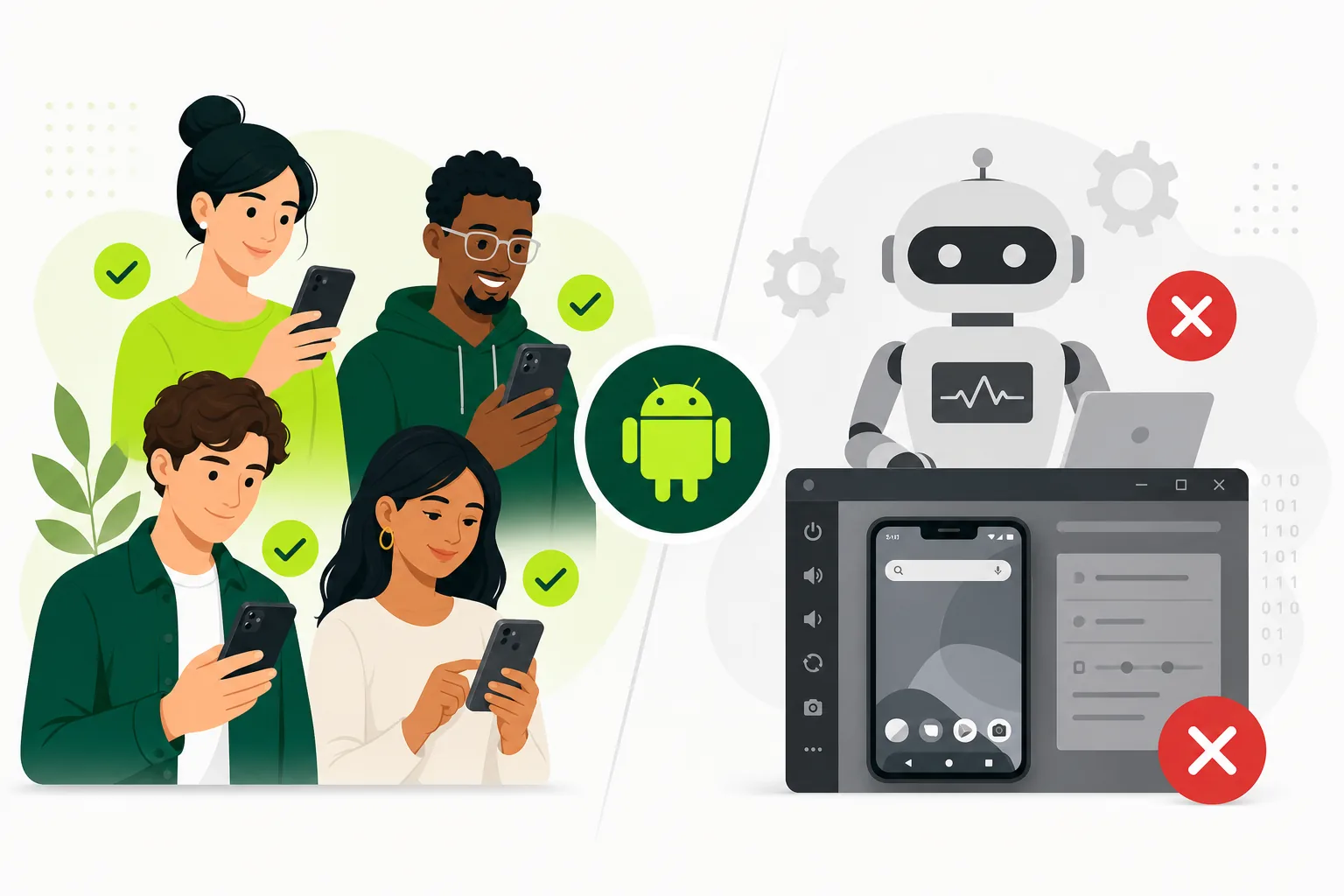
Real users vs emulators for app testing
Why real-user, real-device testing still matters even if your team already uses emulators and automated checks.
On this page · 10 sections
At a glance
In plain English
- Emulators are great for early crashes and CI; real users catch OEM, permission, and network issues.
- Play closed testing requires real Google accounts on the closed track — emulators do not replace that gate.
- Use both: automate on emulators, validate on devices and people.
Emulators help you move fast. Real users tell you whether the app survives messy phones and messy humans.
For Google Play production access, remember the closed-testing requirement is about opted-in people — not emulator sessions.
This guide helps you spend limited time on the right mix.
What emulators are great at
Emulators are fast, repeatable, and cheap to run. They are excellent for layout checks, smoke tests, environment setup, and early-stage debugging. Spin up multiple API levels in minutes, reset state cleanly, and attach debuggers without hunting for physical devices.
They are also perfect for automation pipelines where you want fast feedback on every build. UI tests that verify login, navigation, and API integration run reliably in CI when flakiness from real-device farms is unacceptable for every commit.
Use emulators for developer velocity: catching obvious regressions before code merges, validating responsive layouts across screen sizes, and testing API contract changes quickly. That speed is genuine value — the mistake is stopping there.
What emulators miss
Emulators do not fully capture OEM-specific behavior, low battery conditions, real push notification delivery, background restrictions, flaky cellular networks, or thermal throttling under sustained use. Samsung, Xiaomi, and other manufacturers apply aggressive battery optimization that kills background work differently than stock Android emulators.
They also miss the human confusion that comes from unclear onboarding and weak product copy. Your team knows where to tap; a new user does not. Emulators execute scripts; they do not abandon flows when copy is ambiguous or a button label makes no sense.
That is why teams often feel confident internally and still hit surprises in the real world — or during Google Play review on a device profile they never tested. See how to test your Android app before launch for a pre-launch device matrix that closes common gaps.
What real users reveal
Real testers reveal how an app behaves when nobody on the team is narrating the path. They show where copy is unclear, where navigation feels wrong, and which flows people abandon when they are not already trained on the product.
That kind of signal is invaluable before launch and during Google Play closed testing, where Google expects believable usage from opted-in external testers — not passive installs. Real users also surface device-specific bugs: keyboard overlap on small screens, RTL layout breaks, and permission dialogs that block progress.
Qualitative feedback from real users complements crash analytics. A low crash rate with high day-one drop-off still means something is wrong — emulators and crash dashboards alone will not tell you the onboarding sentence nobody understands.
Real devices vs emulators: a practical comparison
Think of emulators as a microscope and real devices as a field test. The microscope finds known patterns quickly; the field test reveals how the product survives contact with reality.
- Speed: emulators win for daily development and CI smoke tests.
- OEM behavior: real devices win — battery optimization, custom launchers, notification channels.
- Network realism: real devices win — flaky LTE, captive portals, switching Wi-Fi mid-flow.
- Human UX signal: real users win — confusion, abandonment, unclear copy.
- Cost and scale: emulators win for repetitive regression; real users cost more but catch launch blockers.
- Google Play closed testing: real users on real devices through the Play opt-in path are required for production access.
The best approach is layered
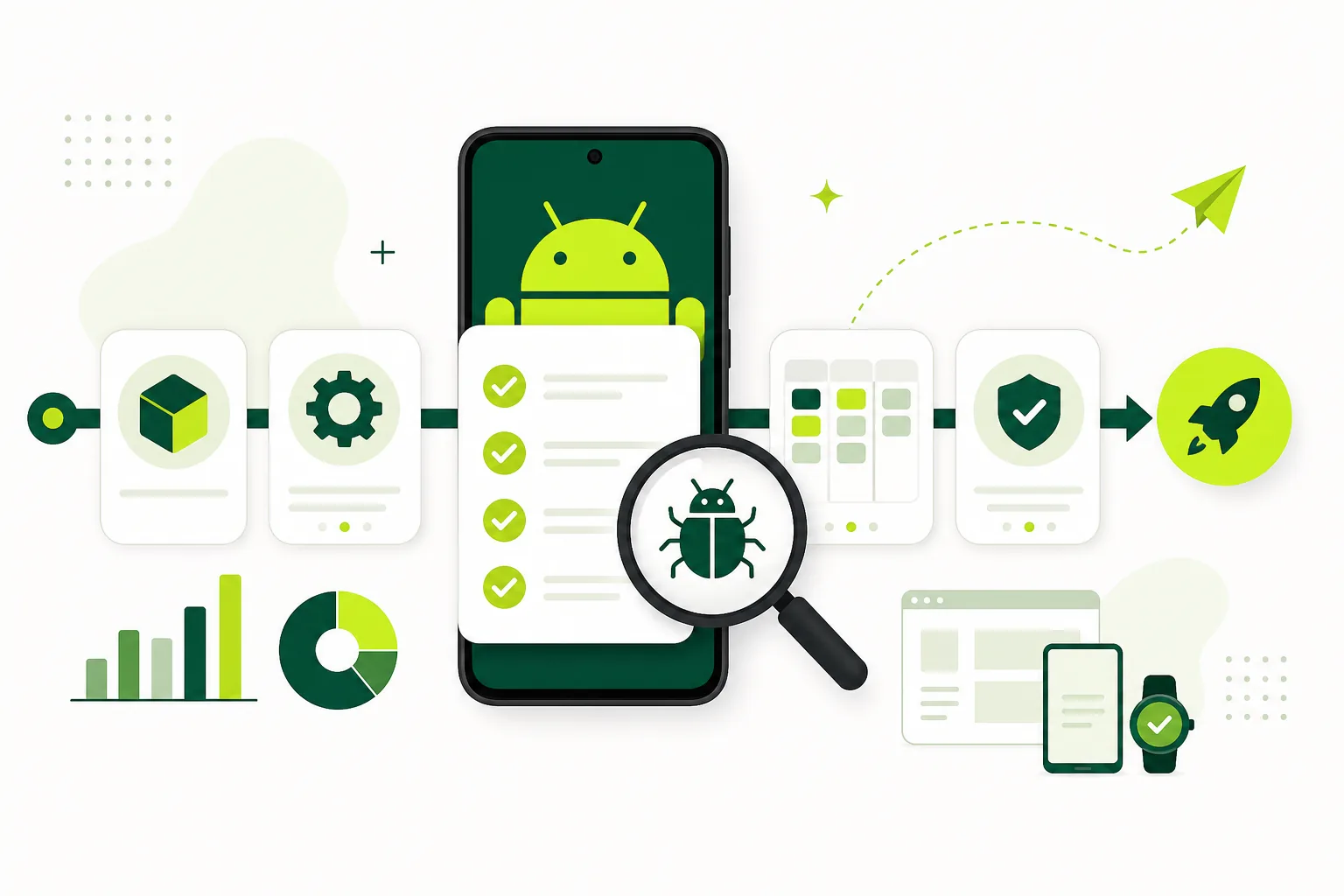
Use emulators and automation for speed. Use real devices and real users for confidence. The combination catches both obvious regressions and the subtle issues that hurt launches.
A practical workflow: automated smoke tests on every PR, manual exploratory passes on real devices before release candidates, and external testers during closed testing or beta. If you only use one layer, you are choosing either speed without realism or realism without enough repetition.
Follow best practices for mobile QA in 2026 for how teams structure automation, manual passes, and real-user feedback in the same pipeline. The mobile app launch testing checklist helps ensure you cover both layers before submission.
Real users for Google Play closed testing
For affected new personal developer accounts, Google Play closed testing requires at least twelve opted-in testers for fourteen continuous days on the closed track. Those testers must use real Google accounts, install through the Play Store test path, and participate on real devices.
Emulator-only testing does not satisfy this requirement — and it would not produce the usage signal Google expects even if it did. External real users through the official opt-in flow are the point. Read what is Google Play closed testing and the complete playbook for setup details.
If recruiting and coordinating real testers is the bottleneck, a Google Play closed testing service handles the operational layer while you keep emulators and automation for daily development.
Where managed testing fits
A managed service like TestMyApps helps teams bring the real-user layer into their workflow without creating a new operations burden. You do not replace your current QA habits — you strengthen them with real participation and clearer reporting.
That is especially useful when the release deadline is close and the cost of blind spots is high. Solo founders and small teams often have solid emulator and automation coverage but no system for recruiting fourteen external testers, tracking opt-ins, and collecting structured feedback.
Managed testing also helps when you need geographic or device diversity you cannot source locally. Testers in different regions expose CDN latency, locale formatting bugs, and payment flow differences that your local emulator farm never simulates accurately.
See how it works for the managed workflow and pricing to compare self-serve real-device testing against coordinated closed-testing runs.
Conclusion
Real users and emulators are not competing tools. They answer different questions. Emulators give you speed and repeatability; real users and real devices give you launch confidence, policy credibility, and UX signal you cannot script.
Build a layered strategy: automate on emulators, explore on real devices, and validate with real users before launch — especially during Google Play closed testing when external participation is part of your release gate.
FAQ
Questions about this topic
Are emulators enough for app testing before launch?
No. Emulators are valuable for speed and automation, but they miss OEM behavior, real network conditions, push notifications, battery optimization, and human UX confusion. Real-device and real-user testing are essential before launch.
Why use real users instead of only automated tests?
Real users reveal unclear copy, navigation friction, and abandonment patterns that scripts never hit. They also satisfy Google Play closed testing requirements for external participation on real devices through the official opt-in flow.
Can I use emulators for Google Play closed testing?
Use the qualifying Play Console closed track and verify each tester's official opt-in. Google's published minimum is continuous opt-in, while real people on physical devices give you the credible usage and feedback needed to prepare a strong production-access application.
What is the best mix of emulators and real devices?
Use emulators and automation for daily development and CI smoke tests. Use real devices for pre-release exploratory passes and real external users for closed testing or beta feedback before launch.
What do real devices catch that emulators miss?
OEM-specific battery optimization, background restrictions, real push delivery, thermal throttling, flaky cellular networks, and device-specific UI issues like keyboard overlap on small screens.
How do managed testing services help?
Managed services coordinate real testers on real devices through structured workflows — recruitment, onboarding, reminders, and feedback collection — without replacing your emulator and automation pipeline.
Sources
Official references used
- App testing requirements for new personal developer accounts (Google Play Console Help)
- Set up an open, closed, or internal test (Google Play Console Help)
Continue
Choose the next step
Related
Next pages to read
Need 12 testers for 14 days?
Start a managed Google Play closed-testing run with verified testers, opt-in monitoring, and a closeout report.