QA
Best practices for mobile QA in 2026
Build better apps with modern testing strategies that blend devices, automation, analytics, and security.
On this page · 11 sections
At a glance
In plain English
- For Android launches in 2026, pair lightweight QA habits with Play closed testing when production access requires it.
- Prioritize real devices for permissions, OEM quirks, and network failures — emulators alone are not enough.
- Write short test scripts; capture bugs with steps and device info.
Mobile QA best practices only help if they match how you ship. For many indie Android apps, that includes a closed-testing window before production access — not only unit tests.
Keep the practice list short: real devices, critical journeys, permission edge cases, and a feedback loop into fixes.
Use this as an Android-first QA primer, then deep-link into Play-specific guides when you hit the store gate.
Real device testing is essential
Simulators and emulators are useful for early checks, but they do not reproduce thermal throttling, OEM-specific behaviors, or real network variability. Samsung, Pixel, and budget devices handle memory pressure, notification channels, and background work differently.
Maintain a compact device matrix that spans popular chipsets, screen sizes, and OS versions relevant to your audience. Four to six physical devices often cover eighty percent of real-world risk for indie and startup teams. Rotate devices in your manual test passes so coverage stays fresh.
Real-device testing is non-negotiable before Google Play submission and during Google Play closed testing, where external testers exercise your app on hardware you may not own. See how to test your Android app before launch for a practical pre-release device plan.
Combine automation and manual testing
Automation excels at regression and repetitive flows — login, checkout, navigation smoke tests, API contract validation. Manual testing excels at exploratory passes, UX judgment, and edge cases that are expensive or brittle to script.
Use both: automated smoke tests on every build, and structured manual cycles before major releases. Flaky automation erodes trust faster than no automation — invest in stable selectors and realistic test data before expanding coverage.
Manual exploratory testing should follow charters, not random tapping. Give testers a time-boxed mission: 'break onboarding on Android 14' or 'find permission flows that confuse new users.' Structured exploration finds bugs ad-hoc clicking misses.
Involve real users early
Internal QA will never mimic the diversity of real-world usage. Closed groups, beta programs, or managed tester networks reveal confusing flows and unexpected paths through your product. Real users catch copy problems, navigation dead ends, and first-run friction your team no longer sees.
Capture qualitative notes alongside telemetry so you prioritize fixes that affect real retention — not just crash counts. A stable app with confusing onboarding still fails in the market.
For Google Play, closed testing with external testers satisfies the production-access requirement for affected personal accounts. Read what is Google Play closed testing and the complete playbook for operational details. See how it works and pricing for managed real-user support.
Shift-left testing
The earlier you catch defects, the cheaper they are to fix. Integrate API contracts, unit tests, and UI smoke checks into development branches before merges hit main. Developers who own quality checks in their feature branches reduce late-stage surprise.
Shift-left does not replace system testing; it reduces the volume of late-stage surprises. A healthy pipeline catches broken builds before they reach QA, so manual and real-user effort focuses on integration and UX — not obvious compile errors.
Add pre-merge gates: lint, unit tests, and a five-minute smoke suite. Block promotion to release candidates when smoke fails or crash thresholds regress in staging.
Analytics-driven QA
Instrument key funnels and stability metrics so QA can focus on areas with rising crash rates, session drops, or latency spikes. Version-tagged analytics let you compare builds and confirm fixes actually moved the numbers.
Pair quantitative signals with qualitative feedback from testers. Crash-free sessions may look healthy while day-one retention collapses because onboarding is confusing — analytics show the drop; users explain why.
Define quality dashboards your whole team reads: crash-free rate, ANR rate, core funnel completion, and tester-reported P0 count per build. Review them before every release candidate sign-off.
Security testing
Validate authentication flows, token storage, transport security, and data handling on disk. For apps handling payments or PII, run targeted reviews against OWASP mobile guidance. Certificate pinning, secure storage, and session expiry matter before launch — not after an incident.
Security issues are both a policy risk and a user-trust risk. Store reviewers and users both punish apps that mishandle credentials, expose sensitive data in logs, or request excessive permissions.
Include security checks in your release checklist: no secrets in source, encrypted local storage for tokens, HTTPS everywhere, and permission requests tied to visible features.
Continuous testing in CI/CD
Automate builds, tests, and distribution so every commit is a candidate release. Add gates that block promotion when smoke tests fail or crash thresholds regress. Continuous testing turns quality into a pipeline property instead of a final-week scramble.
Distribute internal and closed-test builds automatically when gates pass. Manual upload steps create delays and version confusion — especially when multiple teammates ship builds during a launch sprint.
Tag every build with a version testers can reference in feedback. When a bug report says 'login broken' without a build number, you lose hours reconciling which APK or AAB the tester actually ran. Consistent naming — semantic version plus build number — keeps QA, engineering, and external testers aligned.
For startups scaling QA, see how to scale testing for startups for workflow patterns that grow with your team without drowning in spreadsheets.
Accessibility and inclusive testing
Accessibility is part of quality, not a separate audit. Test with TalkBack enabled on Android, verify touch targets meet minimum size guidelines, and confirm color contrast on primary actions. Screen reader users and users with motor limitations hit the same store review and retention gates as everyone else.
Inclusive testing also means covering low-end devices and slow networks — conditions common outside your office Wi-Fi. An app that only feels good on flagship hardware will accumulate bad reviews from users on budget phones even when crash analytics look clean.
Conclusion
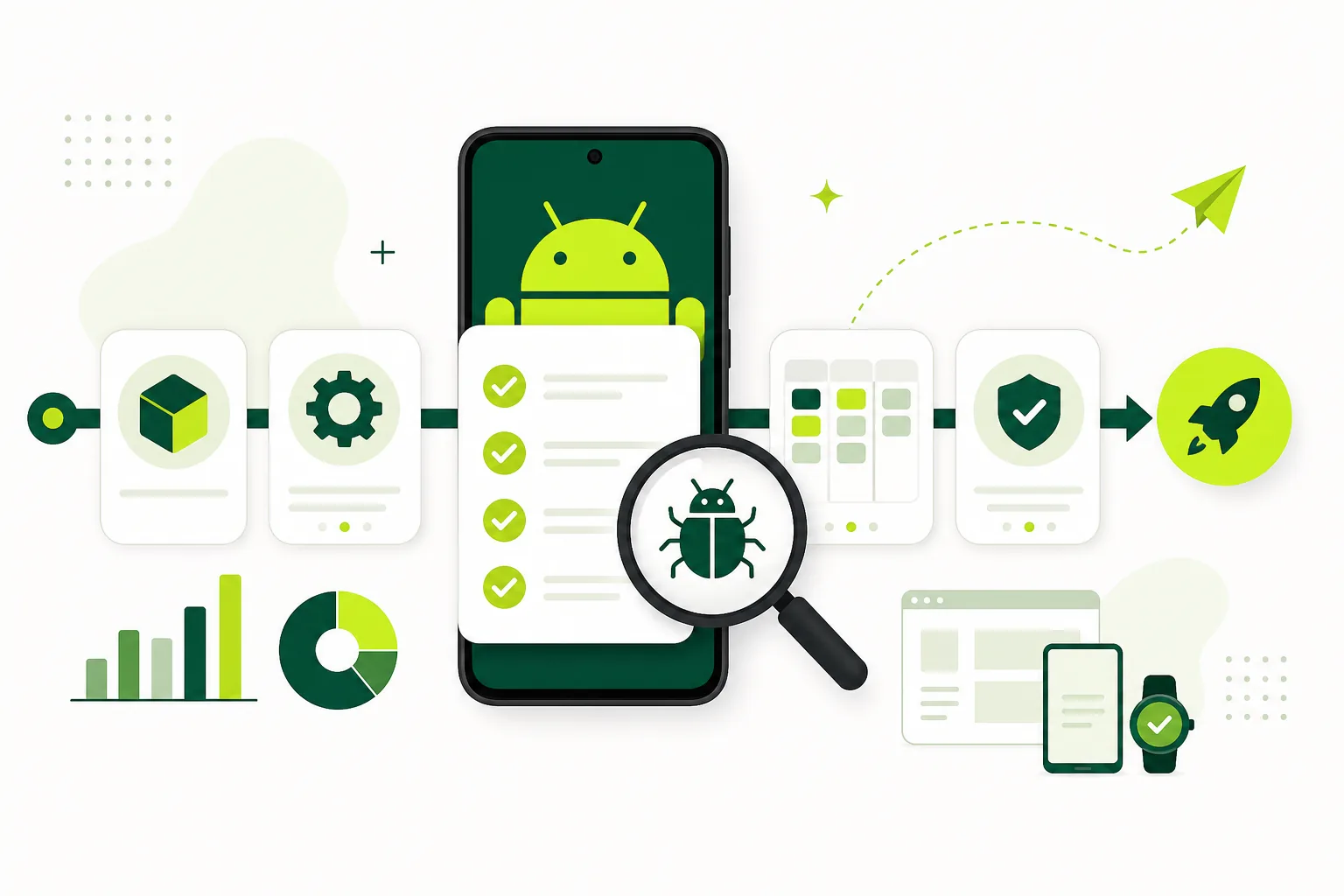
Modern QA is quality engineering: tools, culture, and feedback loops working together. Invest in the basics — real devices, automation, real users, analytics, and security — and your releases get calmer even as velocity increases.
Before your next launch, run the mobile app launch testing checklist, layer real users through Google Play closed testing when needed, and keep real users vs emulators in mind when planning coverage.
FAQ
Questions about this topic
What are the best mobile QA practices in 2026?
Combine real-device testing, targeted automation, early real-user feedback, shift-left CI checks, analytics-driven prioritization, security validation, and continuous testing gates. Use emulators for speed and real users for launch confidence.
Should I rely on automation or manual testing?
Use both. Automation handles repetitive regression and smoke tests on every build. Manual and exploratory testing catches UX issues, edge cases, and integration problems that scripts miss or cannot evaluate.
When should real users enter the QA process?
Bring in real users once you have a stable release candidate — during closed testing, beta, or structured pre-launch feedback. They catch confusion and friction internal teams no longer notice.
How many real devices do I need for QA?
Most indie and startup teams cover most risk with four to six devices spanning different OEMs, screen sizes, and Android versions relevant to their audience. Rotate devices in manual passes over time.
What is shift-left testing for mobile?
Shift-left means catching defects early in development — unit tests, API contracts, and smoke checks on feature branches before merges — so late-stage QA focuses on integration and UX instead of obvious breakages.
How does Google Play closed testing fit modern QA?
Closed testing adds a real-user, real-device layer through the official Play opt-in path. For affected personal accounts it is also a production-access requirement. It complements automation and internal QA rather than replacing them.
Sources
Official references used
- App testing requirements for new personal developer accounts (Google Play Console Help)
- Set up an open, closed, or internal test (Google Play Console Help)
Continue
Choose the next step
Related
Next pages to read
Need 12 testers for 14 days?
Start a managed Google Play closed-testing run with verified testers, opt-in monitoring, and a closeout report.