Case Study
Closed Testing Dropout: How We Recovered After Falling Below 12 Testers
A realistic Google Play closed testing case study: what happens when opted-in count drops below 12 mid-window, how a 14–16 tester buffer saves the run, and how to finish the 14-day requirement.
On this page · 9 sections
- 01Starting point: personal account, fragile exact-twelve plan
- 02What went wrong (and what did not)
- 03Recovery playbook used in this example
- 04Why a 14–16 tester buffer prevents most restarts
- 05Example timeline after recovery
- 06What to write in the production-access answers
- 07Lessons
- 08Frequently asked questions
- 09Official sources
At a glance
In plain English
- If opted-in testers fall below 12 during the continuous window, the qualifying streak can break.
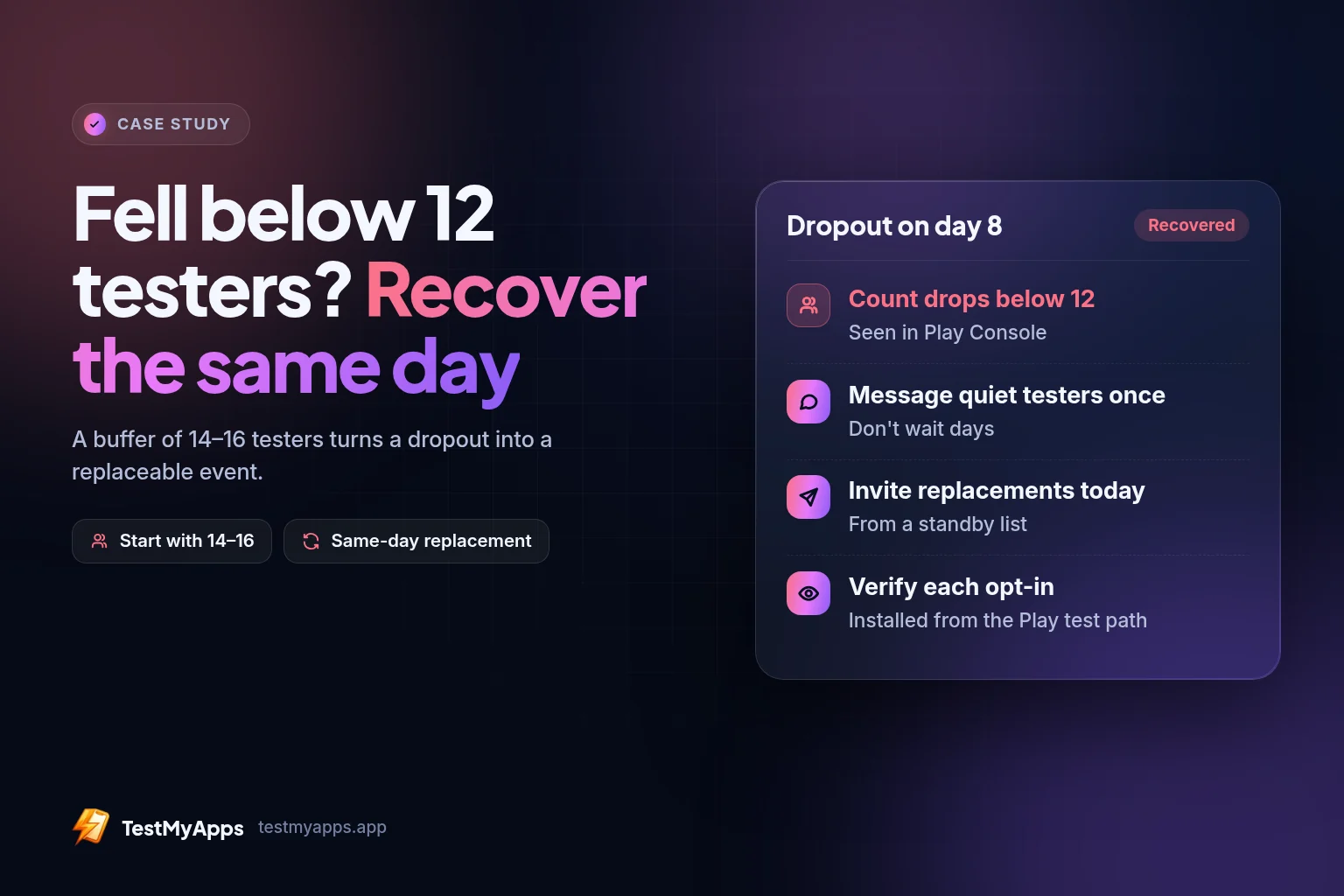
- Starting with 14–16 testers (a buffer) turns a dropout into a replaceable event—not a full restart.
- Recover the same day: confirm Console counts, invite a replacement, verify opt-in before you assume the clock is fine.
Most closed-testing plans assume the hard part is finding twelve people. In practice, the hard part is keeping twelve opted in for fourteen continuous days when someone switches phones, ignores the join link, or opts out on day nine.
This illustrative case study walks through a common failure mode—count drops below twelve mid-window—and the recovery pattern TestMyApps uses on managed runs: buffer recruitment, same-day replacement, and daily Play Console checks.
Figures marked as examples describe a typical successful recovery pattern. They are not a promise that Google will approve production access.
Get 12 testers for 14 daysManaged closed testing from $15 — buffer testers, monitoring, and a closeout report.Starting point: personal account, fragile exact-twelve plan
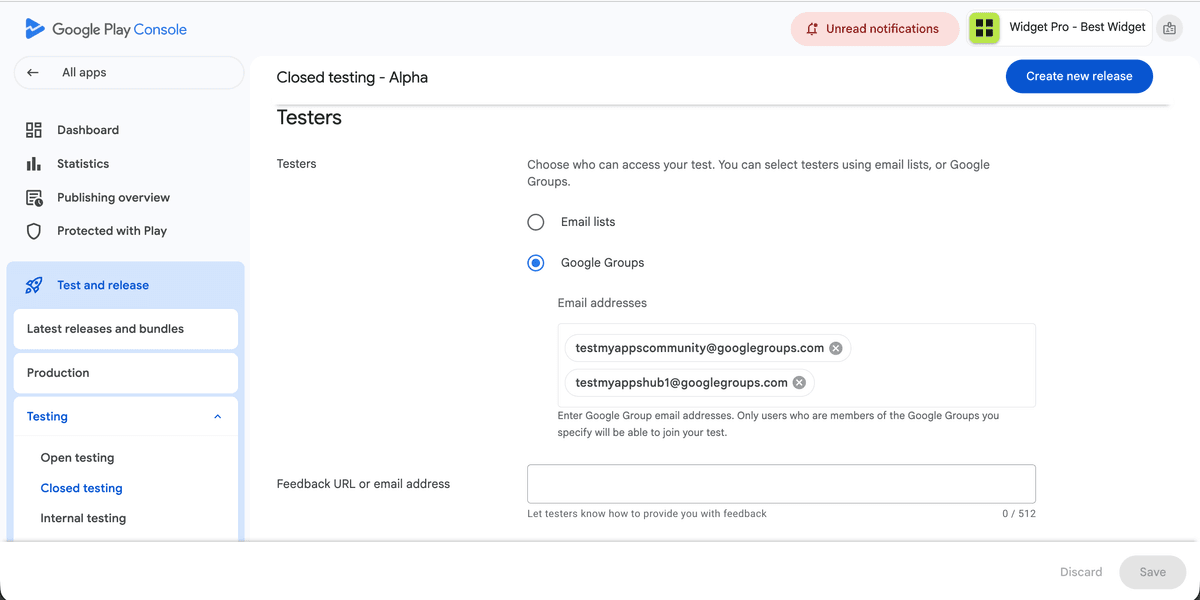
Imagine a personal Play Console account that still needs a qualifying closed test before applying for production. The build is on the closed track and Available. The founder invited exactly twelve friends—no buffer.
For the first week, Play Console showed twelve opted in. Installs came from the official test link. Then one tester got a new phone and another stopped responding. Overnight the opted-in count fell to eleven.
That is the panic moment: the continuous window is no longer safe to treat as “on track,” and applying with a broken streak risks a wasted questionnaire.
What went wrong (and what did not)
What went wrong was planning for the minimum. Exact-twelve runs have no room for life events. One opt-out and you are under the line.
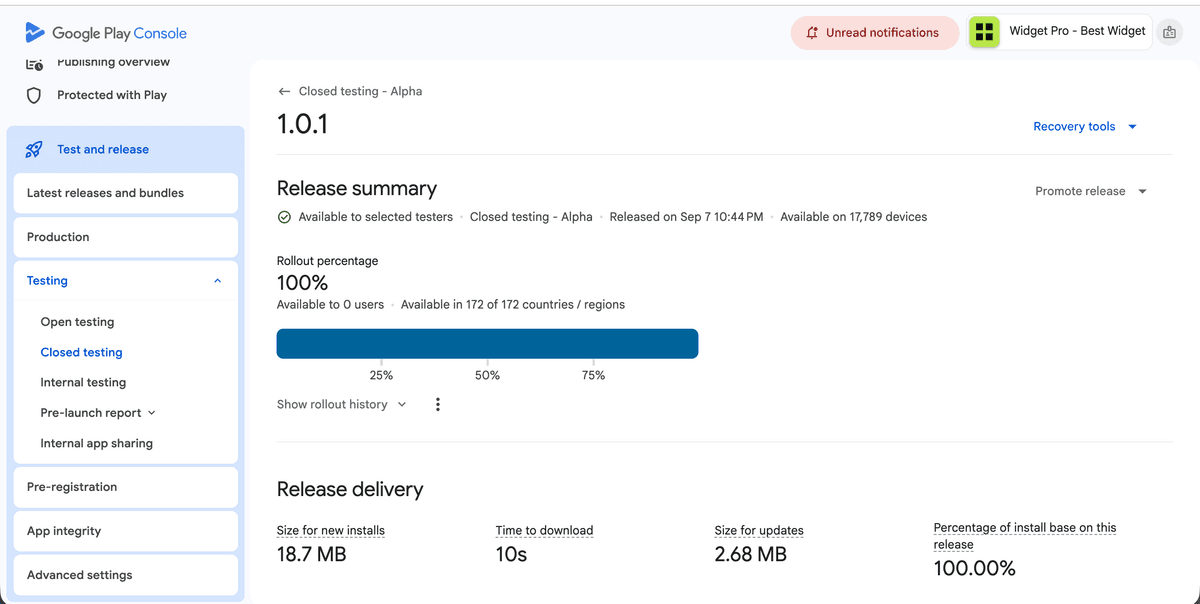
What did not go wrong: the release was still Available, the remaining testers were still on the closed track, and the product still worked. This was an operations problem, not a rebuild problem.
Sideloaded APKs and “I installed it from the file you sent” never counted—and were not the issue here. The issue was continuous opted-in headcount.
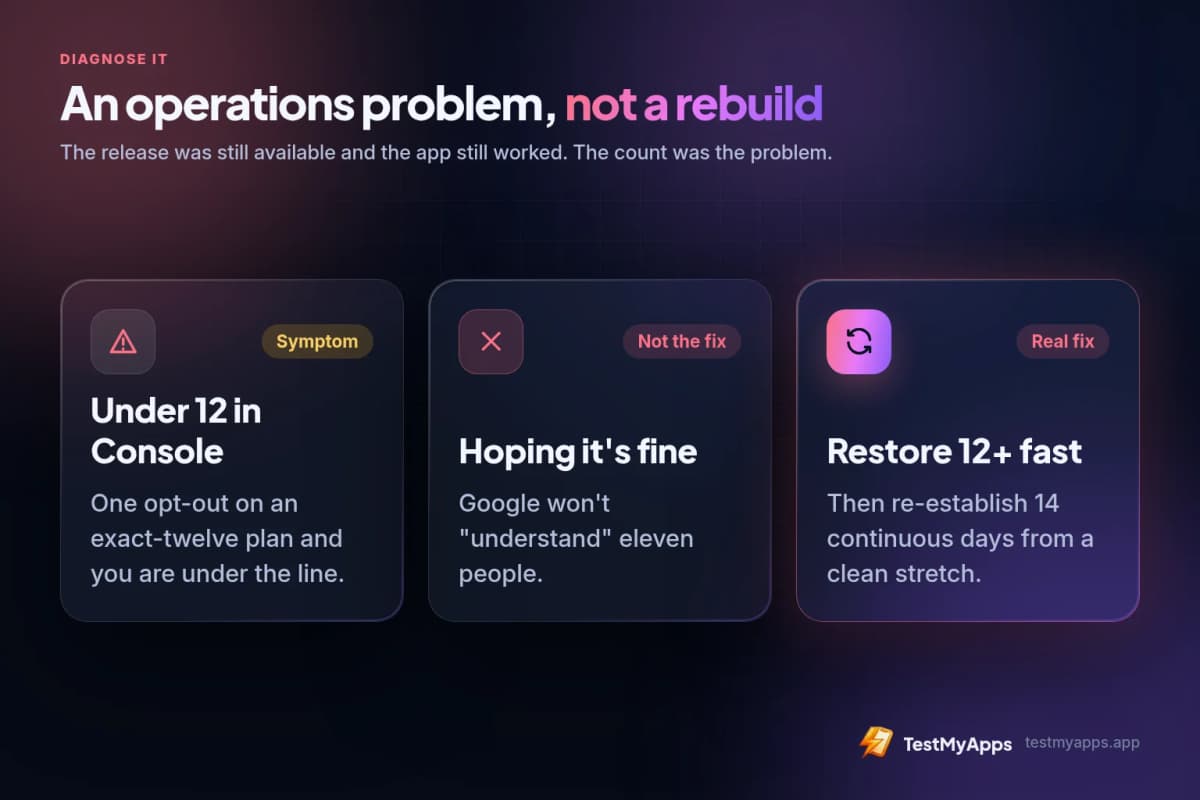
- Symptom: opted-in count < 12 in Play Console.
- Not the fix: hoping Google “understands” eleven people.
- Real fix: restore ≥12 opted-in as fast as possible and re-establish fourteen continuous days from a clean stretch.
Recovery playbook used in this example
The recovery pattern is simple and time-sensitive.
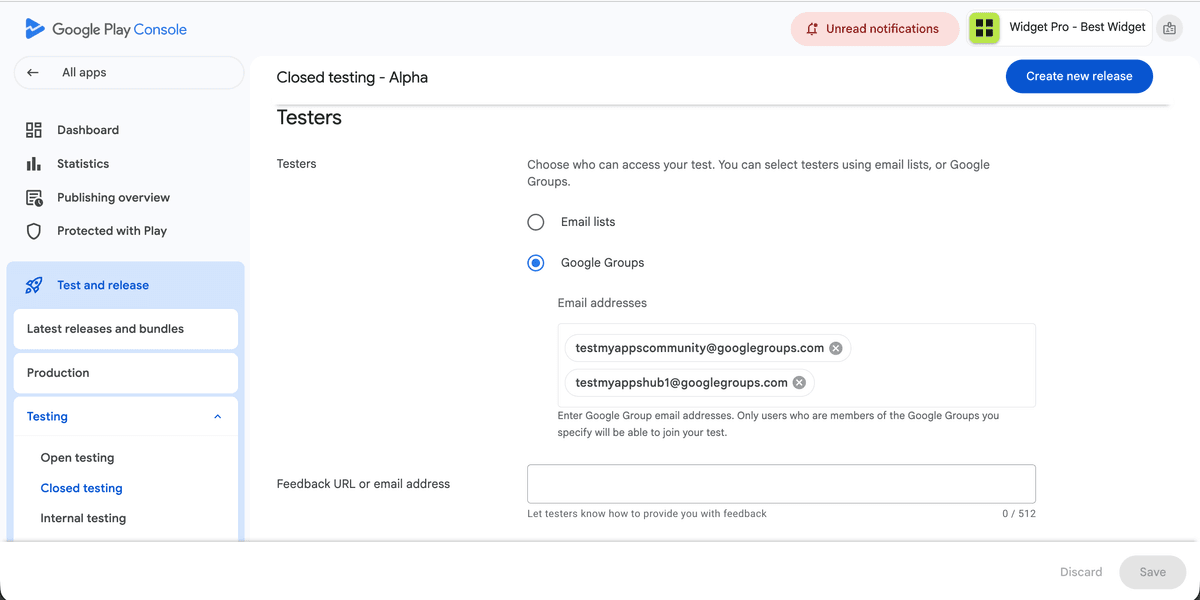
- Open Play Console immediately and record the real opted-in count (source of truth).
- Message silent / opted-out testers once; do not wait days hoping they return.
- Invite replacement testers the same day from a standby list (or managed pool).
- Confirm each replacement completes opt-in and installs from the Play test path.
- Only after ≥12 are stable again, mark the start of a trustworthy continuous stretch—or continue if you never truly broke continuity (verify dates carefully).
- Log the dropout and replacement in your closeout notes for the production-access questionnaire.
Why a 14–16 tester buffer prevents most restarts
In the recovered version of this run, coordination started with sixteen testers instead of twelve. When two people dropped mid-window, the opted-in count dipped but stayed at thirteen—above the minimum—so the continuous window did not need a full calendar reset.
Replacements were still invited the same day to restore the buffer, not because the run had already failed. That is the difference between “we got lucky” and “we designed for dropouts.”
See the 14-day testing window guide for how continuity works day by day. Both TestMyApps pricing plans include 14 testers for 16 days, so one dropout does not automatically reset your window.
Example timeline after recovery
Illustrative ops calendar (your review times will vary):
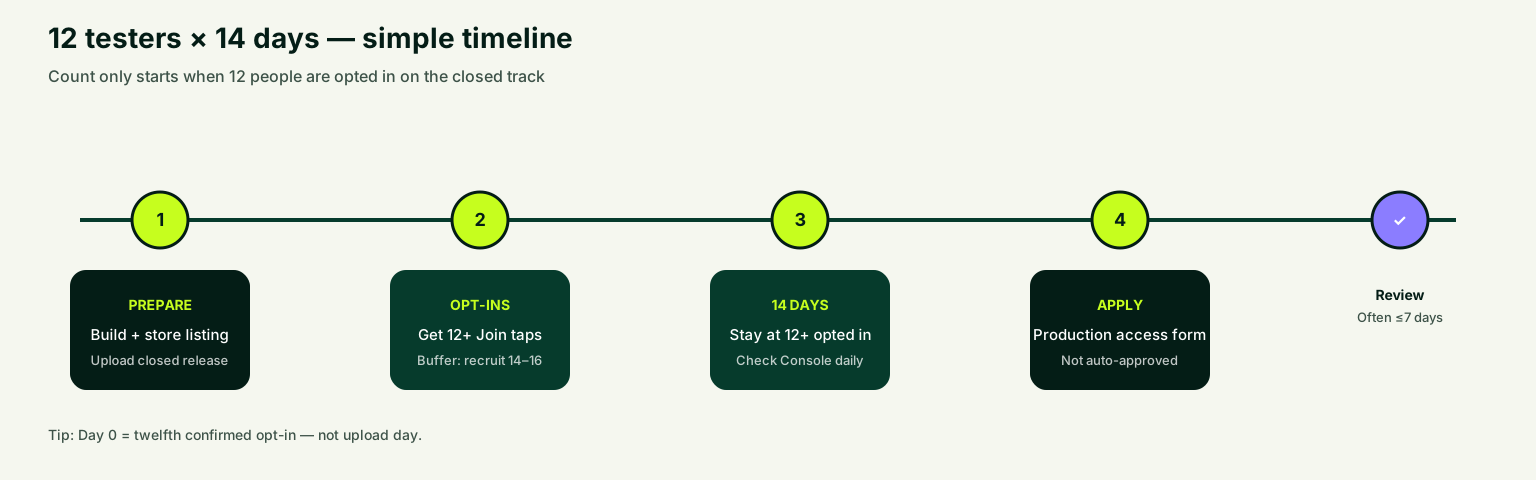
- Days −2 to 0: closed release Available; 16 invites; ≥12 opted in confirmed.
- Days 1–7: stable thirteen to fifteen opted in; light real usage; one bug fixed mid-track.
- Day 8–9: two dropouts; count briefly at risk; replacements opted in same day; buffer restored.
- Days 10–14: hold ≥12 continuous; draft questionnaire answers from the real log.
- Day 15–16: apply for production access when eligible; keep the closed test healthy while waiting.
What to write in the production-access answers
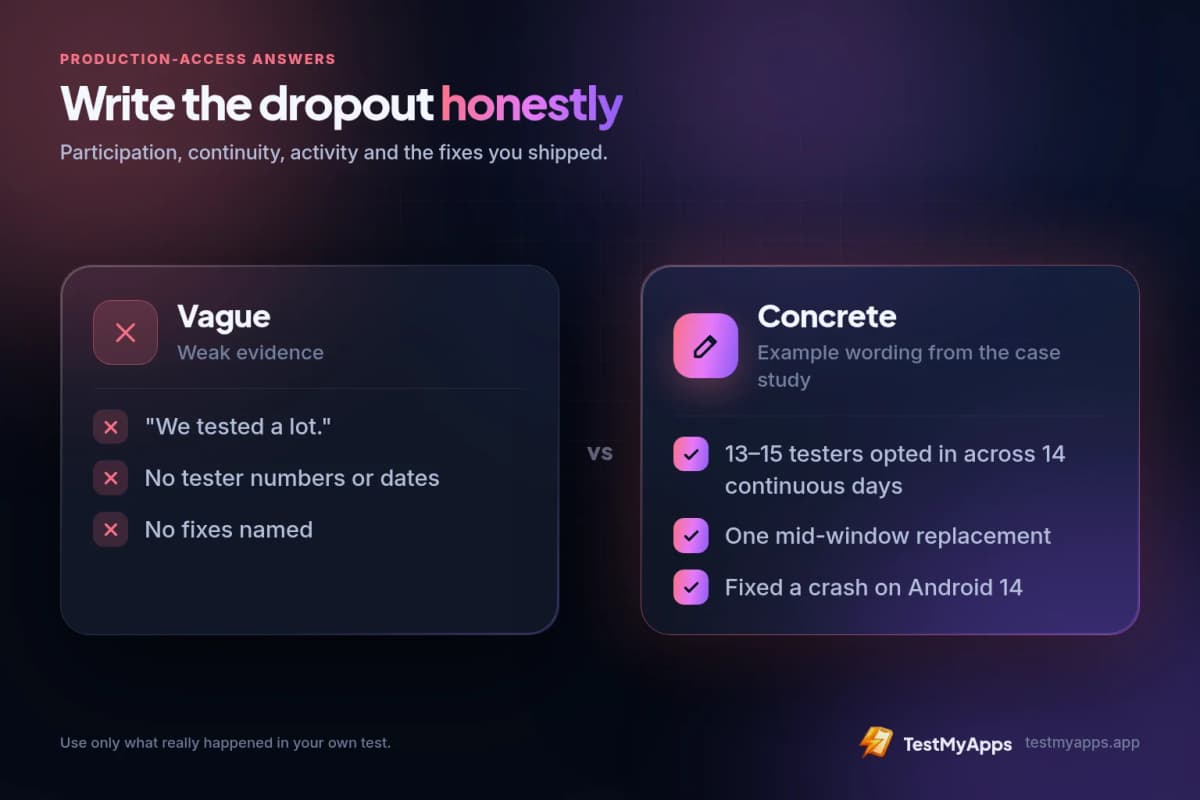
When a dropout happened, document it honestly and briefly: how many testers participated overall, that continuity was maintained (or re-established), what activity they completed, and which issues you fixed.
Vague answers (“we tested a lot”) are weaker than concrete ones (“thirteen to fifteen testers opted in across fourteen continuous days; one mid-window replacement; fixed a crash on Android 14”).
Lessons
Dropouts are normal. Exact-twelve plans are fragile. Daily Console checks beat end-of-window surprises. Same-day replacements beat hopeful waiting.
If recruiting and monitoring are the bottleneck, a managed closed testing run exists to keep the buffer, catch silent opt-outs, and hand you a closeout report for the application. If a managed run still falls short, the retest and refund guarantee explains what happens next.
For the calm full-calendar walkthrough, read the 16-day closed testing case study. To start a managed run, open Get 12 testers for 14 days.
Start a managed closed testing runFrom $15 for one app · $29 for two — real Android testers, monitoring, and closeout.- Buffer (14–16) > exact twelve.
- Opted-in count in Console is the source of truth.
- Replace the same day—do not wait.
- Write the dropout into your closeout notes.
- Production access is still Google’s decision after you apply.
FAQ
Questions about this topic
If I drop to 11 opted-in testers, is the 14-day window ruined?
It can break the continuous stretch that personal accounts often need. Restore ≥12 opted-in quickly and confirm when you again have fourteen continuous days at twelve-plus before you apply. Do not guess—use Play Console dates.
Should I restart the whole test from day one after a dropout?
Not always. If continuity clearly broke, you need a new qualifying continuous stretch. If you stayed ≥12 the whole time thanks to a buffer, you may not need a restart. Verify in Console before wiping progress.
How many spare testers should I recruit?
Plan for fourteen to sixteen so one or two dropouts do not threaten the minimum of twelve.
Does TestMyApps handle replacements?
On managed runs, monitoring and replacement coordination are part of keeping the window healthy. See pricing and inclusions on the 12 testers for 14 days page.
Sources
Official references used
- App testing requirements for new personal developer accounts (Google Play Console Help)
- Set up an open, closed, or internal test (Google Play Console Help)
Continue
Choose the next step
Related
Next pages to read
Need 12 testers for 14 days?
Start a Google Play closed testing run with verified testers, opt-in monitoring, and a closeout report.