Troubleshooting
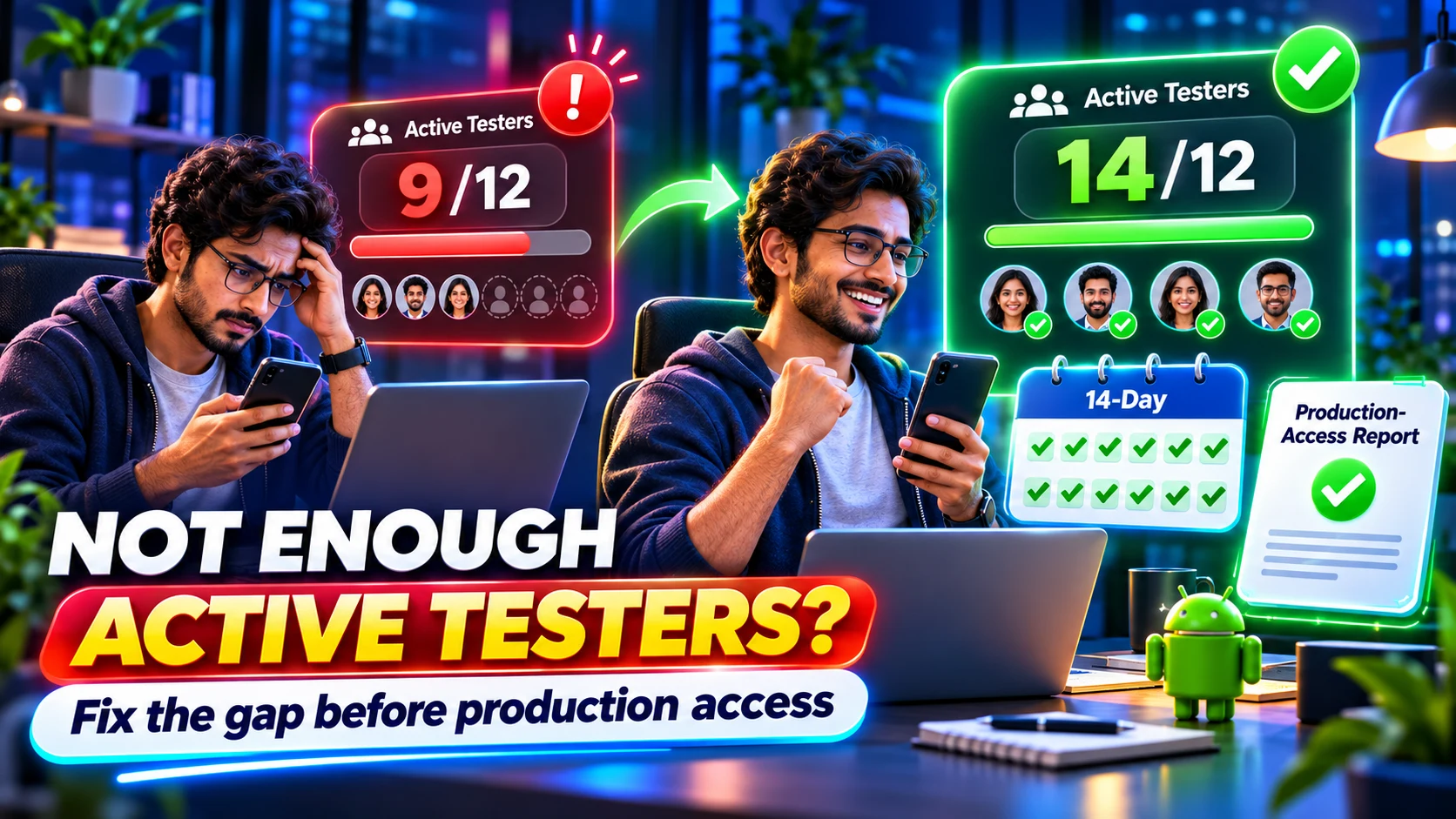
Not Enough Active Testers for Google Play Production Access? Fix the Gap Before You Apply
Diagnose a Google Play active-tester shortfall, verify closed-track opt-ins, recover the 14-day window, and prepare an honest production-access report.
On this page · 11 sections
- 01What 'not enough active testers' can mean
- 02Step 1: verify the rule that applies to your account
- 03Step 2: audit the correct closed-testing track
- 04Step 3: rebuild a trustworthy participation register
- 05Step 4: restore the count without pretending the clock transfers
- 06Step 5: turn participation into real testing evidence
- 07Step 6: prepare the production-access report honestly
- 08What software helps—and what it cannot do
- 09A recovery plan you can start today
- 10Frequently asked questions
- 11Official sources
At a glance
In plain English
- Do not apply while your qualifying count is uncertain. Google requires at least 12 testers continuously opted in to the correct closed track for the preceding 14 days.
- First separate invited people from verified opt-ins, then check track eligibility, release availability, known opt-outs, engagement, and feedback evidence.
- A spreadsheet or service can coordinate the run, but Play Console and Google's production-access screen remain the source of truth.
- If you cannot recruit or monitor a stable group yourself, use a managed run with buffer testers and written reporting; it still cannot guarantee Google's decision.
If Play Console says you need more testing—or your own records show fewer active participants—the problem is not solved by submitting the same production-access application more confidently. You need to identify which part of the closed-test evidence is missing and repair that part of the run.
The fastest diagnosis is to ask five questions in order: Are at least 12 people on the correct closed track? Did each complete the official opt-in? Have they remained opted in continuously? Did meaningful testing occur? Can you describe real feedback and changes?
Check a managed tester runWe meet Google's 12 testers × 14 days by assigning 14 testers for 16 days (buffer). Includes monitoring and closeout reporting.What 'not enough active testers' can mean
Developers often use active tester as one catch-all label, but several different states can sit behind the warning. Fixing the wrong state wastes more days.
- Invited but not opted in: the email address is eligible, but the person never joined through the opt-in link.
- Opted in on the wrong account: the tester opened the link with a Google account that is not eligible for the track.
- Joined the wrong track: internal testing, a different closed track, or a direct APK install does not establish the required closed-track history.
- Opted out before Day 14: separate participation periods do not combine into one continuous 14-day period.
- Technically enrolled but weakly engaged: Google says insufficient tester engagement can lead to more testing being required.
- Enough testers, weak report: the test may have happened, but the application does not clearly explain recruitment, feedback, fixes, and readiness.
Step 1: verify the rule that applies to your account
Google's published requirement applies to personal developer accounts created after 13 November 2023. Those accounts must run a closed test with at least 12 testers continuously opted in for at least 14 days before applying for production access.
The older requirement was 20 testers. Google reduced it to 12 in December 2024, which is why old videos, forum posts, and service pages may still say 20. Follow the requirement displayed in your Play Console and the current Google Help page, not an outdated screenshot.
Step 2: audit the correct closed-testing track
Open Play Console, select the app, and review Test and release → Testing → Closed testing. Confirm that the intended release is available, the correct tester list or Google Group is attached, and the opt-in link belongs to this track.
Ask each participant to verify the Google account currently signed in to Google Play. An eligible email on your list does not help if the person opens the opt-in link with a different account. Do not delete and rebuild the track merely because the count looks wrong; first identify the mismatch.
- Correct app package and closed track
- Release available to testers—not draft or still inaccessible
- Current email list or Google Group attached and saved
- Tester uses the same eligible Google account for the group, opt-in, and Play Store
- Tester can open the Play listing and install from the closed test
Step 3: rebuild a trustworthy participation register
Create one row per tester. Use a reference ID if you do not need to expose personal details. Record invitation date, confirmed opt-in date, last verification, known opt-out, device, assigned scenario, feedback received, and follow-up status.
Keep statuses distinct: invited, eligible, opted in, installed, tested, feedback received, opted out, and replaced. Calling every invited person active hides the exact gap you need to fix.
- Green: opt-in confirmed, can install, has completed at least one real scenario, and remains reachable.
- Amber: opt-in is unverified, app access is failing, or no meaningful activity has been confirmed.
- Red: opted out, removed from eligibility, wrong account, incompatible device, or unavailable for the remaining window.
Step 4: restore the count without pretending the clock transfers
If you have fewer than 12 qualifying testers, recruit replacements immediately—but do not assume a new tester inherits the time accumulated by someone who left. The replacement's continuous period begins with their own valid opt-in.
A safer operating target is more than the minimum. TestMyApps uses 14 testers for 16 days so a small amount of operational friction does not leave the run sitting exactly on the threshold. A buffer reduces risk; it does not alter Google's consecutive-day rule.
- Keep valid existing testers in place while adding replacements.
- Resolve access errors before counting a new participant.
- Track the earliest date on which at least 12 current testers can each satisfy the full continuous window.
- Continue meaningful testing and feedback collection during the recovery period.
Step 5: turn participation into real testing evidence
Google does not publish a magic number of app opens, minutes, or feedback messages that guarantees approval. Its guidance does say insufficient engagement may lead to more testing. The responsible response is a small, relevant test plan—not synthetic activity.
Give testers concrete scenarios tied to the app: registration, onboarding, the primary task, permissions, error recovery, notifications, account deletion, payments if applicable, and behavior on different devices. Record bugs and usability feedback, then note what you fixed or intentionally deferred.
- Scenario and expected result
- Device and Android version
- Observed issue or feedback
- Severity and reproduction notes
- Change made and build version
- Retest result
Step 6: prepare the production-access report honestly
Your production-access answers should tell a coherent story: where testers came from, how they used the app, what feedback they provided, what changed, and why the current build is ready for a broader audience. Specific examples are stronger than polished generalities.
Do not claim daily testing if you did not verify it. Do not copy a provider's generic questionnaire answer word for word. A closeout report is useful because it helps you recall real events; it is not a replacement for your own knowledge of the app and fixes.
- Recruitment: the real channels used and the type of testers involved.
- Engagement: the features and workflows the group actually exercised.
- Feedback: recurring themes, concrete bugs, and usability observations.
- Changes: fixes or improvements tied to that feedback.
- Readiness: known limitations, mitigations, and why the release is stable enough to submit.
What software helps—and what it cannot do
A spreadsheet, project tracker, Firebase feedback channel, crash reporter, or managed testing dashboard can help coordinate evidence. None can retroactively create valid Google Play opt-ins or override the production-access decision.
Use Play Console for track configuration and the account's eligibility state. Use a participation register for coordination. Use crash and analytics tools for technical signals. Use a managed closed-testing service when the missing resource is reliable people and daily operational follow-through.
- Play Console: official track, release, tester access, and production-access workflow.
- Spreadsheet or project tool: participant status, scenarios, follow-ups, bugs, and fixes.
- Firebase or crash tooling: build distribution outside the gate, crashes, diagnostics, and tester feedback.
- TestMyApps managed run: $15 for one app or $29 for two, with 14 testers for 16 days, monitoring, and reporting.
A recovery plan you can start today
Pause the production-access submission until the evidence is coherent. Audit the track, verify every current tester, resolve access issues, recruit enough replacements for a buffer, and assign one short round of meaningful scenarios. Then calculate the earliest safe application date from the valid continuous opt-ins—not from the day you first created the track.
If your team can own those steps, keep the process in-house. If the gap is recruitment and monitoring, a managed service can remove coordination work while you focus on bugs and application answers.
Recover with 14 testers for 16 daysVerified opt-in coordination, monitoring, and a closeout report. Google still makes the final decision.FAQ
Questions about this topic
Why does Google Play say I need more testing after 14 days?
Google lists fewer than 12 continuously opted-in testers and insufficient tester engagement among reasons additional testing may be required. Policy, app-quality, access, or incomplete application answers can also affect the outcome.
Can new testers continue the old testers' 14-day clock?
Do not assume so. Each tester needs a valid continuous opt-in period. A replacement begins their own participation history when they correctly opt in.
Does installing the app make someone an active closed tester?
Not by itself. The tester must be eligible and complete the official opt-in for the correct Google Play closed track. Meaningful use and feedback also strengthen the testing evidence.
Can software create a Google Play production-access report automatically?
Software can organize activity, feedback, bugs, and fixes, but the final answers must accurately describe your real test. No tool can manufacture valid opt-in history or guarantee Google's approval.
How many testers should I recruit if Google requires 12?
A modest buffer is sensible. TestMyApps assigns 14 testers for 16 days, but the right DIY buffer depends on participant reliability and your ability to replace access failures quickly.
Sources
Official references used
- App testing requirements for new personal developer accounts (Google Play Console Help)
- Set up an open, closed, or internal test (Google Play Console Help)
Continue
Choose the next step
Related
Next pages to read
Need 12 testers for 14 days?
Start a Google Play closed testing run with verified testers, opt-in monitoring, and a closeout report.