Google Play closed testing
Closed Test Testers Not Staying Opted In? Causes and Solutions
On this page · 9 sections
- 01Why Are Google Play Closed Test Testers Not Staying Opted In?
- 02What Happens If Closed Test Testers Not Staying Opted In During the 14 Days?
- 03How to Stop Closed Test Testers Not Staying Opted In
- 04What Should You Do When Testers Keep Leaving Your Closed Test?
- 05How TestMyApps Helps When CClosed Test Testers Not Staying Opted In
- 06Free Community Testing vs Managed Closed Testing
- 07Common Mistakes That Cause Closed Testing Problems
- 08Conclusion
- 09Frequently Asked Questions
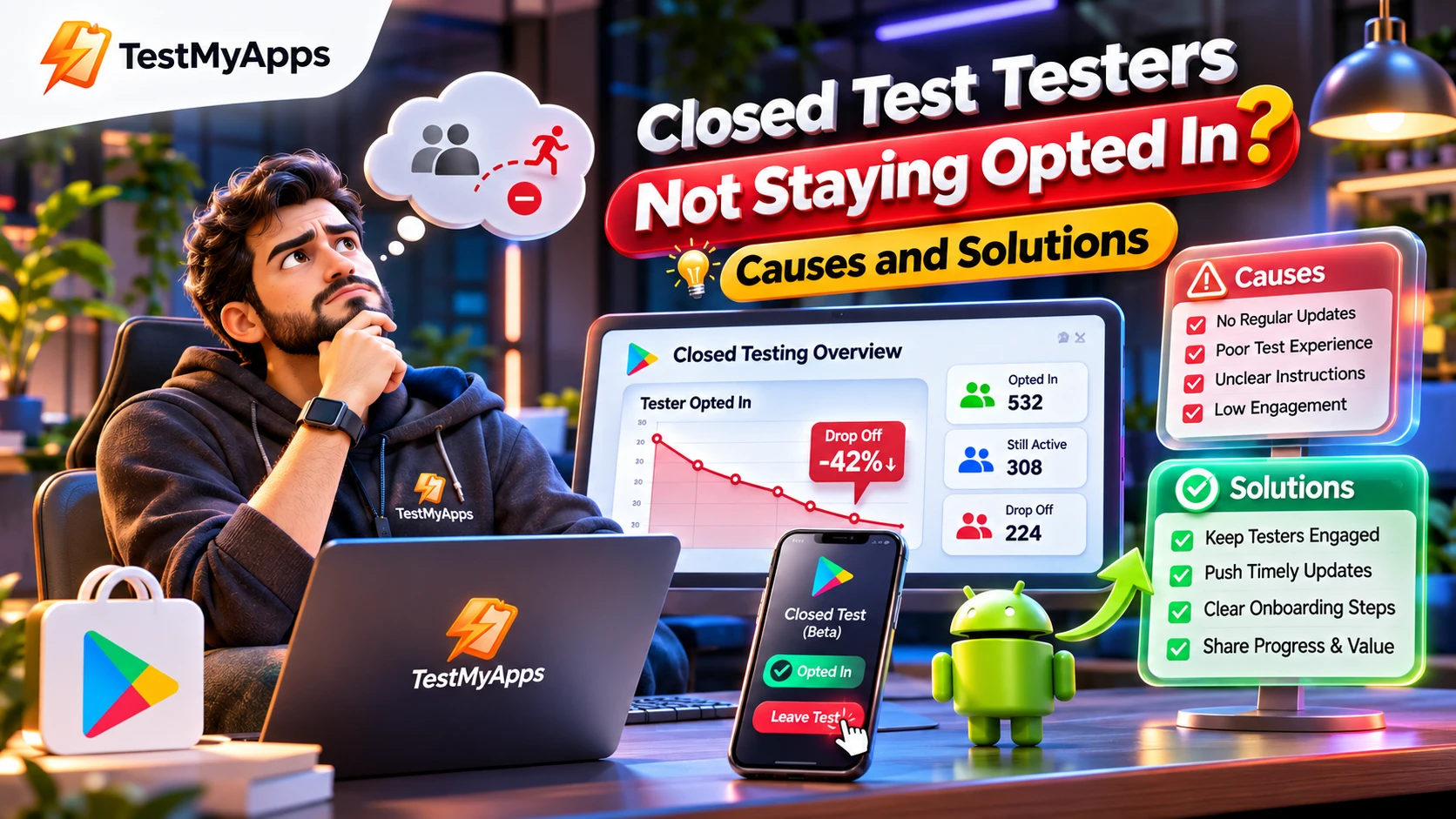
Are your Google Play Closed Test Testers Not Staying Opted In? You recruit enough Android testers, share your testing link, and start the testing period, but after a few days, some testers leave the programme. Your participation count drops, your testing timeline becomes uncertain, and your production-access application may be delayed.
This is a common challenge for Android developers managing Google Play closed testing, especially when they depend on volunteers, informal testing groups, or testers who are not properly coordinated.
The solution is not simply to recruit more people. You need a structured tester coordination process, clear participation instructions, reliable follow-ups, and a way to identify drop-offs before they affect your testing progress.
In this guide, we explain why Closed Test Testers Not Staying Opted In, what happens when they leave, how to maintain continuous participation, and how TestMyApps can help manage Android tester coordination.
Why Are Google Play Closed Test Testers Not Staying Opted In?
Testers may leave a closed testing programme for several reasons. Understanding the cause is the first step toward maintaining a more reliable testing process.
1. Testers do not understand the 14-day requirement
One of the most common coordination problems is that developers assume testers already understand Google's testing requirements.
A tester might join the programme, install the application, and assume their responsibility is complete. They may then leave the testing programme without realizing that continuous opt-in status matters.
For eligible personal developer accounts created after November 13, 2023, Google requires at least 12 testers to remain opted in continuously for 14 days before the developer can apply for production access.
Solution: Explain the testing commitment before sending invitations. Tell testers how long they need to remain opted in and provide clear instructions for joining the correct testing track.
2. Testers are recruited from unreliable sources
Recruiting people who have no genuine interest in participating can create problems.
Some testers may join only because they were asked to help, without understanding the time commitment or agreeing to provide feedback.
Others may join multiple testing groups and lose track of which applications they have joined.
Solution: Recruit people who understand the process and are willing to participate. Use relevant Android developer communities, professional networks, app users, and organized tester groups.
Prioritize reliability and genuine interest rather than simply collecting a large number of email addresses.
3. The opt-in process is confusing
Google Play closed testing involves several steps. Testers may need to join a Google Group, open the correct opt-in link, confirm their participation, and install the application through Google Play.
If instructions are incomplete, testers might believe they have joined when they have not successfully opted in.
Solution: Provide a short onboarding guide explaining:
- Which Google account to use.
- Whether joining a Google Group is necessary.
- Where to find the official opt-in link.
- How to confirm successful enrollment.
- Where to install the testing version.
- How to report problems.
Always distinguish between clicking an invitation and successfully opting in.
4. Testers forget about the testing programme
Some testers join successfully but forget about the application after the initial installation.
This can reduce feedback quality and make it difficult to identify participation issues.
Solution: Establish a reasonable communication schedule. Send clear reminders, share testing instructions, and encourage testers to explore the application's main features.
Do not rely on repeated generic messages. Explain what testers should evaluate and why their feedback matters.
5. The application has installation or compatibility problems
A tester may encounter problems while installing or opening the application.
Examples include:
- The app is not available through the testing link.
- The tester is using the wrong Google account.
- The release is not published to the closed testing track.
- The tester has not joined the required Google Group.
- The app crashes during startup.
- The application does not work correctly on a particular device.
Solution: Check the release configuration, test access, and installation instructions before inviting a large group.
Google notes that a newly published testing link can take several hours to become available. Make sure the testing release is actually published rather than left in draft.
6. There is no organized feedback process
Testers are more likely to understand their role when they know what they are supposed to test.
If developers simply send an application link without explaining the testing objectives, participation can become passive.
Solution: Give testers a simple checklist covering registration, login, navigation, important app features, performance, and error reporting.
Create a feedback channel where testers can report problems and ask questions.
7. Developers do not monitor participation regularly
Another common mistake is checking the tester count only at the beginning and end of the testing period.
If a tester leaves midway through the process, the developer may not notice until the testing window is already affected.
Solution: Establish a regular monitoring process. Review available participation information, investigate reported opt-outs, and maintain an accurate record of confirmed tester status.
What Happens If Closed Test Testers Not Staying Opted In During the 14 Days?
This is one of the most important questions for developers preparing their production-access application.
For eligible personal developer accounts subject to Google's 12-testers-for-14-days requirement, at least 12 testers must have been continuously opted in throughout the preceding 14 days.
If testers opt out, the continuous participation requirement may no longer be satisfied.
Consider this example:
| Testing situation | Result |
|---|---|
| 14 testers initially opt in | Two additional testers above the minimum |
| One tester opts out | 13 remain opted in |
| Another tester opts out | 12 remain opted in |
| A third tester opts out | Only 11 remain opted in |
In the last situation, the developer has fewer than the required 12 continuously opted-in testers.
There is another important distinction: if someone opts out and subsequently rejoins, their previous and new participation periods cannot be combined to create 14 continuous days.
Google's requirement concerns the preceding continuous period, not the accumulated number of days across separate opt-in periods.
Important: If you are approaching the end of your testing period, do not assume that replacing a tester automatically repairs the continuous participation requirement. Verify the current status and applicable timeline before applying.
Official reference: https://support.google.com/googleplay/android-developer/answer/14151465
How to Stop Closed Test Testers Not Staying Opted In
Maintaining tester participation requires preparation, communication, and ongoing coordination.
Here are practical steps developers can implement.
Step 1: Recruit more testers than the minimum
If your account is subject to the 12-tester requirement, recruiting exactly 12 people leaves very little room for unexpected drop-offs.
For example, organizing 14 or more suitable testers gives you additional coverage.
However, a larger initial group is not a guarantee. You must still maintain the required number of continuously opted-in testers throughout the applicable period.
Step 2: Explain the testing commitment before enrollment
Before inviting testers, explain:
- The purpose of the closed test.
- The expected participation period.
- How to join the testing programme.
- The importance of remaining opted in.
- How to install the application.
- How to submit feedback.
A clear explanation reduces misunderstandings and helps attract participants who are prepared to complete the testing process.
Step 3: Verify every opt-in
Do not assume that every invited tester has joined successfully.
Keep separate records for:
- Invited testers.
- Confirmed opted-in testers.
- Testers with unresolved access problems.
- Known opt-outs.
- Replacement candidates.
Use available Google Play Console information and appropriate confirmation methods to maintain accurate records.
Step 4: Establish a tester communication system
Communication should continue throughout the testing period.
A useful communication workflow includes:
Before testing: Explain the process, requirements, and participation expectations.
At onboarding: Share the correct opt-in and installation instructions.
During testing: Provide relevant testing tasks and a feedback channel.
When a problem occurs: Help testers resolve genuine installation or access issues.
Before closeout: Review participation records and outstanding feedback.
Communication should support genuine testing, not manufacture activity or pressure people to remain enrolled.
Step 5: Collect useful feedback
A good closed testing programme should help developers understand how people experience their applications.
Ask testers to evaluate relevant user journeys, such as:
- Creating an account.
- Signing into the application.
- Completing onboarding.
- Navigating important screens.
- Using the application's main functionality.
- Handling errors.
- Understanding the interface.
- Reporting crashes or unexpected behaviour.
Maintain an issue log and document improvements made during the testing period.
Step 6: Monitor participation and respond to drop-offs
Use a structured monitoring register to identify changes.
| Tester ID | Current status | Action |
|---|---|---|
| Tester 001 | Opted in | Continue monitoring |
| Tester 002 | Opted in | Continue monitoring |
| Tester 003 | Access issue | Investigate |
| Tester 004 | Opted out | Record the change |
| Tester 005 | Invitation pending | Follow up |
This is an illustrative tracking example, not a live Google Play report.
If a tester opts out, record the event and review the overall continuous participation requirement. Any replacement should be a genuine participant who follows the official opt-in process.
What Should You Do When Testers Keep Leaving Your Closed Test?
If repeated drop-offs are affecting your testing process, consider changing how you organize the programme.
Move away from informal recruitment
Relying entirely on friends, random online contacts, or uncoordinated tester exchanges can make it difficult to maintain consistent participation.
A managed coordination process can help organize recruitment, onboarding, progress monitoring, and feedback collection.
Create a centralized tester register
Keep all relevant participation information in one place rather than managing it through scattered messages and email conversations.
Use a clear testing schedule
Plan the testing period in advance and establish regular checkpoints.
Maintain additional tester coverage
Recruit suitable additional testers where appropriate. Remember that additional invitations do not automatically count toward the continuous opt-in requirement.
Review the application itself
Sometimes testers leave because the application is difficult to install or use.
Investigate technical issues rather than assuming every participation problem is caused by the testers.
How TestMyApps Helps When CClosed Test Testers Not Staying Opted In
Managing Android testers independently can involve significant coordination.
Developers need to organize tester recruitment, share official opt-in links, monitor participation, address drop-offs, and collect useful feedback.
TestMyApps provides managed Android closed testing support designed to simplify this process.
1. Managed Android tester coordination
Instead of independently recruiting every participant, developers can use TestMyApps' managed testing service to coordinate a testing run.
2. Real Android device testing
Testers use physical Android devices to install and evaluate applications.
This provides practical user feedback that complements a developer's own quality assurance process.
3. Participation monitoring
TestMyApps describes participation monitoring throughout the managed testing window, helping developers identify participation issues and maintain clearer testing records.
4. Additional tester coverage
TestMyApps' current managed testing offering provides 14 testers for 16 days, giving two additional testers and two additional days beyond Google's stated minimum for eligible accounts.
Additional coverage helps reduce the risk of a testing window being disrupted, although it cannot guarantee that every participant will remain opted in.
5. Feedback and testing documentation
Developers can use the testing process to collect practical observations, identify problems, and prepare more informed production-access questionnaire responses.
Explore TestMyApps Managed Testing
If you are struggling with testers leaving your closed testing programme, review the available managed testing options.
Visit:
TestMyApps provides a managed testing process, not a guarantee of Google Play production approval. Google independently reviews every production-access application.
Free Community Testing vs Managed Closed Testing
Developers can organize closed testing in different ways depending on their resources and requirements.
| Feature | Free community testing | Managed testing |
|---|---|---|
| Tester recruitment | Self-managed | Coordinated service |
| Tester communication | Developer-managed | Managed workflow |
| Participation monitoring | Developer-managed | Included in managed process |
| Feedback collection | Depends on community | Structured testing notes |
| Additional coordination | Developer responsibility | Service-supported |
| Google approval | Not guaranteed | Not guaranteed |
Free community testing can be useful for developers who have time to recruit participants and coordinate the testing process themselves.
Managed testing may be more suitable for developers who want structured coordination and monitoring.
Review the actual service inclusions before choosing an option.
Common Mistakes That Cause Closed Testing Problems
Avoid these mistakes when preparing your next closed testing run.
Recruiting exactly the minimum number of testers: This leaves no additional coverage if someone opts out.
Not explaining the 14-day commitment: Testers may not understand the continuous opt-in requirement.
Confusing invitations with opt-ins: An invitation does not confirm that a tester joined the test.
Ignoring installation problems: A tester who cannot access the application may never participate successfully.
Failing to monitor changes: Waiting until the final day to review participation can create unnecessary delays.
Treating an opt-out as a minor issue: For eligible accounts, continuous participation matters.
Assuming testing guarantees production access: Google evaluates more than the tester count and duration.
Using artificial participation: Fake accounts, fabricated activity, and misleading records do not constitute genuine testing.
Conclusion
Closed Test Testers Not Staying Opted In can become a major obstacle for Android developers preparing their applications for Google Play production access.
The most effective approach is to recruit suitable participants, explain the testing commitment, provide clear opt-in instructions, monitor participation, and address problems early.
Do not focus exclusively on reaching a particular tester count. Build a genuine testing programme that produces useful feedback and demonstrates how your application improves through real-user evaluation.
If managing testers independently is slowing down your launch, explore TestMyApps managed Android testing and choose a testing workflow that fits your requirements.
Run a better-organized closed test, maintain accurate participation records, and prepare your Android app for its next release.
Frequently Asked Questions
Why are my Google Play Closed Test Testers Not Staying Opted In?
Testers may leave because they do not understand the testing commitment, encounter installation problems, forget about the programme, or were recruited without understanding their responsibilities. Clear onboarding, communication, and participation monitoring can help reduce avoidable drop-offs.
What happens if a tester opts out during the 14 days?
For eligible accounts subject to Google's requirement, the tester's continuous opt-in period is interrupted. A subsequent opt-in does not allow the developer to combine the two separate periods to satisfy the 14-day requirement.
Can I replace a tester who opts out?
You can recruit another genuine tester and invite them through the official closed testing process. However, a replacement does not automatically restore the continuous 14-day requirement. You must verify that at least 12 qualifying testers have completed the applicable continuous period.
Should I recruit 14 testers instead of 12?
Recruiting 14 testers provides two additional participants above the minimum and can help provide a buffer against unexpected drop-offs. It does not eliminate the need to maintain 12 continuously opted-in testers.
Do testers need to install my app?
For a meaningful closed testing programme, testers should install and evaluate the application. Google expects developers to assess tester engagement, not simply treat invitations or opt-ins as proof of app quality.
Can testers opt out after completing 14 days?
If they have completed the required continuous period, their participation during that period is different from an opt-out before completing it. However, developers should verify the current tester count and relevant requirements at the time of applying for production access.
Does Google Play count testers who leave and rejoin?
Google requires continuous opt-in for the relevant 14-day period. Separate periods before and after an opt-out cannot be added together to satisfy that requirement.
How can I monitor tester participation?
Maintain an organized participation register, review the available Play Console information, record known opt-outs, and follow up on genuine access problems. Supplementary spreadsheets and dashboards should not be mistaken for Google's official eligibility records.
Can TestMyApps help if testers keep opting out?
TestMyApps offers managed Android closed testing with tester coordination and participation monitoring. Its current offering includes 14 testers for 16 days. Developers can review the service details, inclusions, and limitations before purchasing.
Does completing 14 days guarantee Google Play production access?
No. Meeting the applicable closed testing requirement allows eligible developers to apply for production access. Google independently evaluates the application, testing process, app quality, and production readiness.