Mobile Testing
Mobile App Testing in 2026: Types, Tools & Checklist
Learn the main types of mobile app testing, choose Android testing tools, and use a free checklist to prepare a safer Google Play launch.
On this page · 7 sections
At a glance
In plain English
- Mobile app testing combines functional checks, real-device coverage, usability, stability, security and store-readiness work.
- Use internal builds for fast QA, then validate the release through the correct store testing track.
- Start with the free TestMyApps checklist, timeline estimator and production-access readiness tools.
Mobile app testing is the process of checking whether an app works, feels understandable and remains reliable across the devices and conditions real users will bring. It covers more than tapping every button once. A useful plan tests the product, the device environment, the release channel and the store requirements around launch.
Android teams often spread this work across local tests, emulators, physical phones, Play Console tracks and crash tools. The goal is not to collect the most tools. It is to build a small sequence that finds expensive problems before production.
Open the free mobile app testing toolsUse the closed-testing checklist, timeline estimator, readiness score and questionnaire worksheet without signing up.The main types of mobile app testing
Functional testing checks whether features produce the expected result. Usability testing asks whether a new person understands the interface. Compatibility testing covers device models, Android versions and screen sizes. Performance and stability work looks for slow screens, freezes, memory pressure and crashes.
Security and privacy checks review authentication, permissions, sensitive data and account deletion. Accessibility testing covers labels, focus order, contrast and text scaling. Store-readiness testing connects all of this to the listing, policy declarations, release track and reviewer instructions.
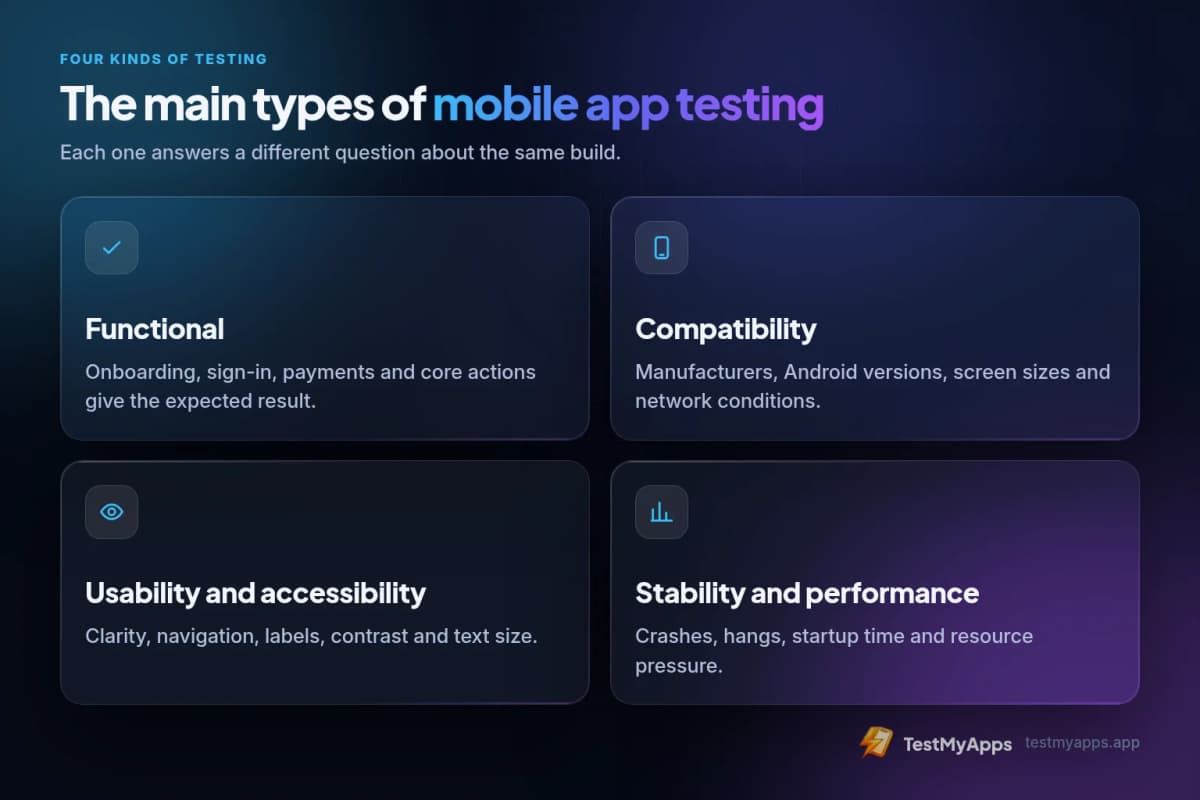
- Functional: onboarding, sign-in, payments and core actions.
- Compatibility: manufacturers, Android versions, screens and network conditions.
- Usability and accessibility: clarity, navigation, labels, contrast and text size.
- Stability and performance: crashes, hangs, startup time and resource pressure.
- Security, privacy and store readiness: data handling, policy links and release setup.
Emulators, device labs and real people solve different problems
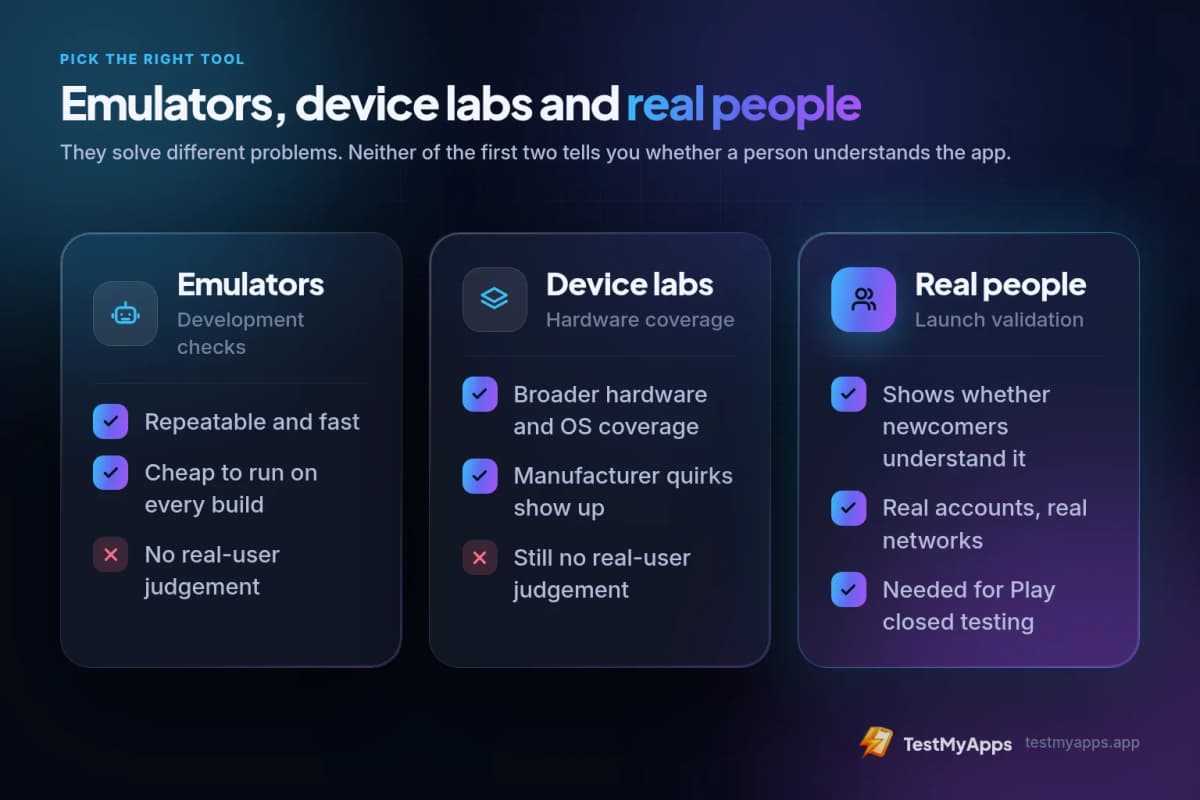
Emulators are efficient for repeatable development checks. Device labs broaden hardware and OS coverage. Neither tells you whether a first-time user understands why a permission is requested, notices a broken instruction or abandons onboarding because the next step is unclear.
Use automation and virtual devices for repeatability, then add physical phones and human scenarios before launch. Real-device testing is especially important for Play Store installation, account selection, notification behavior, camera or location permissions and manufacturer-specific restrictions.
A practical Android testing sequence
Begin with unit and integration tests around business-critical logic. Run the build locally and on an emulator, then use Play Console internal testing with a small trusted group to catch signing, installation and obvious workflow failures quickly.
Once the release candidate is stable, move it to closed testing. For affected new personal Google Play accounts, at least 12 testers must remain opted in continuously for the 14 days before the production-access application. Internal testing days and direct APK installs do not count toward that requirement.
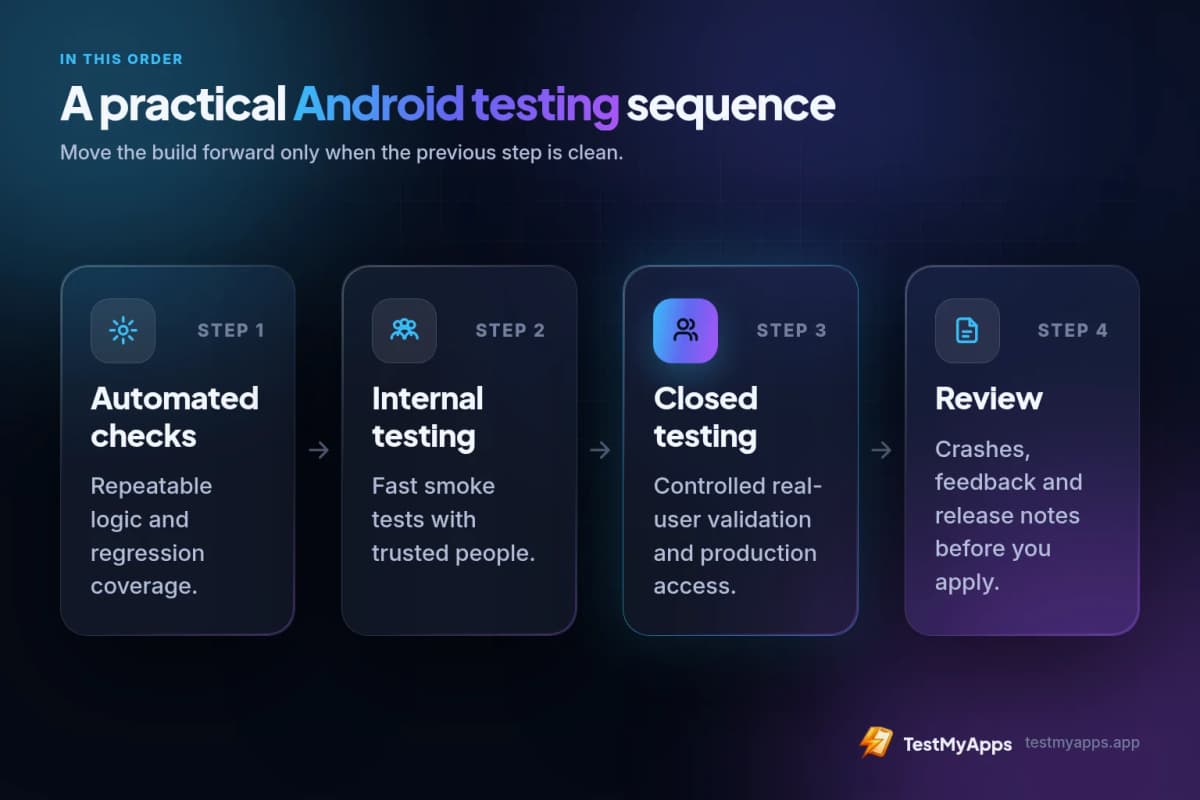
- Automated checks for repeatable logic and regression coverage.
- Internal testing for rapid smoke tests with trusted people.
- Closed testing for controlled real-user validation and production access.
- Crash, feedback and release notes reviewed before the application.
Mobile app testing tools worth using first
Start with tools tied to a specific decision. A checklist prevents release-setup omissions. A timeline estimator identifies the earliest safe application date. A readiness assessment highlights weak evidence before the window ends. Crash reporting and analytics tell you whether important flows are stable and actually used.
The free TestMyApps tools hub includes a Google Play closed-testing checklist, 14-day timeline estimator, production-access readiness score and questionnaire worksheet. Pair those planning tools with Play Console, your crash platform and a simple issue tracker.
We compare these side by side in best mobile beta testing tools for 2026.
Free pre-launch checklist
Before inviting external testers, verify that the release installs, the primary journey works and support information is visible. During testing, record who opted in, which scenarios were covered, what feedback arrived and which build contains each important fix.
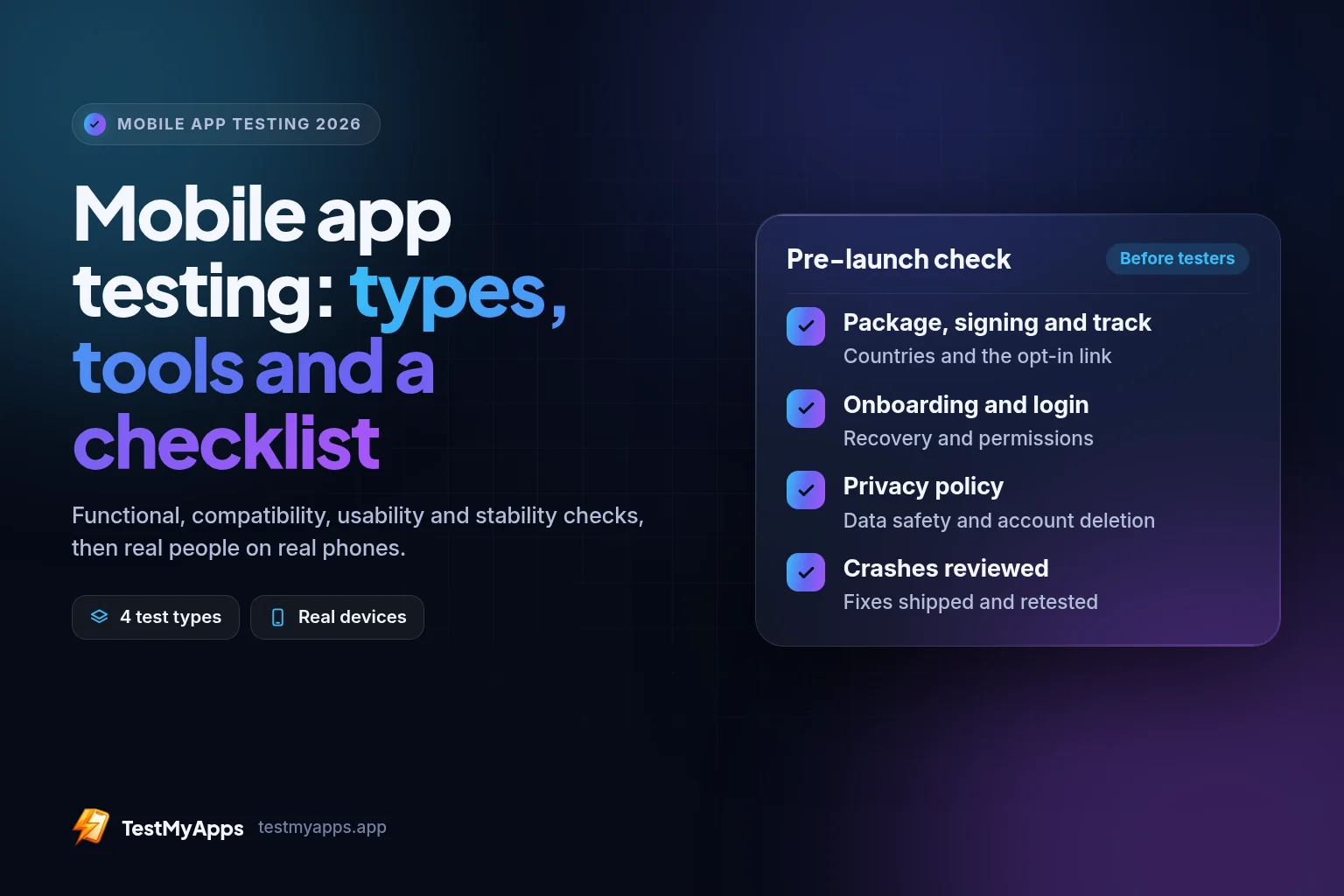
- Confirm package name, signing, countries, track and opt-in link.
- Test onboarding, login, recovery, permissions and the core value path.
- Check privacy policy, Data safety declarations and account deletion.
- Review crashes and high-severity feedback; ship and retest fixes.
- Keep evidence for production-access answers and the launch decision.
FAQ
Questions about this topic
What is mobile app testing?
Mobile app testing checks functionality, usability, compatibility, stability, security, accessibility and release readiness across devices and real-user conditions.
Which mobile app testing tools should an Android developer use?
Use automated tests and emulators for repeatable checks, physical devices for compatibility, Play Console testing tracks for store distribution, crash reporting for stability and a checklist or issue tracker for evidence.
Do emulators replace real-device testing?
No. Emulators are fast and repeatable, but physical devices and real users reveal manufacturer behavior, network conditions, permissions, install issues and usability problems that virtual checks can miss.
Does internal testing count toward Google's 12-tester requirement?
No. Affected personal accounts must complete the qualifying period on a closed-testing track with at least 12 continuously opted-in testers.
Sources
Official references used
- App testing requirements for new personal developer accounts (Google Play Console Help)
- Set up an open, closed, or internal test (Google Play Console Help)
- Firebase App Distribution (Firebase)
- Collect feedback from testers (Firebase)
Continue
Choose the next step
Related
Next pages to read
Apply the guide to your closed-testing run.
Use the free tools to check your setup, or review paid tester support when recruitment and coordination are the blocker.