Reviews & Ratings
Get Play Store Reviews and Ratings for Your Live Android Listing
Learn how TestMyApps Basic Review and Premium Review packages work, how submit-and-pay checkout works, and how reviews stay separate from closed testing.
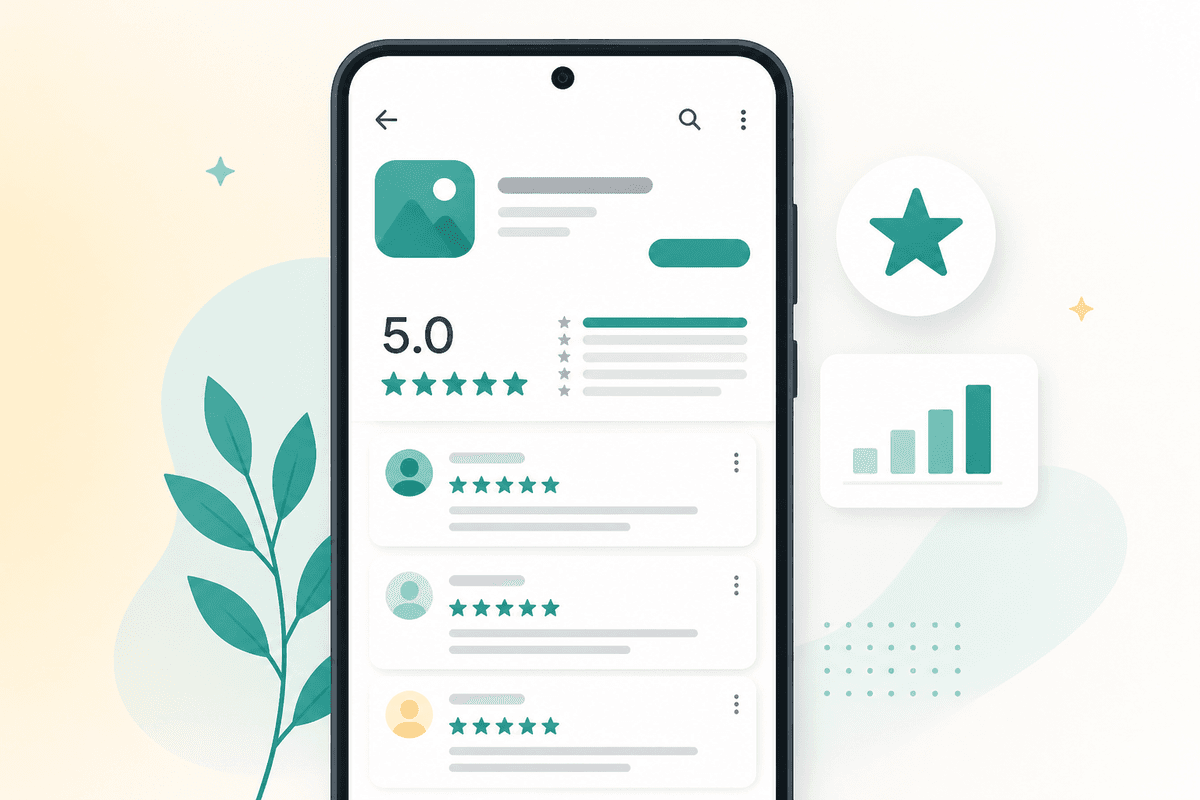
Public reviews and ratings help people decide whether to install your Android app after it is live on Google Play. Closed testing solves a different problem — twelve opted-in testers for fourteen continuous days so eligible personal developer accounts can apply for production access. Once you are live, listing social proof becomes the next growth layer.
TestMyApps now offers a dedicated Reviews & Ratings workflow alongside closed testing. You submit your app name and listing URL, choose Basic Review or Premium Review in a pay popup, and track fulfillment without touching your app-testing credits or submission form.
Open Reviews & RatingsSee Basic Review, Premium Review, and how submit-and-pay works.Basic Review vs Premium Review
Default packages ship as Basic Review (20 public reviews and ratings for $15) and Premium Review (30 for $29). Those are admin-editable: change the display name, slug, description, price, and Dodo product id whenever you need without shipping new code.
Unlike app testing (where 1 credit = 1 app and you can buy credits ahead), reviews are not a shared wallet. Basic and Premium are different package sizes, so you pick the package and pay when you submit that order.
- Basic Review: 20 public Play Store reviews & ratings
- Premium Review: 30 public Play Store reviews & ratings
- Names, slugs, and Dodo product keys are configurable in package settings
How submit and pay works
In the Reviews & Ratings workspace tab, enter your app details and listing URL, then click Submit & pay. A checkout popup shows the live review packages with review counts and prices. There is no separate “buy credits first” step required for reviews — payment happens at submission.
After Dodo confirms payment, that draft order auto-queues for the package you bought. Ops moves the order through start (queued) → in progress → report sending → completed, and can mark payment status paid or unpaid for internal tracking.
Closed testing is still separate
If you still need production-access eligibility, use 12 testers for 14 days. That flow keeps the existing readiness checklist, testing credits, and tester assignment board unchanged. Reviews & Ratings does not replace closed testing — it complements a live listing after you ship.
Compare closed testingKeep the production-access path separate from reviews.FAQ
Questions about this topic
Do I need a perfect Play Store URL format?
No. Paste the public listing link you have. TestMyApps accepts flexible URL formats for reviews orders.
Can I rename Basic Review or Premium Review?
Yes. Admins can edit package name, slug, description, price, and Dodo product id in credit package settings.
Will buying reviews affect my testing credits?
No. Reviews are paid per order at submit time. App testing still uses its own credit balance (1 credit = 1 app).
Sources
Official references used
- App testing requirements for new personal developer accounts (Google Play Console Help)
- Set up an open, closed, or internal test (Google Play Console Help)
- View and analyze your app's ratings and reviews (Google Play Console Help)
Continue
Choose the next step
Related
Next pages to read
Apply the guide to your closed-testing run.
Use the free tools to check your setup, or review managed tester support when recruitment and coordination are the blocker.
Need help getting your app through store testing?
Talk to the TestMyApps team about onboarding, pricing, or store testing support