Tools
Firebase Alternatives for Beta Testing: When You Need Real Testers, Play Console, or TestFlight
Compare Firebase App Distribution with Google Play closed testing, TestFlight, managed testers, and other beta testing workflows.
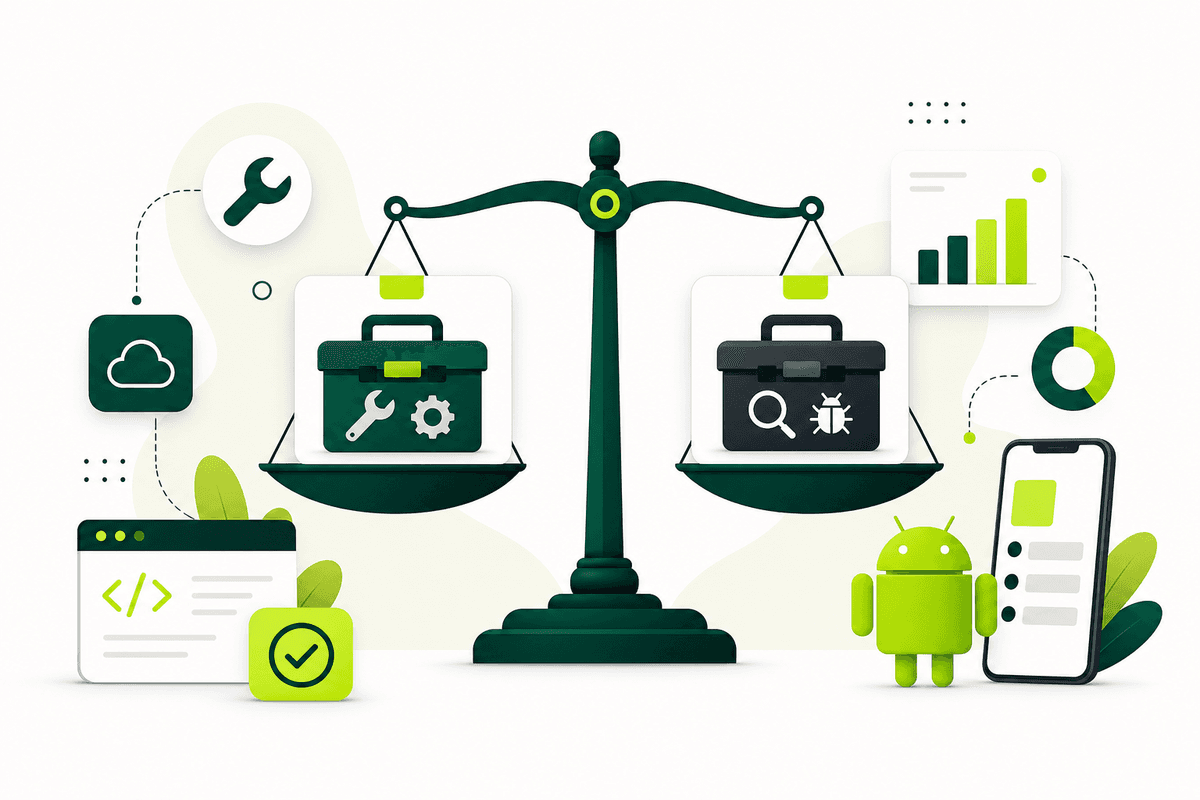
Firebase App Distribution is not the only beta testing option for mobile teams — and it is not a substitute for every launch gate. Firebase excels at fast pre-release delivery to trusted testers inside a Firebase workflow. When you need Google Play production access, you need Play Console closed testing with real opted-in testers. When you need iOS beta distribution at scale, you need TestFlight through App Store Connect.
The best Firebase alternative depends on your goal: store compliance, iOS beta review, internal QA speed, or recruiting humans who will actually test. Most mature teams use Firebase alongside store-native tracks rather than choosing only one tool.
Start with the requirement, then pick the channel. For Android store gates, read the Google Play closed testing complete playbook 2026. For cross-platform launch QA, use the mobile app launch testing checklist 2026.
What Firebase App Distribution is built to do
Firebase App Distribution helps you upload builds and invite testers by email or group, track who installed, and collect feedback when configured. It integrates naturally with Crashlytics, Analytics, and Remote Config — which makes it attractive for Firebase-first teams iterating quickly with engineers and designers.
It is especially strong for trusted pre-release audiences: internal QA, agency clients, partner previews, and nightly builds that are not yet release candidates for store submission. Distribution speed is the core value.
Firebase does not replace Play Console opt-in flows for production access or TestFlight beta review for external iOS testers. Knowing that boundary early prevents wasted weeks on the wrong track.
Alternative 1: Google Play closed testing for Android store readiness
When your Android launch is blocked by Google Play's testing requirement for new personal developer accounts, Play Console closed testing is the relevant workflow — not Firebase alone. Google requires at least twelve testers opted in for fourteen continuous days on the closed track before production access.
Closed testing validates real Play Store installs, country targeting, and the opt-in path reviewers expect. It also produces the kind of testing summary you want when Google asks what improved during beta.
Use Firebase for early internal iterations if helpful, then promote the release candidate to closed testing for launch-grade validation. See Google Play closed testing if coordinating opted-in testers is the hard part.
- Use when: production access depends on a qualifying closed test.
- Strength: official Play Store install and opt-in tracking.
- Limit: slower setup than Firebase for tiny trusted groups.
Alternative 2: TestFlight for iOS beta distribution
TestFlight is Apple's default beta channel before App Store submission. Upload through App Store Connect, complete beta test information, and distribute to internal testers immediately or external testers after beta review.
Apple documents up to one hundred internal testers and up to ten thousand external testers, with builds available for up to ninety days. TestFlight is the iOS counterpart to store-native beta distribution — not something Firebase replaces when you need App Store Connect feedback loops.
Cross-platform teams should run TestFlight and Play closed testing in parallel with shared scenarios so triage stays unified.
Alternative 3: Play Console internal testing for fast trusted QA
If your immediate need is speed with a small trusted group — not production access — Play Console internal testing is often faster than Firebase for Android store-signed builds. Google documents up to one hundred internal testers with near-instant distribution after upload.
Internal testing is ideal for smoke checks before you invite closed-testing participants. It catches signing, onboarding, and crash issues without consuming the emotional overhead of a wider beta.
Do not confuse internal testing with the closed test that satisfies production-access requirements. Run internal first, then closed — a sequence covered in the mobile app launch testing checklist 2026.
Alternative 4: managed testers when Firebase cannot find people
Firebase distributes builds. It does not magically create engaged testers. When the bottleneck is recruiting, onboarding, reminders, and opt-in tracking, a managed tester service is the alternative that matters more than another distribution URL.
Strong managed options provide scenario briefs, progress visibility, Play Console opt-in support, and closeout reporting. Weak options deliver silent installs with no accountability.
TestMyApps focuses on that human coordination layer for teams that need Google Play closed testing support and structured feedback. Start from get 12 testers for 14 days against the cost of slipping your fourteen-day window.
Get 12 testers for 14 daysPackages for Google Play closed testing and real-device beta support from $15.Alternative 5: CI build links and enterprise MDM for internal teams
Some organizations distribute builds through CI artifacts, MDM, or private enterprise channels instead of Firebase. That can work for employee-only apps or highly controlled rollouts.
Consumer Play Store launches still need store-native beta tracks for production access and public install validation. Enterprise distribution answers internal deployment — not the Google Play closed-test gate for new personal accounts shipping consumer apps.
Pick the channel that matches who is allowed to install the build and what you need to prove to the store.
How to combine Firebase with store-native testing
A practical 2026 stack for many startups: Firebase or CI for nightly internal builds, Play internal testing for quick store-signed smoke tests, Google Play closed testing for production access, TestFlight for iOS external beta, Crashlytics for stability, and one shared triage board for both platforms.
Firebase remains useful in that stack — just not as the only beta layer. Promote builds across layers deliberately with release notes so testers know which artifact is current.
If your Android app is blocked by the twelve-testers requirement, Firebase alone will not unlock production. Move the release candidate to closed testing and coordinate real opted-in participation through the official flow.
- Early iteration: Firebase or CI to trusted testers.
- Store-signed smoke: Play internal testing.
- Android launch gate: Play closed testing with real opt-ins.
- iOS launch beta: TestFlight external groups after beta review.
- Human coordination: managed service if recruiting stalls.
Decision guide: pick one primary channel this week
If you need Google Play production access this month, prioritize closed testing now. If you need iOS feedback from outside your team, prioritize TestFlight external groups. If you only need to share nightly builds with five engineers, Firebase or internal testing is enough.
Add real testers and structured scenarios to every channel you choose. Distribution without participation is the most common beta failure mode in 2026 — regardless of vendor.
When in doubt, map your launch on paper: store gates, tester count, timeline, and feedback format. The channel that satisfies the gate wins over the channel with the nicest dashboard.
Revisit the map after your first closed-testing day. If opt-ins lag or feedback is empty, switch effort from tooling experiments to tester onboarding — the Google Play closed testing complete playbook 2026 has the daily checklist most teams skip.
FAQ
Questions about this topic
Is Firebase App Distribution still useful?
Yes. It remains useful for fast pre-release distribution and trusted tester feedback, especially when it fits your existing Firebase workflow.
Can Firebase satisfy Google Play closed testing?
No. Affected personal developer accounts need closed testing through Google Play with opted-in testers — not only Firebase distribution.
What should I use for iOS beta testing?
Use TestFlight for App Store Connect beta distribution, then add structured scenarios and triage around it.
What is the closest Firebase alternative for Android store launches?
Google Play closed testing is the store-native alternative when production access is the goal. Play internal testing is the faster alternative for trusted smoke tests.
Can I use Firebase and closed testing together?
Yes. Many teams use Firebase for early internal iterations and move release candidates to Play closed testing for launch requirements.
When should I switch from Firebase to Play closed testing?
Switch when you have a release candidate stable enough for store review and you need opted-in testers for production access or Play Store install validation.
Sources
Official references used
- Firebase App Distribution (Firebase)
- Collect feedback from testers (Firebase)
- App testing requirements for new personal developer accounts (Google Play Console Help)
- Set up an open, closed, or internal test (Google Play Console Help)
- TestFlight Overview (Apple Developer)
- Provide test information (Apple Developer)
- Invite external testers (Apple Developer)
Continue
Choose the next step
Related
Next pages to read
Apply the guide to your closed-testing run.
Use the free tools to check your setup, or review managed tester support when recruitment and coordination are the blocker.
Need help getting your app through store testing?
Talk to the TestMyApps team about onboarding, pricing, or store testing support