Testing
Real Testers vs Bots for Android Beta Testing: What Actually Helps Your Launch
Compare real testers, bots, emulators, and fake activity for Android beta testing, with a practical checklist for launch-ready feedback.
On this page · 9 sections
- 01What bots and automation do well
- 02Where real testers are irreplaceable
- 03Emulators and bots are not the same as closed-test participation
- 04A practical split: automation plus human scenarios
- 05Red flags that suggest bot-like or fake testing
- 06How many real testers you need on Android
- 07Build a launch-ready testing habit
- 08Frequently asked questions
- 09Official sources
At a glance
In plain English
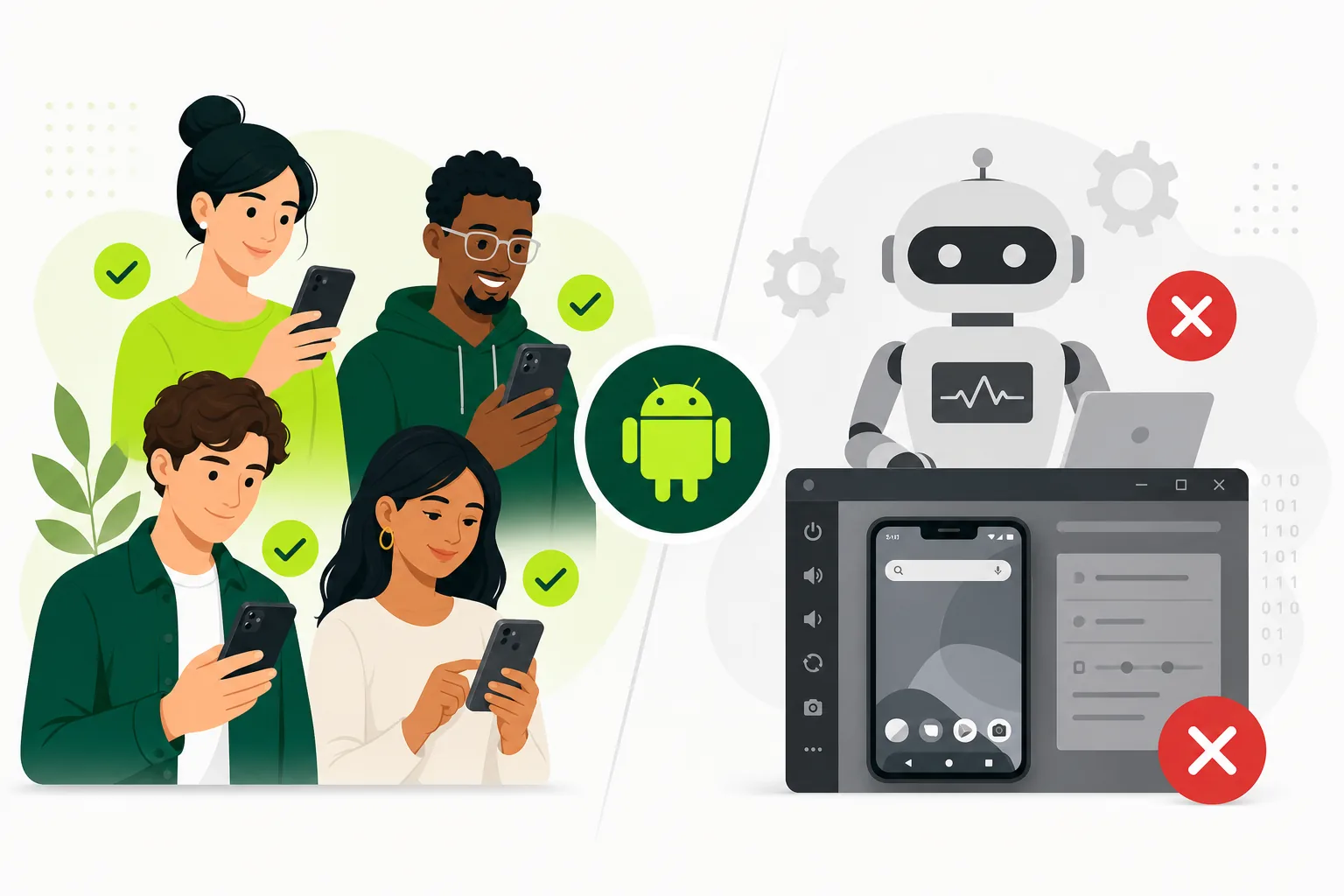
- Bots and click farms cannot have a real conversation about your onboarding friction.
- For Play closed testing you need real Google accounts that opt in and stay opted in.
- Ask providers how they prove opt-in and replace dropouts — vague answers are a no.
Android beta quality hinges on whether a human used the app. Bots can inflate vanity metrics; they rarely survive a Console opt-in audit or a production-access questionnaire.
If your goal is production access, optimize for opted-in people on the closed track — not for anonymous “installs completed” screenshots.
Here is how to tell the difference before you pay.
What bots and automation do well
Automated tests excel at repeatability. UI tests can verify that login still works, checkout does not crash, and critical navigation paths survive each release. Backend bots can load-test APIs, simulate concurrent sessions, and flag obvious 500 errors before humans spend time installing a bad build.
Crash reporting, ANR monitoring, and CI smoke suites belong in every Android workflow. They catch failures early and give engineers fast feedback on every merge. None of that replaces the question a real tester answers: "Would I trust this app enough to continue?"
Treat automation as the first layer in a layered testing program. It protects you from shipping broken builds to testers. It does not replace testers for closed testing credibility or usability discovery.
- Repeatable smoke and regression checks on known paths.
- Fast feedback on every build in CI.
- Stability signals through crashes, ANRs, and performance metrics.
Where real testers are irreplaceable
Real testers expose friction automation misses: unclear copy, unexpected permission timing, form validation that feels hostile, payment flows that confuse first-time users, and device-specific layout bugs on OEM skins. They also reveal when your test instructions do not match what people actually do after install.
For Google Play closed testing, Google's published requirement focuses on opted-in testers over a continuous window. Real participation gives you something to say when reviewers ask what changed during testing — specific bugs, fixed onboarding, improved data safety copy, or payment edge cases validated on real hardware.
Recruit testers who resemble your audience when possible, then add broader device coverage. A mix of target users and diverse Android hardware beats a homogeneous group that only validates one happy path.
Emulators and bots are not the same as closed-test participation
Emulators are valuable for developer iteration and some automated suites. They are poor substitutes for final launch validation. Real devices expose GPU quirks, memory pressure, notification delivery, biometric timing, and carrier-specific network behavior that desktop environments simulate imperfectly.
Some services promise "testers" that are effectively automated installs or emulator farms. That may inflate numbers but rarely produces launch-ready feedback or a credible testing narrative. Be cautious with offers that guarantee Google approval, skip opt-in proof, or cannot explain how testers follow scenario-based instructions.
If production access is on the line, prioritize real Google accounts, official Play Store opt-in, real devices, and documented scenarios. See Google Play closed testing for a managed workflow when coordination is the bottleneck.
A practical split: automation plus human scenarios
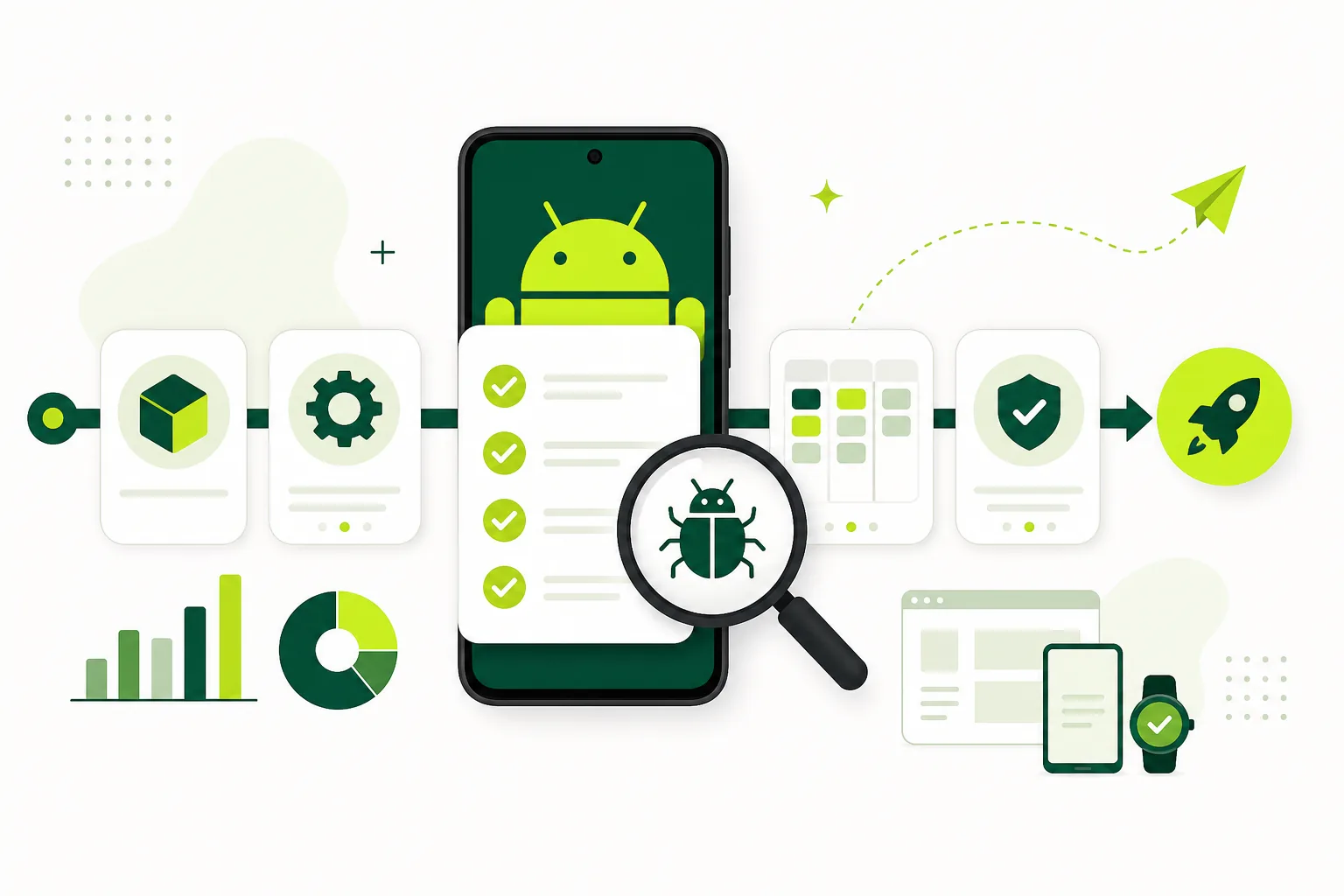
Run automated smoke tests before every closed-testing invite. Then give real testers a short brief with five to eight scenarios: first install, account creation, core action, settings change, offline retry, permission denial, and account deletion when applicable.
Ask testers to report device model, Android version, build number, steps taken, and whether the issue blocked completion. Structured reports beat vague "it feels slow" messages that nobody can reproduce.
Triage daily during the closed-test window. Fix blockers, ship an updated release candidate if needed, and ask testers to retest the exact flows that failed. That loop is what turns beta testing into a release decision instead of a calendar exercise.
- Automate smoke tests on critical paths before inviting testers.
- Assign scenario-based tasks with a single feedback channel.
- Track opt-ins daily during the fourteen-day window.
- Fix blockers and regression-test on reporting devices.
- Summarize findings before production access or public launch.
Red flags that suggest bot-like or fake testing
Watch for warning signs: no proof of Play Store opt-in, no device details in feedback, identical one-line reports, instant "completion" without time for real usage, claims of guaranteed approval, or testers who cannot answer basic questions about your app's core flow.
Weak testing creates two risks. First, you miss bugs that cause bad reviews after launch. Second, you enter production access with thin evidence if Google asks how the test improved the app. Both outcomes cost more time than recruiting real testers upfront.
Safer options include friends, customers, niche communities, and managed services that show onboarding, progress tracking, and structured closeout notes. Judge providers by process quality, not vanity metrics.
Document red flags in your launch board the same way you document bugs: account mismatch on opt-in, missing device info, or feedback that never references assigned scenarios. Patterns across testers matter more than any single glowing comment.
How many real testers you need on Android
For affected new personal developer accounts, Google requires at least twelve testers opted in for fourteen continuous days before production access. Plan fourteen to sixteen testers so one dropout does not break the window.
More testers can improve feedback quality and device coverage, but only if they stay engaged. Fifteen active testers with clear tasks usually beat fifty silent installs. Engagement matters more than raw list size.
If recruiting is slow, use the mobile app launch testing checklist 2026 for outreach templates and consider pricing for managed real-device support instead of padding lists with inactive accounts.
Get Android app testersReal opted-in testers for Google Play closed testing and launch QA.Build a launch-ready testing habit
The teams that avoid launch-week fires treat real testers as part of product discovery, not compliance theater. They combine automation for speed, closed testing for store requirements, and human scenarios for comprehension and trust.
Document what repeated across testers — those patterns usually predict post-launch support tickets. Fix them before production, keep the closed test active while you apply, and retain opt-in screenshots with private data redacted.
Bots belong in CI. Real testers belong in beta. Keep both, and make the human layer structured enough to produce decisions you would stake your launch on.
FAQ
Questions about this topic
Can bots count as Google Play closed testers?
Use real people with valid Google accounts and real devices for the safest closed-testing workflow. Bots do not provide credible human feedback or meaningful production-access answers.
Are emulators useful for Android testing?
Yes for development and automated suites, but they should supplement real devices — not replace them — for launch validation and closed testing.
How many real testers do I need?
For affected Google Play personal accounts, you need at least twelve opted-in testers for the required continuous window. A buffer above twelve reduces dropout risk.
Can automation replace beta testers entirely?
No. Automation catches known failures quickly, but real testers find usability, device, and trust issues that scripts cannot judge.
How do I verify testers are real?
Look for official opt-in completion, real device details in reports, responsive communication, scenario completion, and feedback tied to your app's flows.
What should I ask real Android testers to do?
Ask them to complete install, onboarding, login, the core app action, permissions, settings, and any flow most likely to break in production — then report device, OS, and steps with screenshots when useful.
Sources
Official references used
- App testing requirements for new personal developer accounts (Google Play Console Help)
- Set up an open, closed, or internal test (Google Play Console Help)
Continue
Choose the next step
Related
Next pages to read
Need 12 testers for 14 days?
Start a managed Google Play closed-testing run with verified testers, opt-in monitoring, and a closeout report.