Guide
How to pass Play Store closed testing
Practical steps to meet Google Play closed testing requirements, keep your release on track, and avoid review loops.
On this page · 10 sections
- 01What is Play Store closed testing?
- 02Step 1: Start with the right build and testing track
- 03Step 2: Recruit testers who will actually participate
- 04Step 3: Drive meaningful usage across the 14-day window
- 05Step 4: Use feedback to improve the app before requesting production access
- 06Common mistakes that slow everything down
- 07When a managed service makes sense
- 08Conclusion
- 09Frequently asked questions
- 10Official sources
At a glance
In plain English
- “Passing” closed testing means a healthy 12×14 opt-in window plus a credible production-access application — not a secret hack.
- Use the full playbook for ops detail; keep this page as a short overview.
- Stable build, buffer testers, daily Console checks, specific questionnaire answers.
Teams search for how to “pass” Play Store closed testing when they really need a clean 12-tester, 14-day closed track and a solid production-access submission.
There is no unofficial shortcut. There is a repeatable checklist: stable build, real opt-ins, continuous window, documented fixes, honest application answers.
For the long-form ops manual, use the complete closed testing playbook. This page stays a short overview.
What is Play Store closed testing?
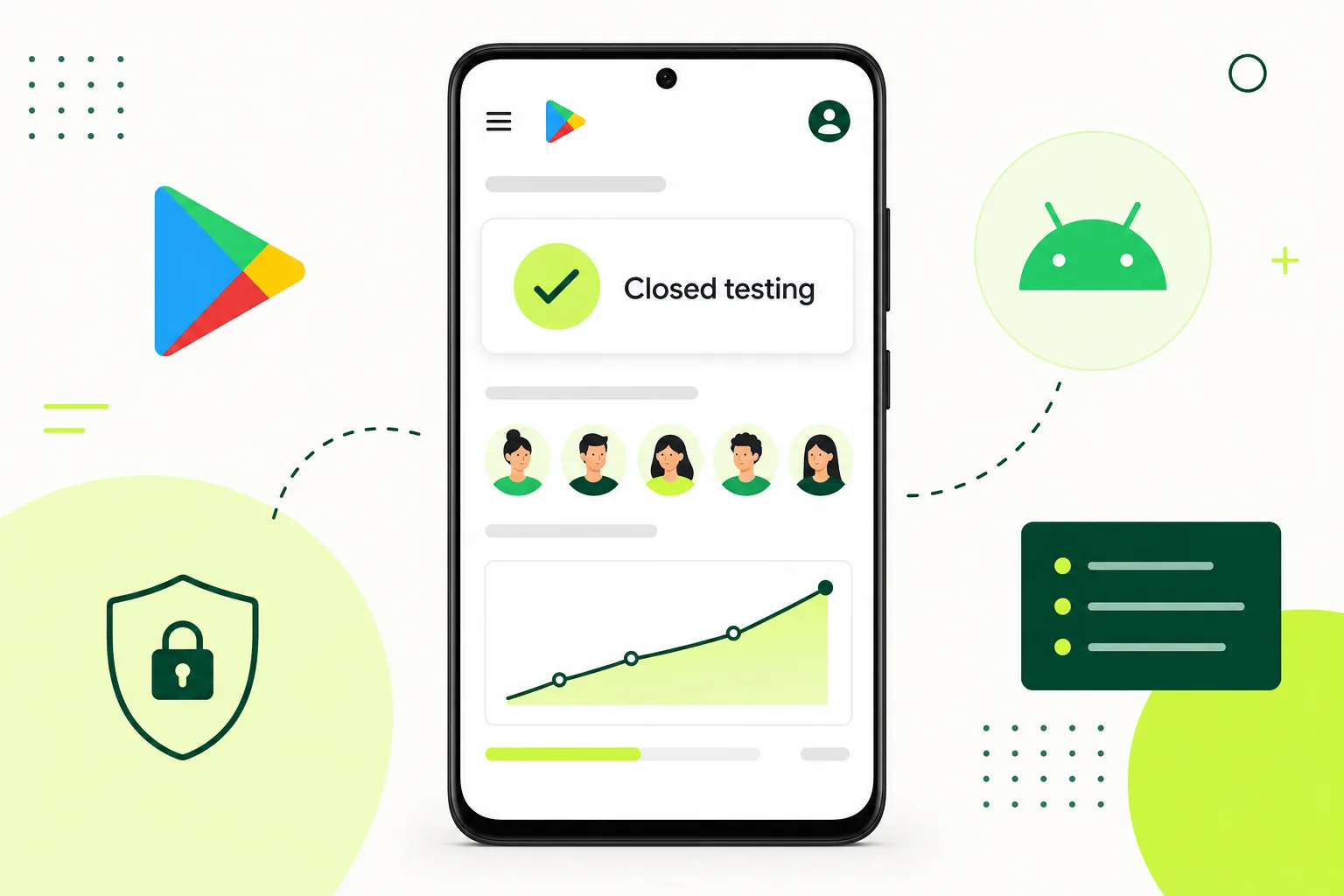
Closed testing is a pre-production track in Google Play Console where your build is distributed to a controlled group of testers before public release. Testers join through an email list or opt-in link, accept the test in Play Console, and install from the Play Store test path — the same distribution channel real users will use after launch.
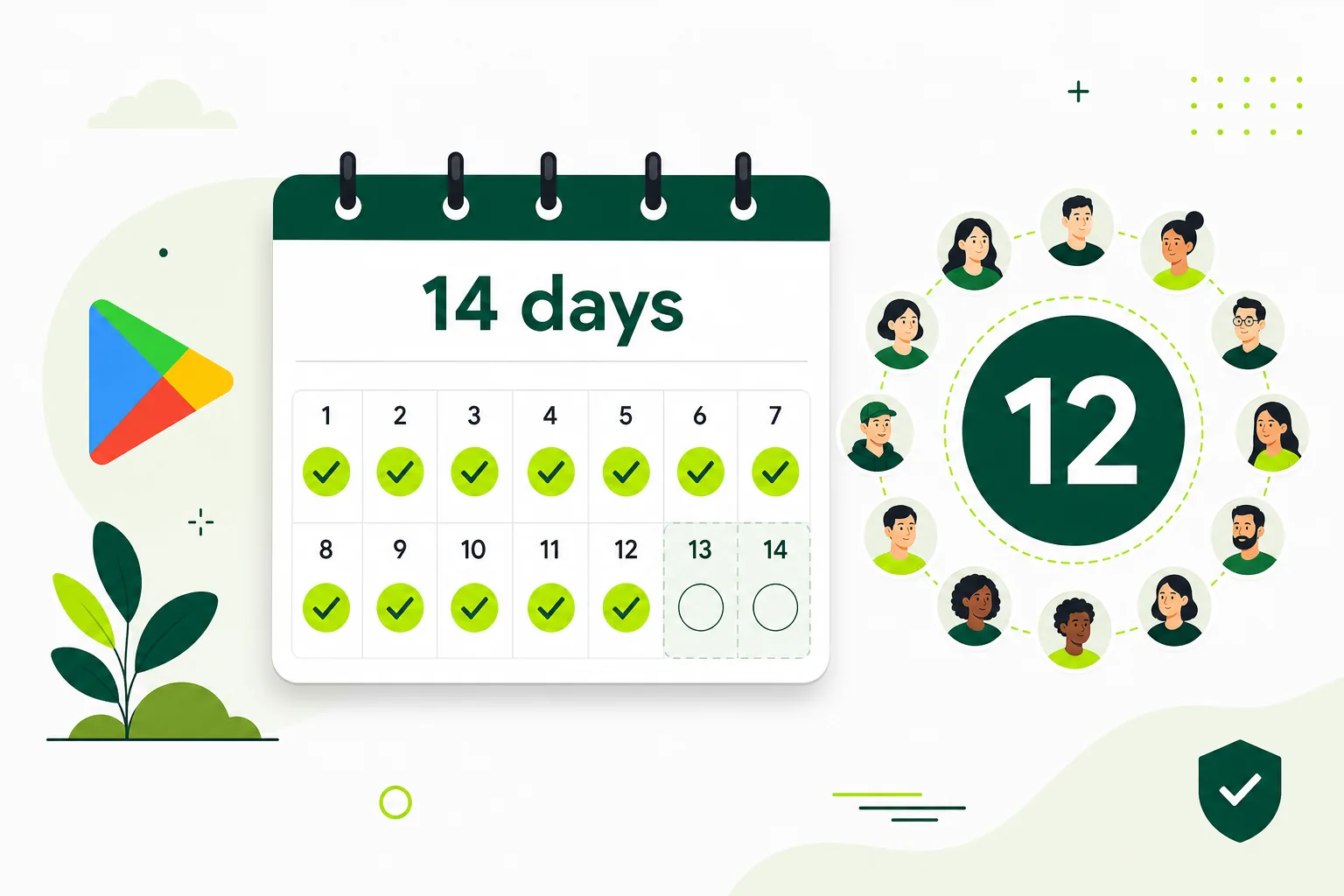
For newly created personal developer accounts, Google currently requires at least twelve opted-in testers for fourteen consecutive days before production access can be requested. The goal is not only installation. The goal is believable usage and launch readiness. Internal testing is useful for early QA, but it does not satisfy this requirement. You need a qualifying closed test on the closed track with proper opt-ins tracked in Play Console.
If you are unsure whether your account is affected, check Dashboard and Policy status in Play Console. When you see prompts about testing requirements, treat closed testing as a structured launch phase — not a checkbox you rush through the night before applying.
Step 1: Start with the right build and testing track
Upload a build that is close to what you intend to ship. Debug builds with verbose logging, placeholder copy, and half-finished onboarding create weak signals and waste the fourteen-day window when testers bounce on first open. Your closed test should feel like a release candidate: stable startup, working login, accurate permissions, and store metadata that matches actual behavior.
Set up the closed-testing track correctly inside Play Console under Release > Testing > Closed testing. Create a tester list or generate an opt-in link, upload your Android App Bundle, write release notes testers can understand, and start rollout. Google reviews test releases before testers can install — plan for one to three days of review time before your window can begin.
Make sure testers complete the Play Console opt-in and install through the Play Store test path instead of relying on a sideloaded APK. Sideloading alone does not create the required closed-test opt-in or validate the store distribution flow. A clean setup reduces confusion and makes the run easier to manage. See how it works for help coordinating opt-ins and reminders.
Get 12 testers for 14 daysSkip manual recruitment — verified Android testers, opt-in monitoring, and a closeout report.- Prepare a release-candidate AAB with working core flows.
- Complete store listing draft, privacy policy, and data safety basics.
- Create the closed track, add testers, upload, and start rollout.
- Wait for release approval before counting the fourteen-day window.
Step 2: Recruit testers who will actually participate
The most common reason closed testing goes badly is weak participation. Random installs from inactive users, friends who never open the app again, or unclear onboarding can all weaken the run. You want testers who can follow instructions, install from the correct path, and come back to the app across the testing window.
Recruit fourteen to sixteen testers instead of exactly twelve. One dropout on day ten should not force you to restart. Prefer real-device testers over emulator-only behavior. Give testers one simple path for opting in and installing — a single opt-in link, a short video, and a checklist beats a long email thread.
If manual recruiting is eating your launch timeline, a Google Play closed testing service handles recruitment, onboarding, and activity tracking so you can focus on fixes. Compare options on pricing if you need managed support for the full fourteen-day window.
- Avoid fake, inactive, or one-time-use accounts.
- Prefer real-device testers over emulator-only behavior.
- Give testers one simple path for opting in and installing.
- Track opt-in status daily in Play Console — do not assume everyone joined.
Step 3: Drive meaningful usage across the 14-day window
Closed testing is stronger when testers do more than install once. Encourage repeat usage, basic feature exploration, and feedback on the flows that matter most to your app. Short instructions help here. If testers do not know what to do, they usually bounce early and the signal looks weak.
Give concrete scenarios: create an account, complete onboarding, use the main feature, change settings, trigger a notification, and try an edge case like poor connectivity or denied permissions. A one-page testing brief with login credentials (if needed), three to five tasks, and a feedback form is enough for most indie launches.
Monitor activity across the full window. Send reminders on day three and day seven if engagement drops. When Google asks what you learned during testing, specific examples — 'testers found a login crash on Android 14, we fixed it in build 12' — beat vague claims that 'we tested the app.'
Step 4: Use feedback to improve the app before requesting production access
Treat the testing run as a quality checkpoint, not only a compliance step. Fix obvious crashes, onboarding bugs, broken authentication, and confusing flows while the app is still in the track. Upload a fixed build if needed, communicate changes to testers, and retest critical paths before applying.
Production access is not automatic when the clock hits day fourteen. Reviewers still care about policy compliance, store accuracy, working onboarding, privacy links, and overall app quality. A clean closed-testing run helps, but it works best when the app itself is already in good shape.
Cross-check your listing against the mobile app launch testing checklist before you apply. The stronger the app feels at the end of testing, the smoother your next review step usually becomes.
Common mistakes that slow everything down
Most delays come from familiar problems: broken login, missing privacy policy links, incomplete store metadata, poor tester instructions, or no system for following up when testers drop off. Starting the fourteen-day clock before the release is approved and twelve testers have opted in is the most common timeline error.
Recruiting exactly twelve testers with no buffer is the second mistake. Treating closed testing as a checkbox instead of a quality gate is the third — Google can ask what you learned and what you fixed. A managed workflow makes those problems easier to control because tester coordination, reminders, and reporting are all less scattered.
- Testers never complete the opt-in flow.
- The app crashes or stalls during onboarding.
- Store text, privacy disclosures, and app behavior do not match.
- Nobody is monitoring whether activity stays healthy across the full window.
- The team applies for production access before twelve testers are continuously opted in.
When a managed service makes sense
If you are a solo developer, founder, agency, or small team, closed testing can become a separate operations project very quickly. Finding testers, sending reminders, tracking opt-ins, and documenting feedback takes time away from product work — especially when your launch date is fixed.
A managed service like TestMyApps helps because you do not have to build the recruitment and reminder system yourself. You get real testers, structured onboarding, activity tracking, and clearer reporting across the fourteen-day window. That lets you spend more time improving the product and less time herding testers manually.
See how it works for the managed workflow, or review pricing if you want to compare self-serve recruiting against a full closed-testing run. Either way, the operating principles stay the same: real accounts, real opt-ins, real devices, and documented feedback.
Conclusion
Play Store closed testing is easier to pass when you treat it as a structured launch phase: correct setup, real testers, active participation, fast feedback loops, and a stable build. Upload a release candidate, recruit with buffer, track opt-ins daily, fix what breaks, and apply only when twelve testers have been continuously opted in for fourteen days.
If you combine those pieces, requesting production access feels much more predictable. For a single end-to-end reference, start with the complete playbook and keep the what is closed testing guide nearby for track comparisons and setup details.
FAQ
Questions about this topic
How do you pass Play Store closed testing?
Pass closed testing by running a qualifying closed track with at least twelve testers continuously opted in for fourteen days through the official Play Console flow, on a stable release-candidate build. Keep testers active with clear instructions, fix critical bugs during the window, and apply for production access only after the requirement is met.
Does sideloading an APK count for closed testing?
Not by itself. Google's published threshold is based on testers opting in through the qualifying Play Console closed track. A sideloaded APK, Firebase build, or third-party distribution does not replace that official opt-in and Play Store test path.
How many testers do I need for Google Play closed testing?
Google requires at least twelve opted-in testers for affected new personal developer accounts. Recruit fourteen to sixteen so dropouts do not drop you below twelve mid-window and force a restart.
When does the 14-day closed testing window start?
The window starts when your closed-test release is approved and available, and twelve or more testers are opted in — not when you upload the build. Plan for release review time before the clock begins.
Can I request production access on day 14 automatically?
You can apply once twelve testers have been continuously opted in for fourteen days, but approval is not automatic. Google still reviews app quality, policy compliance, store accuracy, and your testing history.
Should I use a managed closed testing service?
A managed service makes sense when manual recruiting and reminders are slowing your launch. Services like TestMyApps coordinate real testers, opt-in tracking, and activity across the full window so you can focus on fixes and store readiness.
Sources
Official references used
- App testing requirements for new personal developer accounts (Google Play Console Help)
- Set up an open, closed, or internal test (Google Play Console Help)
Continue
Choose the next step
Related
Next pages to read
Need 12 testers for 14 days?
Start a managed Google Play closed-testing run with verified testers, opt-in monitoring, and a closeout report.